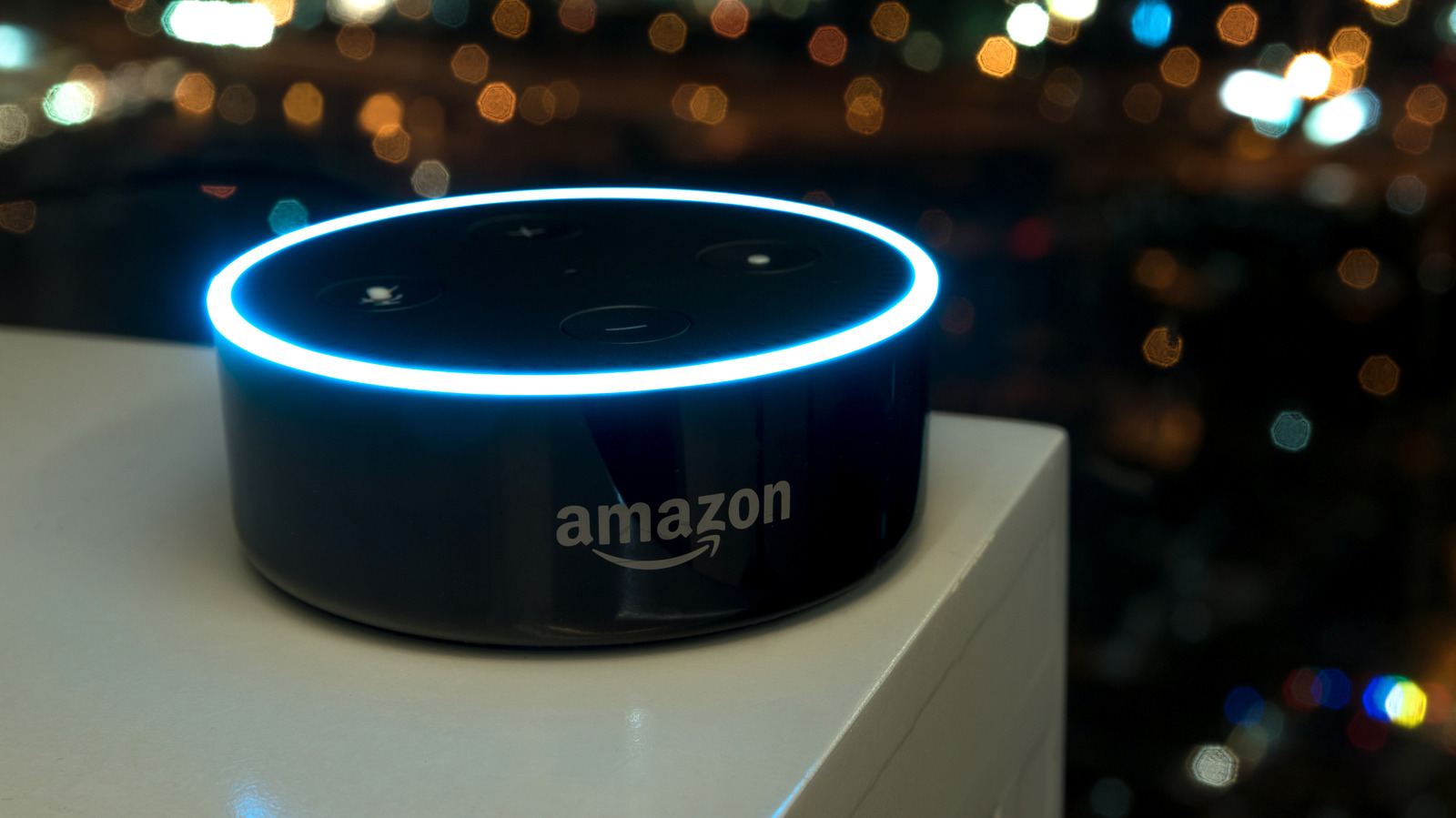
Amazon's Alexa lineup now spans Echo Dots, Echo Shows, Echo Auto, Echo Buds and the newly rolled-out Alexa+, and users can even access the service without a physical device. That breadth of choice also leaves more room for routine failures, from overly talkative responses to devices that stop responding altogether. Amazon offers built-in settings and simple hardware checks that address many of the most common complaints.
Users who find Alexa's answers too lengthy have two options. Brief Mode shortens replies and often replaces a spoken response with a short sound cue confirming the request was heard, while switching the personality setting to Brief trims filler statements from responses. Both can be turned on by voice, using the commands "Alexa, enable Brief Mode" or "Alexa, change your personality style to Brief."
When ordinary conversation keeps triggering the assistant, Amazon lets users change the Wake Word to something less common. The change can be made verbally by saying "Alexa, change your Wake Word." The Wake Word cannot be customized freely and must be selected from a list.
Households with several Alexa devices sometimes hear music or other audio play through the wrong one. Placing the devices into Groups by room lets users direct requests, such as asking Alexa to play music in the bedroom. Groups are created from the Groups section by selecting New Group, tapping Create a room or device group and following the prompts.
A device that appears completely unresponsive may simply be struggling to hear over background noise, so reducing loud sounds nearby is a first step. Users should then check whether the device is muted, indicated by a solid red light, which appears as a ring on speaker devices and a red bar with a mute icon on screen devices. Pressing the mute button, typically located on the top or side, restores sound.
If muting is not the cause, unplugging the device for a few seconds and plugging it back in restarts it; the same step addresses general lag or freezing. A weak Wi-Fi connection can also be at fault, and restarting the router by the same unplug method may resolve it. Software bugs are another possible source, and users can ask the device to check for software updates, which it will install automatically if one is available.
More gadget news from TechManNews.