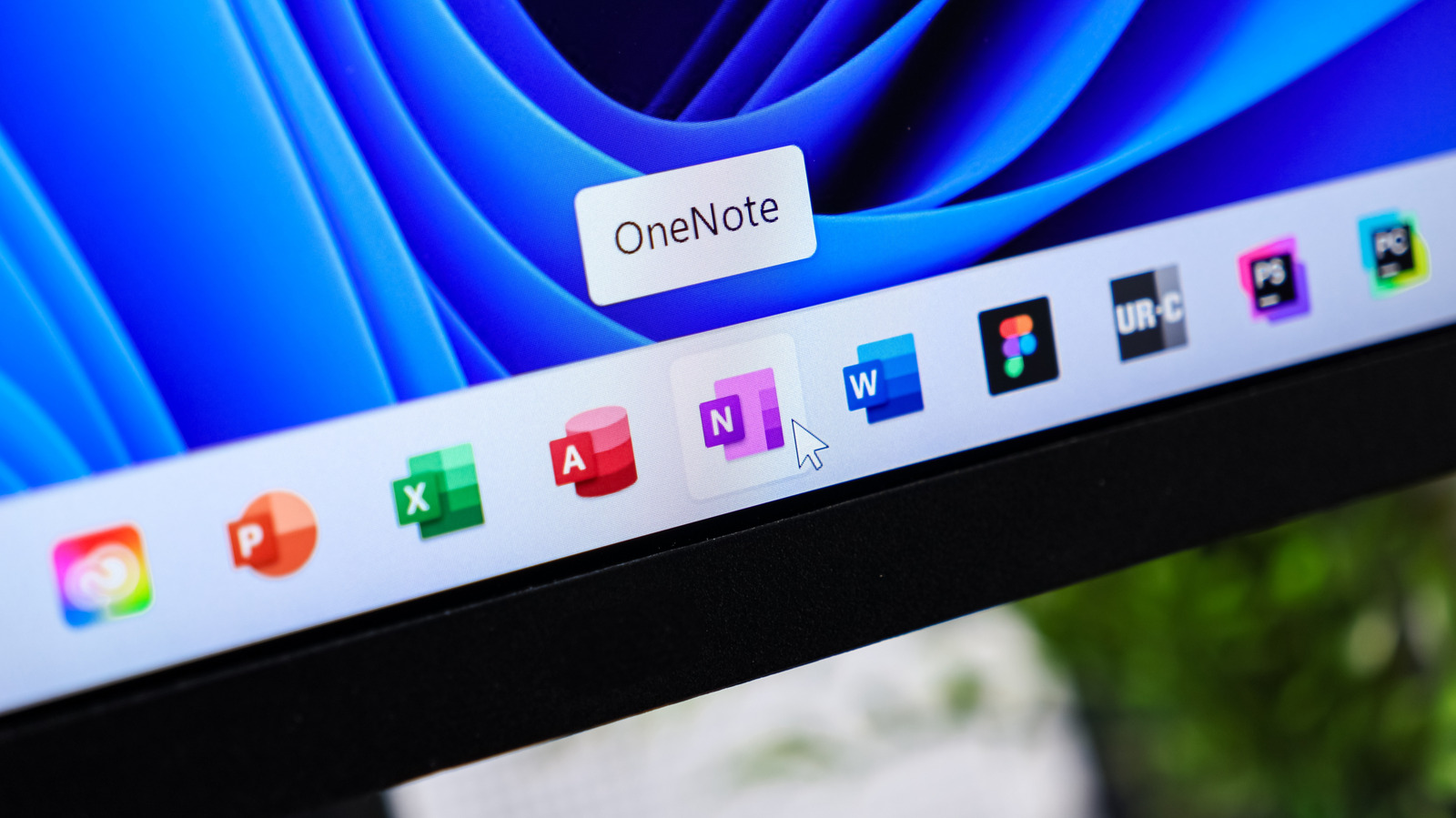
Microsoft continues to steer buyers of its productivity software toward a Microsoft 365 subscription rather than a one-time purchase, leaving U.S. customers who want a permanent license with a costly, limited option. The shift has been underway since Office 2013, when the company made the subscription, originally called Office 365, the primary way to buy Office. A standalone edition such as Office Home 2024 costs $180, runs on only one computer and covers Word, Excel and PowerPoint only. Microsoft 365's Family plan can make sense for larger households, particularly because each member gets 1TB of cloud storage, but the subscription model rankles users who want a fundamental tool without recurring fees. Microsoft has also added AI features to the plans and raised prices without offering a way to opt out of those tools.
For those unwilling to pay, Microsoft's own Office Online provides free web versions of Word, Excel, PowerPoint and OneNote, along with tools including Forms, Teams and To Do, accessible by signing into a Microsoft account. The suite is a reduced version of the desktop software, lacking advanced capabilities such as macros and watermarks, though it retains core functions including headings in Word, pivot tables in Excel and transitions in PowerPoint. It requires an internet connection, pushes users to save files to OneDrive, where free storage totals 5GB, and can struggle with heavy or complex documents. Its Ribbon interface will be familiar to Office users, and real-time collaboration is supported.
OnlyOffice is a free third-party alternative that the source describes as a strong replacement for Microsoft Office, particularly for people accustomed to Microsoft's suite and to Windows. Its interface mirrors Office, with a familiar Ribbon whose options change by document type. Documents support track changes, signatures, footnotes and tables; spreadsheets offer data validation, cell protection and freezing, plus a Formula tab that groups common formulas by type with brief explanations. Presentations include ready-made themes, transitions, animations, charts and shapes. The PDF tool can create and read PDFs but cannot combine them, and it allows text to be copied.
OnlyOffice includes a dark theme, including dark mode for documents, along with templates, plugins and easy updates. It does offer AI features and can connect to a chatbot of the user's choosing, but these are optional and can be turned off by opening Settings from the main OnlyOffice tab, unchecking Use AI functions and restarting the app.
LibreOffice is another popular free option, with each of its applications opened separately. Beyond documents, spreadsheets and presentations, it includes Math for writing formulas, a vector editor called Draw for work similar to Microsoft Visio and Publisher, and a database manager called Base that resembles Microsoft Access. It can open and save Office formats but defaults to OpenDocument formats such as ODT and ODS. The open-source software, developed by its community, feels somewhat more Linux-like and is intentionally built without AI by default.
WPS Office is a further option described as polished with many fans, though it leans far more heavily on AI than OnlyOffice or LibreOffice and carries ads, making it a harder sell for users who want something simple.
More software news from TechManNews.