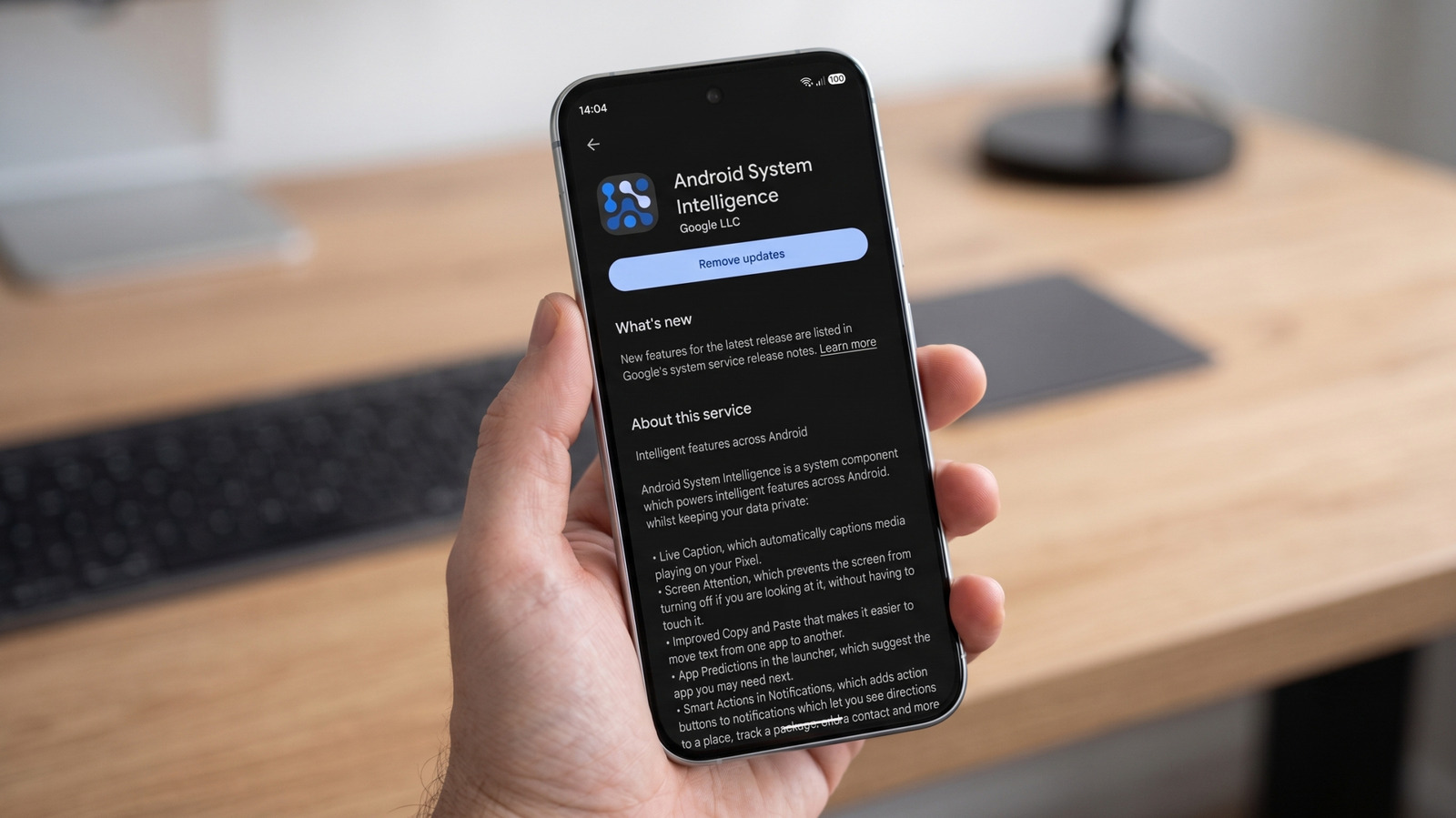
Android System Intelligence, a background component on many Android phones, quietly powers a range of everyday features, and users who disable it will lose access to those tools without breaking core phone functions. The component, made by Google, is present on devices like Pixel phones, where it handles features such as Live Caption, Now Playing, Smart Autorotate, Screen Attention, app predictions, and smarter copy and paste. On other Android devices, the exact set of features can vary. Disabling the system component is possible through the settings menu, although it cannot be uninstalled like a regular app.
The component operates within Android’s Private Compute Core, a framework introduced with Android 12 in 2021. Its machine-learning features do not have direct network access, and instead rely on a separate service called Private Compute Services to handle cloud updates. Google states that the system collects crash logs, diagnostics, and device identifiers for app analytics, though users can turn off usage and diagnostics collection. The component may request permissions that appear intrusive, such as access to contacts for suggesting frequent contacts, and Google does not explain why it may request location access.
Android System Intelligence is not an app that users interact with directly; rather, it is the underlying plumbing for contextual features. Now Playing can identify music around a Pixel device, Screen Attention keeps the screen on while being viewed, and smart notification actions can add action buttons to alerts. Other features that may rely on it include Live Translate, Assistant Voice Typing, and App Search. The broad scope of these features explains the system-level permissions the component asks for.
Turning off Android System Intelligence does not make a phone unstable or stop it from functioning as a phone. A report from Android Authority in January 2026 found that critical phone functions remained operational after the component was disabled, while ASI-powered features were lost. Google does not provide a universal list of what stops working on every device, leaving some uncertainty for users. The practical effect is more like closing a utility closet without checking the switches inside than removing a vital organ.
For most users, leaving the component on and disabling individual features or permissions is a cleaner solution. If the concern is Google’s broader presence on the operating system, the GrapheneOS project goes further in removing Google services, though some apps may have compatibility issues. If Android System Intelligence keeps stopping, Google advises restarting the phone, installing available updates, force-stopping the app, and clearing its cache or data.
Android System Intelligence is distinct from Gemini, Google’s on-device AI models, which run in a separate system service called AICore. Google Play shows that Android System Intelligence has passed five billion downloads, reflecting its widespread installation across Android devices. The component’s privacy configuration is notable because its machine-learning features are isolated from direct internet access, with network requests managed by a separate service that Pixel users can audit through a Network Usage Log in developer mode.
More gadget news from TechManNews.