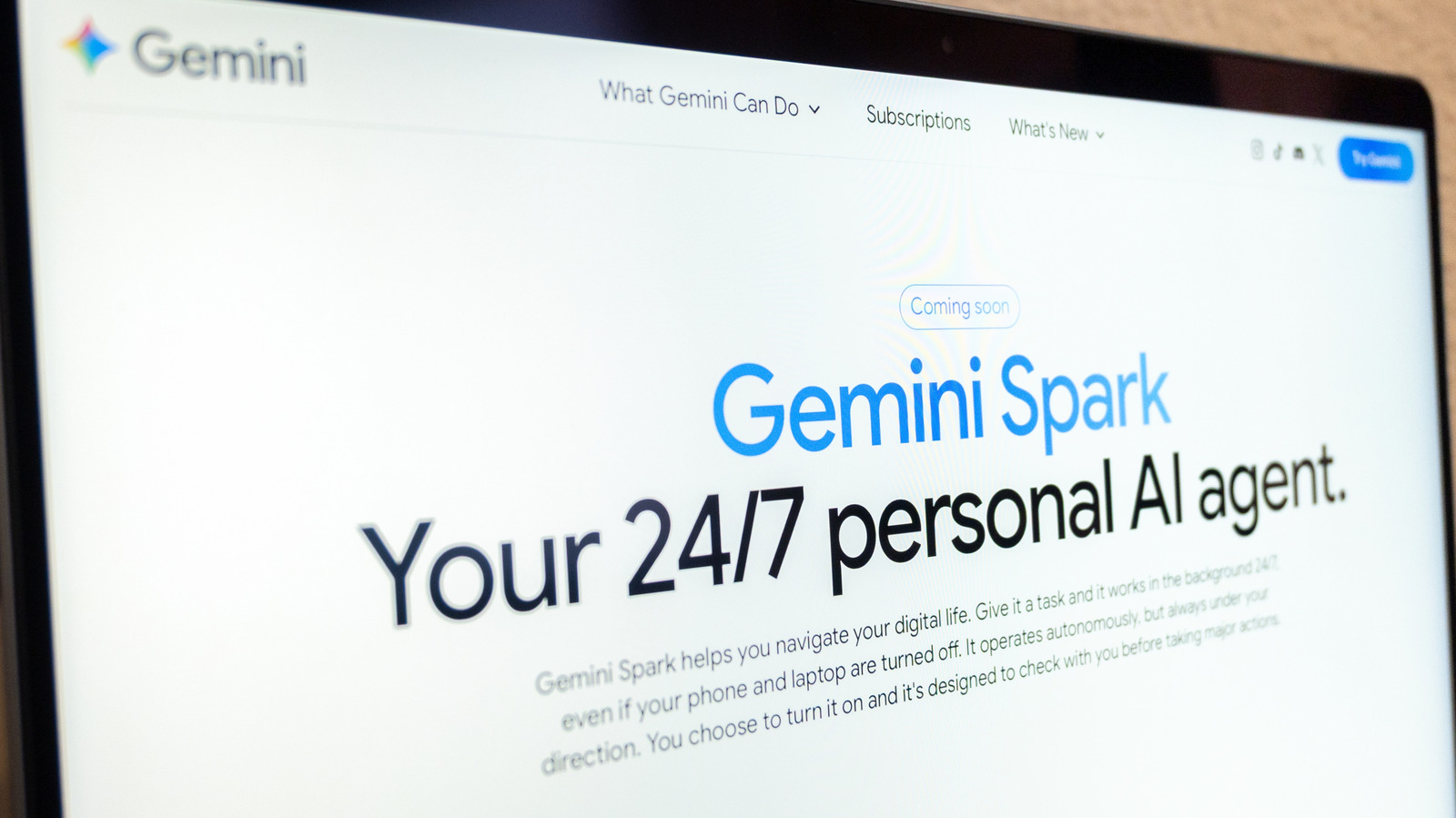
Google's Gemini Spark, an agentic personal assistant announced in May at the company's annual I/O developer conference, is being pitched as a way for users to hand off routine tasks and let them run in the background. According to Google, the tool can take what it describes as proactive action while still following a user's instructions. For people who work inside Google's ecosystem, the appeal is straightforward: farm out the chores that eat up time and focus on other work. The company offers examples such as converting the last 50 email responses into a style guide for how someone answers mail, or building a tracker for internships.
Spark is built into Google Workspace applications including Docs, Calendar, Slides and Gmail, and it also ties into Personal Intelligence, the feature Gemini uses to tailor suggestions based on information drawn from a user's Google apps. Setting up a task works the same way on the mobile and web apps: users open the Menu, select Spark, and type the task into a text box. Google's Spark website offers a sample prompt in which the assistant extracts a client's name and requested date from an inquiry about photography services, logs the lead in a Client Tracker sheet, and creates a Google Drive folder named for the client. At that point a user can also attach a relevant file or pull something from Drive or a Notebook before submitting.
Google pairs the instructions with cautions. The company reminds users that AI can still make mistakes, so tasks should be monitored rather than left entirely alone. Google warns against placing sensitive information in the task thread, which means users should not hand Gemini login credentials or payment details; the company instead recommends entering that kind of information directly on the relevant website. It also advises against scheduling overly sensitive tasks, especially ones configured to run while a user is offline, and suggests weighing whether a mistake such as a hallucination could cause real harm.
Google emphasizes that tasks need watching in case Gemini requires something from the user, such as taking over a task in the browser. To check on them, users go to Menu, then Spark, then Tasks, where the thread tied to a task is visible and updates can be made in place. Tapping the progress chip at the top of the thread opens a work panel showing completed, current and planned steps.
At the end of September, Google said it would replace Gemini Gems with skills as the way users dictate instructions for tasks. In a blog post, the company described using skills to automate repetitive work, with examples such as instructions for preparing presentations or adopting a particular writing style. Google said that once a skill has been created, a user who wants to apply it again can type a forward slash followed by the skill's name while writing a prompt. The change gives users a reusable format for directing Gemini rather than restating the same instructions for each new task.
More AI news from TechManNews.