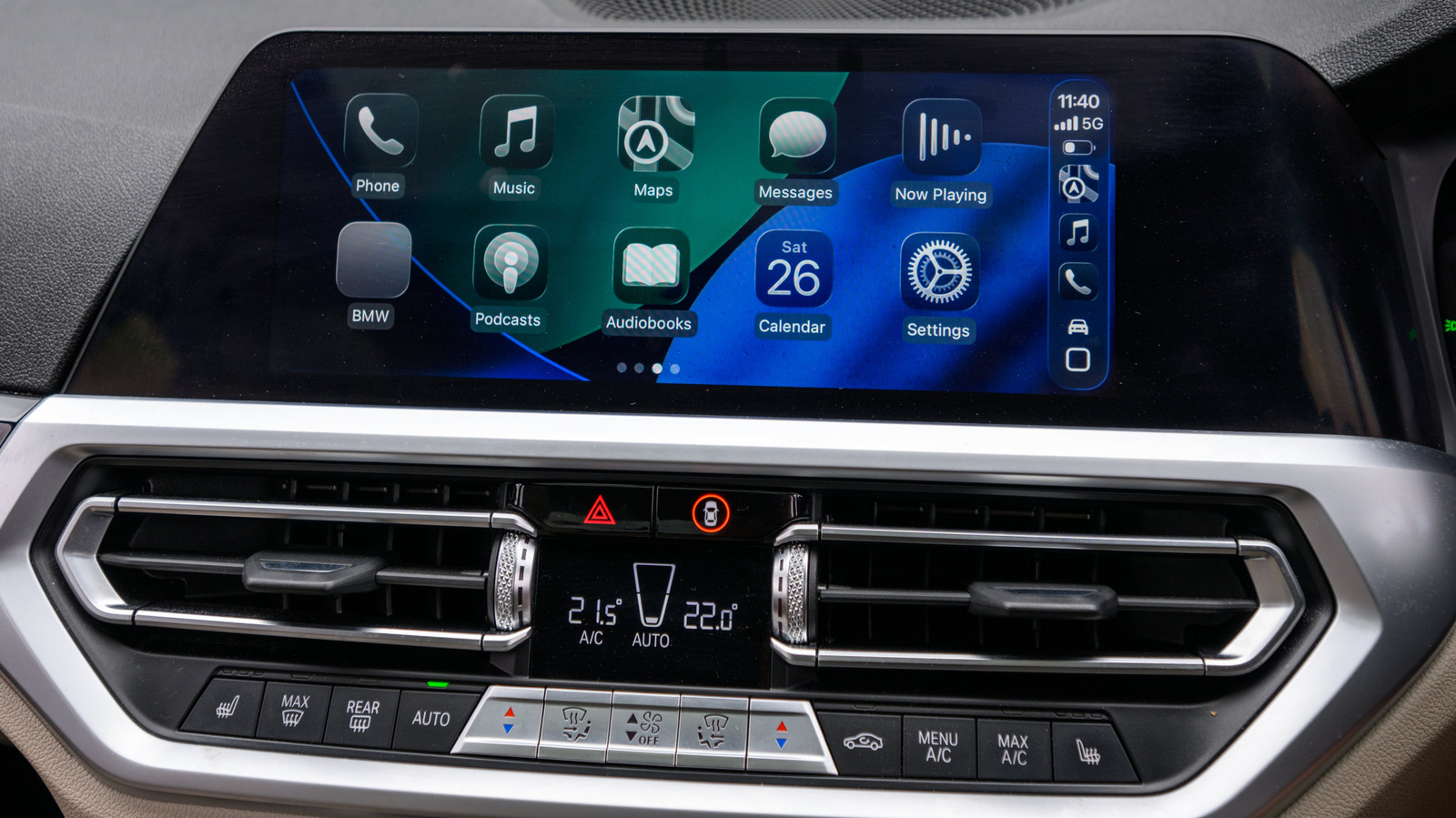
Apple users can add a personalized audio greeting to their CarPlay experience using the Shortcuts app, according to a guide from Engadget. The feature allows Siri to play a custom sound, such as a cheerful good morning or a clip from a movie, as soon as an iPhone connects to a car. The setup relies on an automation that runs at the moment of connection, offering a small touch of personalization for daily commutes. The effect is limited to iPhone-triggered actions and does not replace a vehicle’s factory startup chimes, infotainment animations, or seat belt alerts.
To create the automation, users need an iPhone, the Shortcuts app, and an audio file saved in the Files app. The process begins by selecting "New Automation" or tapping the plus icon, then choosing CarPlay from the list and setting the trigger to "Is Connected" with "Run Immediately." Users then select the File tab, locate their saved audio clip, and open it. The guide notes that results may vary between wired and wireless connections, and that older iPhone models supported by Shortcuts, including the iPhone 5s, may display slightly different options or labels.
The guide recommends keeping the custom sound short, roughly two to five seconds, to avoid interfering with navigation instructions or other important audio. Volume levels may default to the original recording levels, so users might need to adjust their iPhone’s volume after testing the automation in the car. The effect is best when the clip is concise enough to convey the intended message without becoming a distraction.
Beyond the greeting itself, Shortcuts can chain additional actions to the initial sound. For example, the automation could then open a navigation app, start a commute playlist, or show morning routine reminders. Users can also set up disconnect automations that pause media or launch walking directions when the car is turned off and the phone disconnects. This flexibility allows drivers to customize their CarPlay setup beyond the standard interface.
The guide emphasizes that the feature is a matter of personal preference, not a major technological leap. It offers a way to make each trip slightly more stylish or convenient, depending on how users choose to configure their automations. The process is straightforward, though the exact steps may shift with different iOS versions.
Testing the automation is the final step, requiring users to connect to CarPlay and listen for the clip. Adjustments to volume can be made on the iPhone if the sound plays too loudly or too softly. The entire setup is optional, but it adds a layer of customization that fits within Apple’s broader Shortcuts ecosystem.
More software news from TechManNews.