A developer has demonstrated that an AI agent can be turned loose on a smart TV to strip out unwanted software, but the approach carries real risks for anyone who copies it. Mert Cobanov gave Claude access to his four-year-old Android TV along with a set of debloating instructions, then shared the results on X, saying the television now runs better than it did when it was new. He published his full workflow online and encouraged others to try it. The episode highlights a growing frustration for US households, where smart TVs increasingly arrive loaded with apps and advertising tools that owners did not ask for.
Bloatware is a common problem on these devices. By the end of 2026, more than 50 percent of households are expected to own a smart TV, up from 34 percent in 2020. Samsung TVs, for instance, ship with roughly 20 percent of total storage already consumed by the operating system, and much of the pre-loaded software consists of streaming apps such as Netflix, YouTube and Prime Video. Some companies even block customers from uninstalling those apps. Another major category is software that gathers data on viewing behavior for advertising, including Automatic Content Recognition, which regularly captures screenshots of content on user televisions. The Center for Digital Democracy has concluded that such software has turned connected TVs into a privacy nightmare, and it can also slow down the operating system.
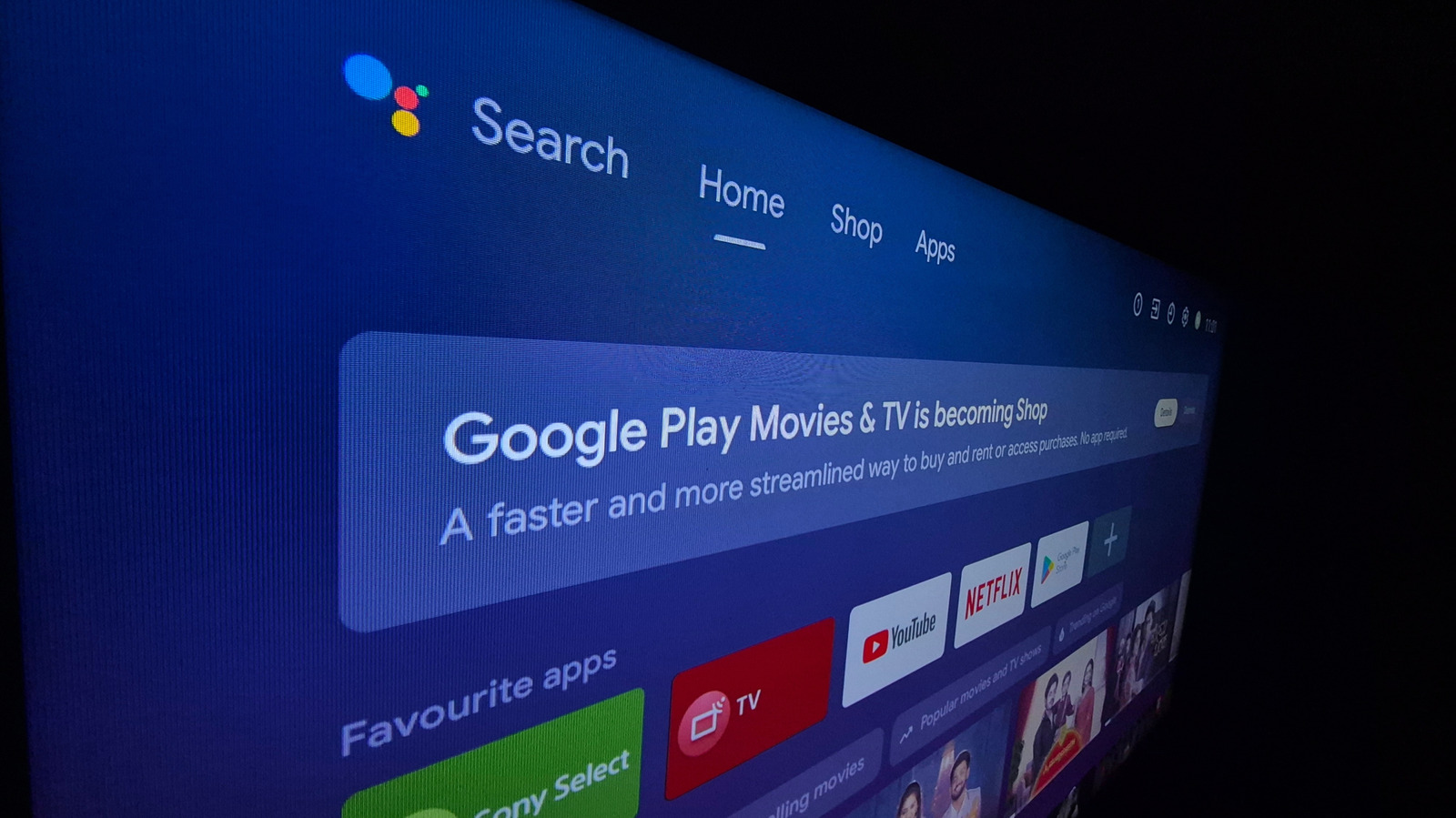
Cobanov opened the developer options on his Android TV and instructed Claude to connect and debloat the device. His prompt, published in full, told the agent not to uninstall anything but instead to disable unused applications, shorten animation durations and keep a record of every action for later review. He also turned off Google TV's home screen, which he said is largely filled with ads and recommended content, and installed FLauncher, a free and open source app on the Play store that displays a simple grid of the TV's apps. He said the payoff was a television that runs smoother than it did four years ago, all without root access.
Even with the guard rails Cobanov built into his prompt, following his lead is risky. Granting Claude full debugging access can leave a TV unstable or unusable, because AI agents frequently make mistakes and are unlikely to admit when they do not know an answer. If the agent hallucinates or takes a wrong step, it may disable a critical component. Disabling or removing key packages can also prevent the TV from receiving system updates in the future, and AI prompts can be hijacked by malicious actors.
A full overhaul is not always necessary. Sometimes freeing up memory is as simple as clearing the cache, with no apps deleted or disabled. Most of what was done to Cobanov's television can be accomplished manually, and more safely, by a person. FLauncher can be downloaded without giving Claude system access, and other apps in the Google Play store perform similar functions, letting users choose which packages run on their TV. Owners can also adjust settings under Developer Options in the Android TV settings app to reduce animation controls from 1x to 0.5x, disable autoplaying videos on the home screen, turn off usage diagnostics and enable apps only mode.
More AI news from TechManNews.