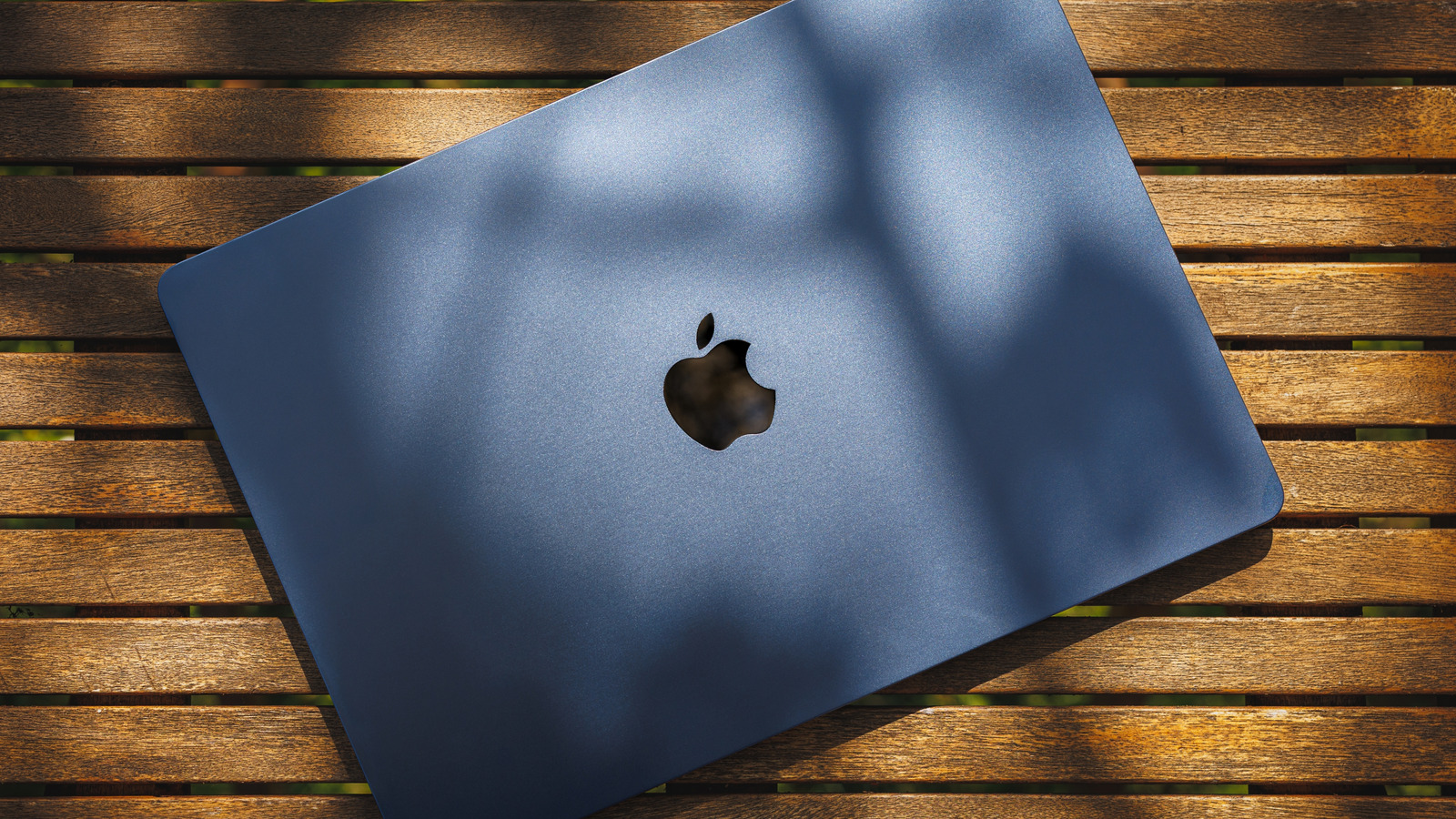
Taking a MacBook outside requires more consideration than simply moving from a desk to a patio table, as outdoor heat, sunlight, and moisture can affect both the hardware and the display. Apple’s guidance for the MacBook Air and MacBook Pro specifies an ambient temperature limit of 95 degrees Fahrenheit, which refers to the air surrounding the laptop rather than the heat of its aluminum body in direct sun. Because Apple does not publish a separate limit for direct sunlight, users should move the machine into shade even if the air temperature reads below that threshold. Prolonged exposure to ambient temperatures above 95 degrees can permanently reduce battery capacity, and charging in high heat adds further risk of damage.
Heat management varies by model, which affects how the laptop copes with outdoor conditions. All Apple Silicon MacBook Air models rely on passive cooling, dissipating heat through the chassis without a fan, while MacBook Pro models use active cooling for sustained heavy workloads. In either case, providing shade and allowing space around the device for heat to escape is better than forcing the cooling system to fight against direct sun. The same shade that protects the laptop also helps with screen visibility, since bright outdoor light and reflections make displays harder to read.
Display brightness capabilities differ between current models, with MacBook Air screens rated at 500 nits and MacBook Pros able to reach up to 1,000 nits of SDR brightness outdoors. A nit is a unit of display luminance, so a higher number means the screen can produce more light. That extra brightness comes at a cost when the laptop is unplugged, as keeping the display near maximum output drains the battery faster than a lower indoor setting. Before raising brightness, repositioning the screen away from reflections or moving a few feet into shade can improve readability while allowing the brightness to stay lower.
Weather is another factor addressed in current safety guidance for both MacBook Air and MacBook Pro models. The instructions advise protecting the laptop, power adapter, and charging cable from dampness, humidity, and wet weather, specifically listing rain, snow, and fog. A light shower is not a safe condition to work through merely because the keyboard appears dry. If rain begins, the recommended action is to disconnect the charger and other cables and move the MacBook to a dry location, with the same rule applying to the power adapter even when using an outdoor outlet or extension cord.
More gadget news from TechManNews.