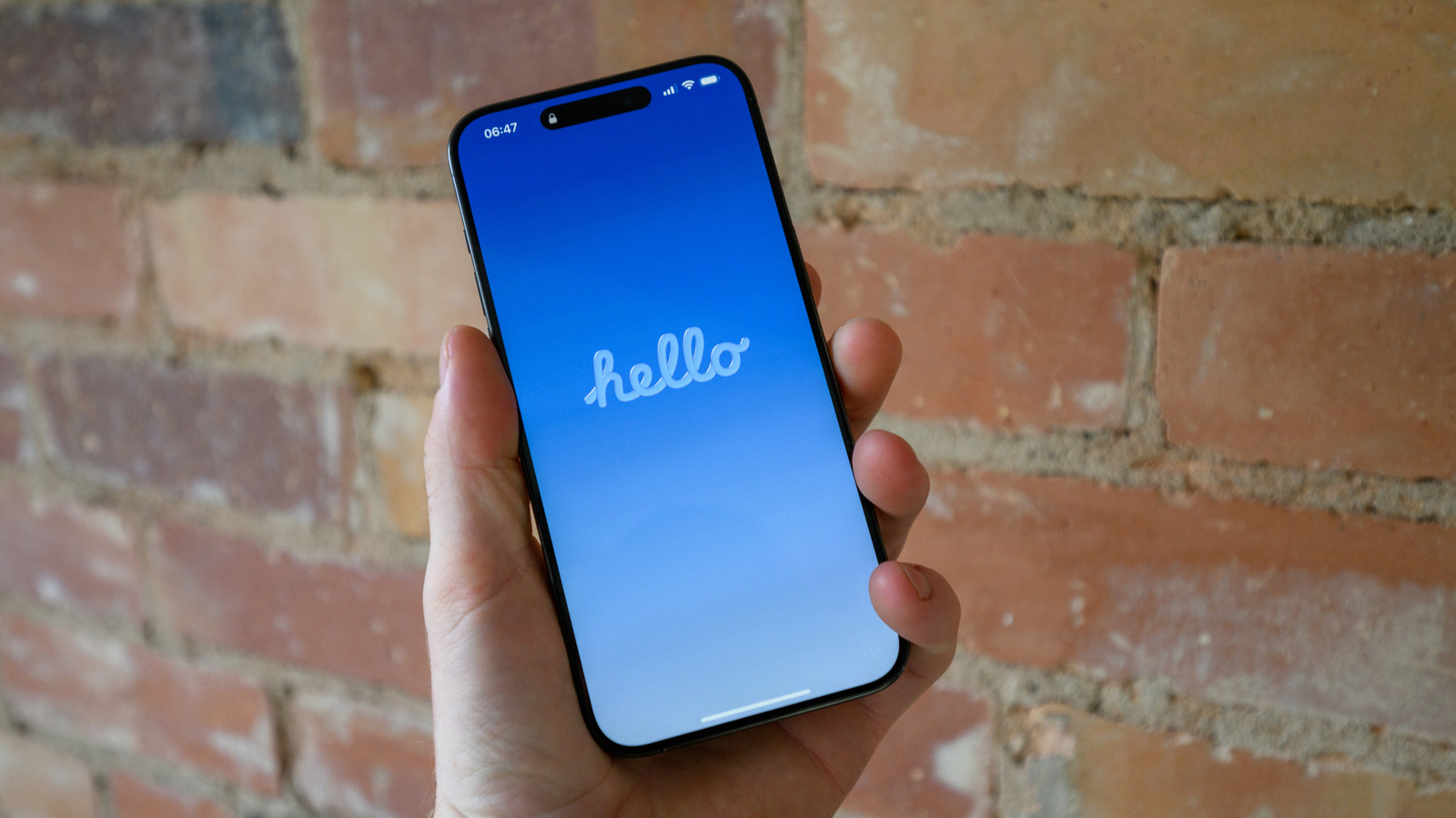
For American iPhone owners dealing with performance issues or preparing to hand off their device, a range of reset options exists between a simple reboot and a full data wipe. The definitions of soft and hard resets are debated in the tech community, with some using the terms to refer to restarts versus factory resets, while others distinguish between menu-driven restarts and manual power cuts. Adding to the confusion is the question of where resetting settings without erasing personal data falls on that spectrum. There is no universally accepted answer, but three distinct reset types are commonly used for troubleshooting.
A standard restart is often the recommended first step, acting as a quick refresh that clears the phone’s RAM and closes problematic programs. If the usual combination of pressing the side button and a volume button does not bring up the power slider, users can force a restart. This is done by pressing and quickly releasing the volume up button, then repeating the same with the volume down button, followed by pressing and holding the side button until the Apple logo appears. That process can take more than ten seconds, so patience is required.
For issues that persist after a restart, a soft reset of the iPhone’s settings offers a middle ground between a reboot and erasing all data. This option resets network settings such as Wi-Fi and Bluetooth, removes Apple Pay cards, and clears location and privacy permissions granted to apps and websites. It also resets display and sound preferences like wallpaper, alarms, ringtones, Liquid Glass settings, and any learned keyboard words. Users can choose to wipe all settings at once or select a more targeted reset, such as resetting network settings alone if connectivity is the problem.
A hard reset, also known as a factory reset, erases all data on the device and serves as a last resort for unsolvable problems or when preparing the iPhone for a new owner. Before proceeding, users are advised to create an iCloud backup as a safety measure. The user must also know their Apple Account password and their phone passcode before starting the process. During the reset, the device will prompt the user to either keep or delete their eSIM, and deleting it requires reactivating the cellular plan with the carrier.
After confirming the passcode and Apple password, the device proceeds to erase all data. This final step is irreversible for on-device content, underscoring the importance of the backup. For American consumers, understanding these distinctions can help avoid unnecessary data loss while still resolving common software glitches. The reset hierarchy provides a clear path from the least destructive fix to the most complete one.
More gadget news from TechManNews.