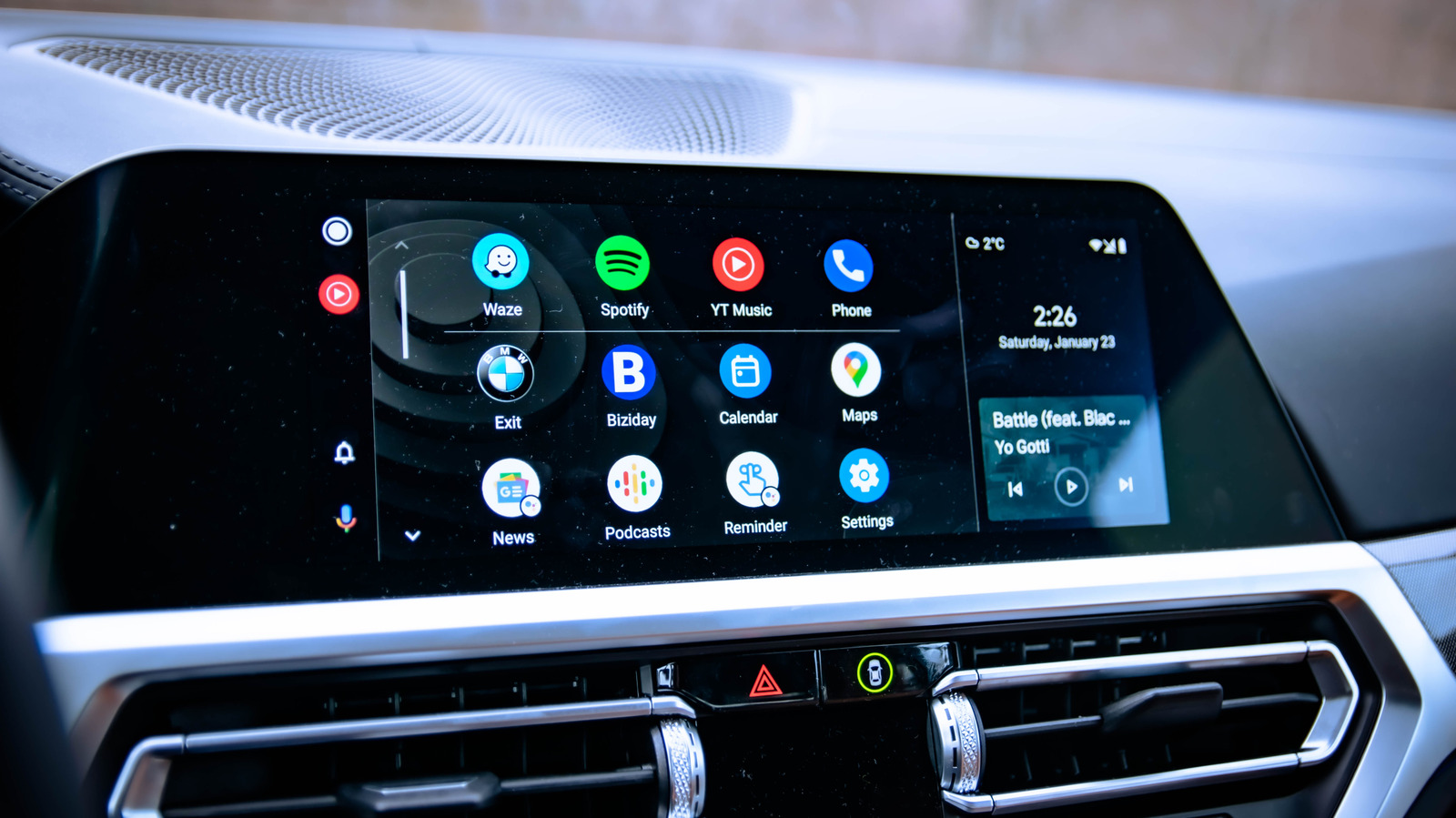
Android Auto owners in the US who want more from their car displays can install unsupported apps through a process called sideloading, bypassing Google’s official restrictions. The platform limits dashboard software to reduce driver distraction, blocking video playback, web browsers, and screen mirroring by default. Sideloading opens that door without requiring phone rooting, though it carries security, reliability, and safety trade-offs, according to a guide from the software desk.
To begin, users must enable Developer Mode on their phone by going to Settings, then About, and tapping Build number seven times. Next, they need to activate Developer Mode within Android Auto itself by opening Settings, Connected Devices, and Android Auto, then tapping Version and permission info about 10 times. A three-dot menu at the top reveals Developer settings, where checking Unknown sources allows apps to load from the phone into Android Auto.
Open-source repositories on GitHub host several popular sideloadable apps. CarStream enables YouTube playback, AAMirror mirrors the phone screen to the dashboard, and Fermata Auto provides a media app with video, IPTV, and a web browser. These apps are not approved by Google and require manual installation outside the official app store.
The safety risk is a primary concern because watching videos while driving is illegal in most places and unsafe. Even official Android Auto channels only permit YouTube audio, not video, underscoring why video features are meant for parked use only. Malware exposure is another significant drawback, as Google reports that internet-sideloaded sources carry more than 50 times the malware found on Google Play.
Google is responding to this threat by introducing new verification requirements that will block sideloading of unverified Android apps. Developers will need to confirm their identity with Google, with these checks rolling out in late 2026 in a few countries before expanding globally. For most drivers, the standard Android Auto experience already covers everyday needs, making sideloading more of a curiosity than a practical daily tool.
Users who proceed should download only from trusted developers and restrict video features to when the vehicle is parked. The process remains accessible to American consumers, but the trade-offs between convenience and safety are substantial enough that Google’s default restrictions appear justified for the vast majority of users.
More software news from TechManNews.