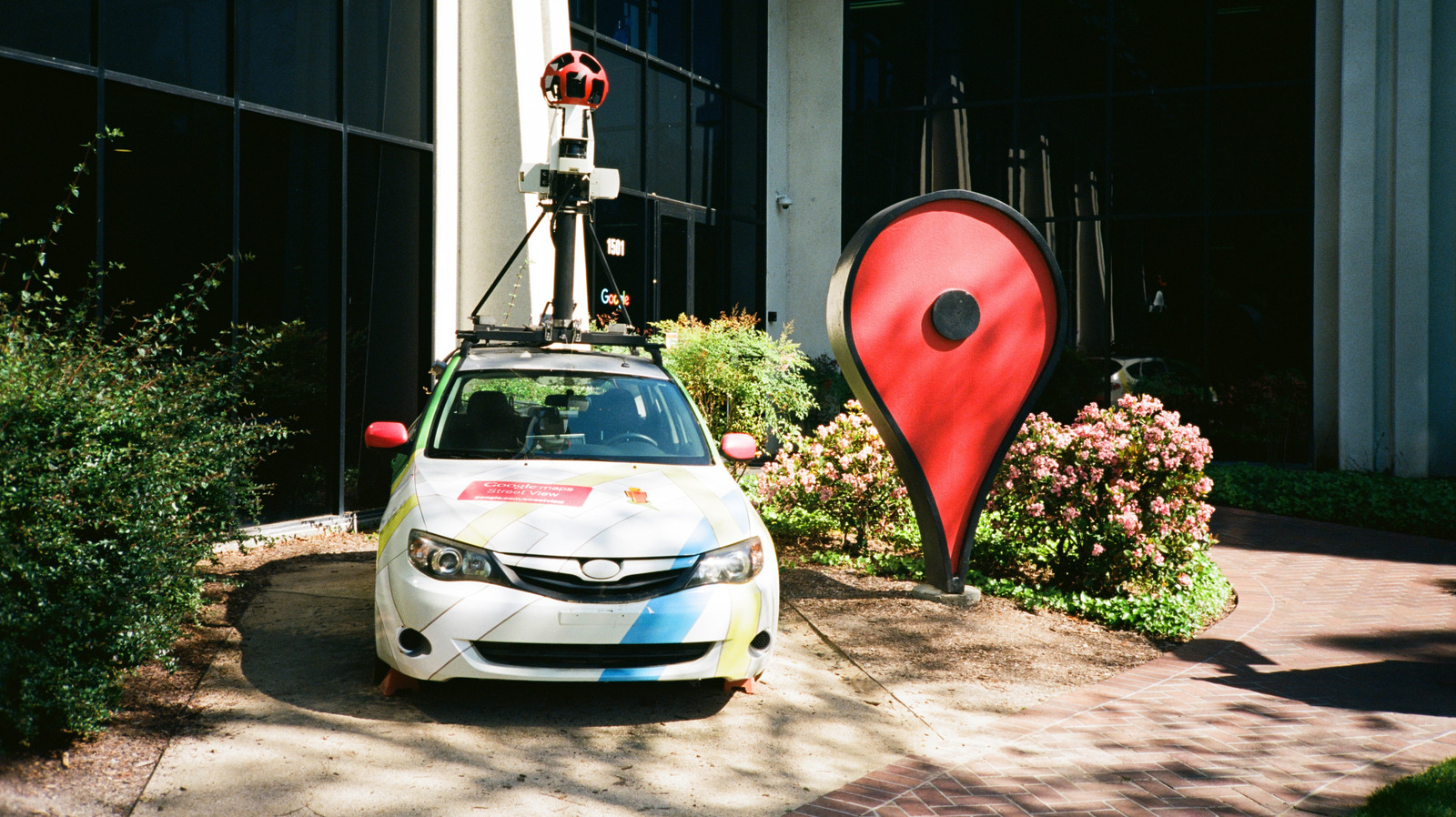
Google Maps users who need to mark a location that is not already on the map can do so using the app's pin-dropping tools, and the same tools allow them to label, save or share that spot with others. The feature is part of Google Maps' broader push to cover the world, even places that have not yet been officially mapped. The company has introduced more elaborate capabilities over the years, including 3D mapping and information about how busy a business is, but pointing someone to a specific spot remains one of the service's most practical functions.
In the Google Maps app, a dropped pin can be given a custom name by scrolling through the options next to Directions and selecting Add label. That step lets a user name a place instead of relying on its GPS coordinates and files it under the Labeled section of the Saved tab. Tapping Save in the same list keeps the pin for the user, who can pick a list and attach a note about the spot. Sharing works through the same menu, where selecting Share opens the user's choice of sharing methods.
On a computer, Google Maps offers a slightly faster route to the same result. Clicking an area on the map produces a gray dot, with the GPS coordinates displayed in a small box at the bottom of the screen. Clicking those coordinates opens the standard Google Maps information panel for that location, from which a user can follow the same steps to save, label or share it. Right-clicking any spot also brings up a list of options, including copying the GPS coordinates, sharing the location more quickly, and getting directions from or to that point without saving a pin.
Users who would rather share their own whereabouts than a fixed point can turn on live location sharing for a set period. The option sits behind the profile picture in the upper-right corner, under Location sharing. From that screen, a user selects Share location or New share and chooses how long the sharing should last, or picks Until you turn this off to keep it running indefinitely. The location can then go directly to a contact's Google account for viewing in their Maps app, or be sent through another method by selecting More options.
Google also offers My Maps for users who want a more customized experience. The feature allows the creation of an entire map with multiple layers for different types of locations, such as parks, restaurants and tourist attractions. According to the company, that setup suits uses like keeping a full vacation itinerary in one place or maintaining a detailed map of business clients for quick navigation.
Each custom map can hold up to 10,000 lines, shapes or places, which means users can mark custom areas in addition to precise addresses. These maps can only be created on desktop computers, but they can be viewed in the mobile app.
More gadget news from TechManNews.