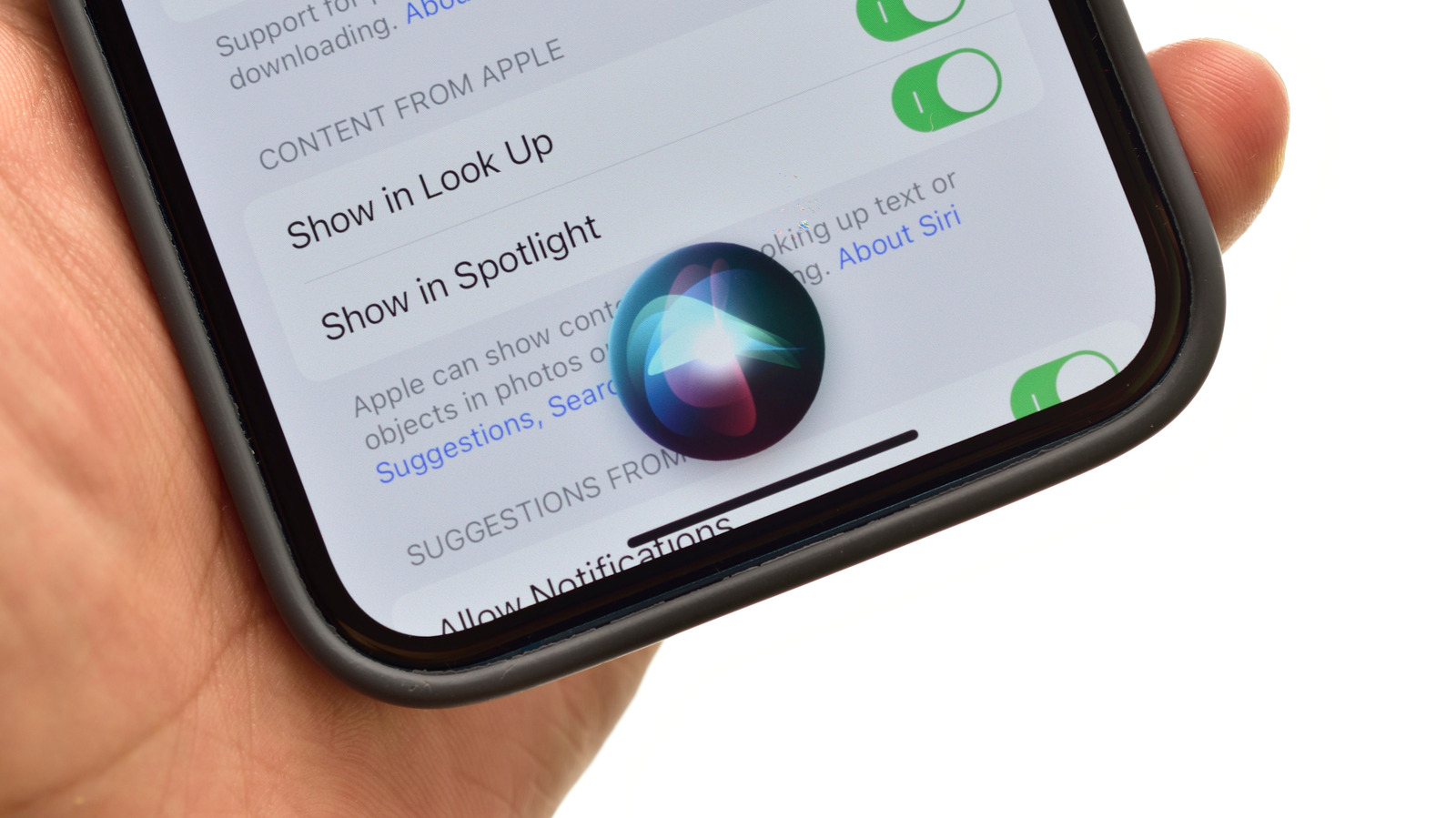
Apple is preparing to overhaul Siri with the release of iOS 27 in mid-September, but users do not need to wait for that update to adjust the assistant’s voice or behavior on current devices. The company has positioned the changes as a response to competitive pressure from Google and Samsung in the field of agentic and AI-powered assistants. For now, iPhone and iPad owners can navigate to Settings, then Apple Intelligence & Siri, and select Voice to preview and download one of several available accents or tones. The download requires an active connection to WiFi or a carrier network, though the process is brief.
The same settings menu offers options for how Siri responds, including speaking aloud, responding quietly, or displaying text only. These controls may appear under Talk & Type to Siri or Siri Responses, depending on the installed software version. Users who have installed the iOS 27 beta may already see additional Siri-related settings to explore. The upcoming update will introduce Siri Expressive Voice, described as a more versatile and natural-sounding version of the assistant.
Full customization of Siri Expressive Voice will only be available on specific hardware. The feature will be restricted to the iPhone 17 Pro, the Pro Max and Air models, as well as iPads with an M4 chip or newer and at least 12GB of RAM. On compatible devices, users will be able to adjust the expressiveness and pace of Siri’s speech. This does not necessarily expand the list of voice varieties currently offered in the Siri menu.
For users wanting to control the speed of Siri’s responses without upgrading hardware, a separate path exists. In Settings, under Accessibility, the Siri menu includes a long slider labeled Speaking Rate. The same menu groups several behavior controls, including Siri Pause Time, which sets how long the assistant waits before answering a typed or spoken query. Another option, Spoken Responses, toggles between audible speech and on-screen text. The menu also includes Listen for Atypical Speech, which lets Siri recognize speech patterns when a user is speaking with food in their mouth.
Additional accessibility options include Require “Siri” for Interruptions, which forces users to say the trigger word to cut Siri off mid-sentence, and Always Show Request, which displays a transcription of the user’s spoken input on screen. These controls function independently of the expressive voice feature and remain useful for older devices. The iOS 27 update will be available for iPhones going back to the second-generation SE and the iPhone 11, though the degree of Apple Intelligence features will vary by device. Only the newest iPhones will receive the complete set of AI capabilities tied to the release.
More software news from TechManNews.