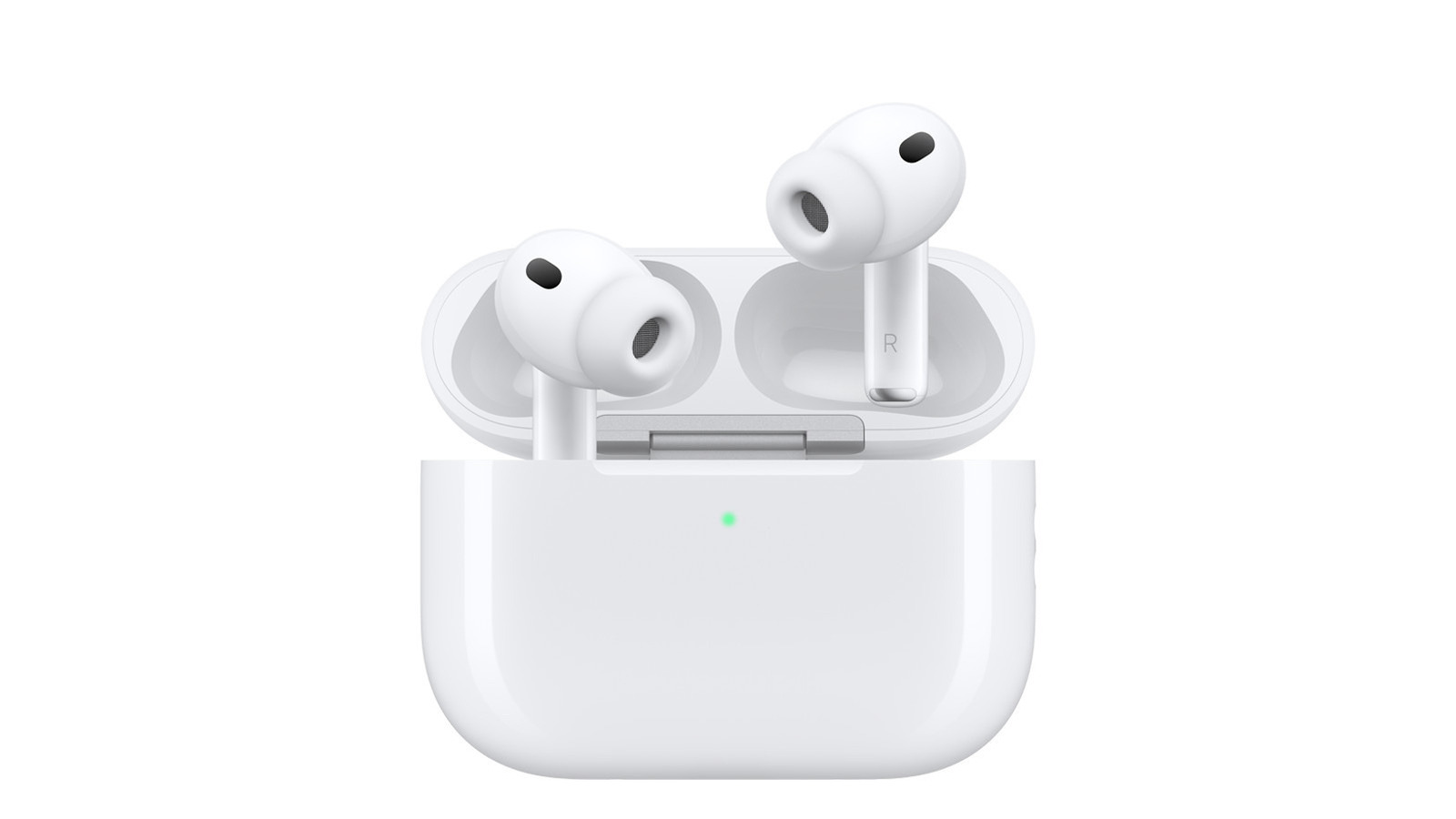
Apple AirPods owners in the US have a variety of audio customization options that go beyond the devices’ default settings, with the specific features available depending on the model they own. A common cause of a sudden change in sound quality is accidentally switching Listening Modes on AirPods 4 and AirPods Pro models by pressing and holding the force sensor on the stem of either earbud. Users can reassign this press-and-hold action through the Settings app on an iPhone, iPad, or Mac, provided the AirPods are in use or their charging case is open.
Within the AirPods settings menu, users can choose which Listening Modes each earbud cycles through, including Active Noise Cancellation, Transparency, Adaptive, or Off. Selecting more than two options means the device will rotate through all of them when the stem is pressed. This setup can also be split between the two earbuds, allowing one to trigger Siri while the other controls Listening Modes, which is useful when a user wants to adjust audio without pulling out their phone.
The same Control Center menu offers other sound adjustments, including Personalized Volume, which adapts playback levels to the environment, and Conversation Awareness, which lowers media volume and reduces background noise when the user begins speaking. Loud Sound Reduction lessens exposure to loud noises, while Personalized Spatial Audio creates a three-dimensional sound field that appears to rotate with head movement. For those with mild to moderate hearing loss, Hearing Assistance can amplify nearby voices and sounds, activated by uploading a hearing test result or using the built-in testing feature, which requires a quiet setting and personal health information.
For users not ready to wait for the upcoming Custom EQ feature arriving with iOS 27 this fall, an alternative is already available on many models. Headphone Accommodations, accessible under Settings, Accessibility, Hearing, Audio and Visual, and Audio, works with AirPods 2, 3, and 4, all AirPods Max, and all AirPods Pro models. This feature offers three tuning presets: Balanced Tone for a general boost, Vocal Range for middle frequencies, and Brightness for high frequencies, each adjustable in strength using a slider. A Play Sample button lets users preview changes, and the adjustments can be applied to media playback, phone calls, FaceTime, and third-party video call apps.
The same Accessibility menu also allows users to enable Mono Audio, which makes both channels play identical content, and a Balance slider for adjusting volume between the left and right channels. Beyond system-level controls, streaming apps offer their own equalizer settings. In Apple Music on an iPhone, users can select preset EQ options under Settings, Apps, Music, or toggle Sound Check to normalize volume. On a Mac, the Music app’s Window menu provides an Equalizer option with presets and manual frequency sliders, while Spotify users can find an equalizer under Settings and privacy, Playback.
More gadget news from TechManNews.