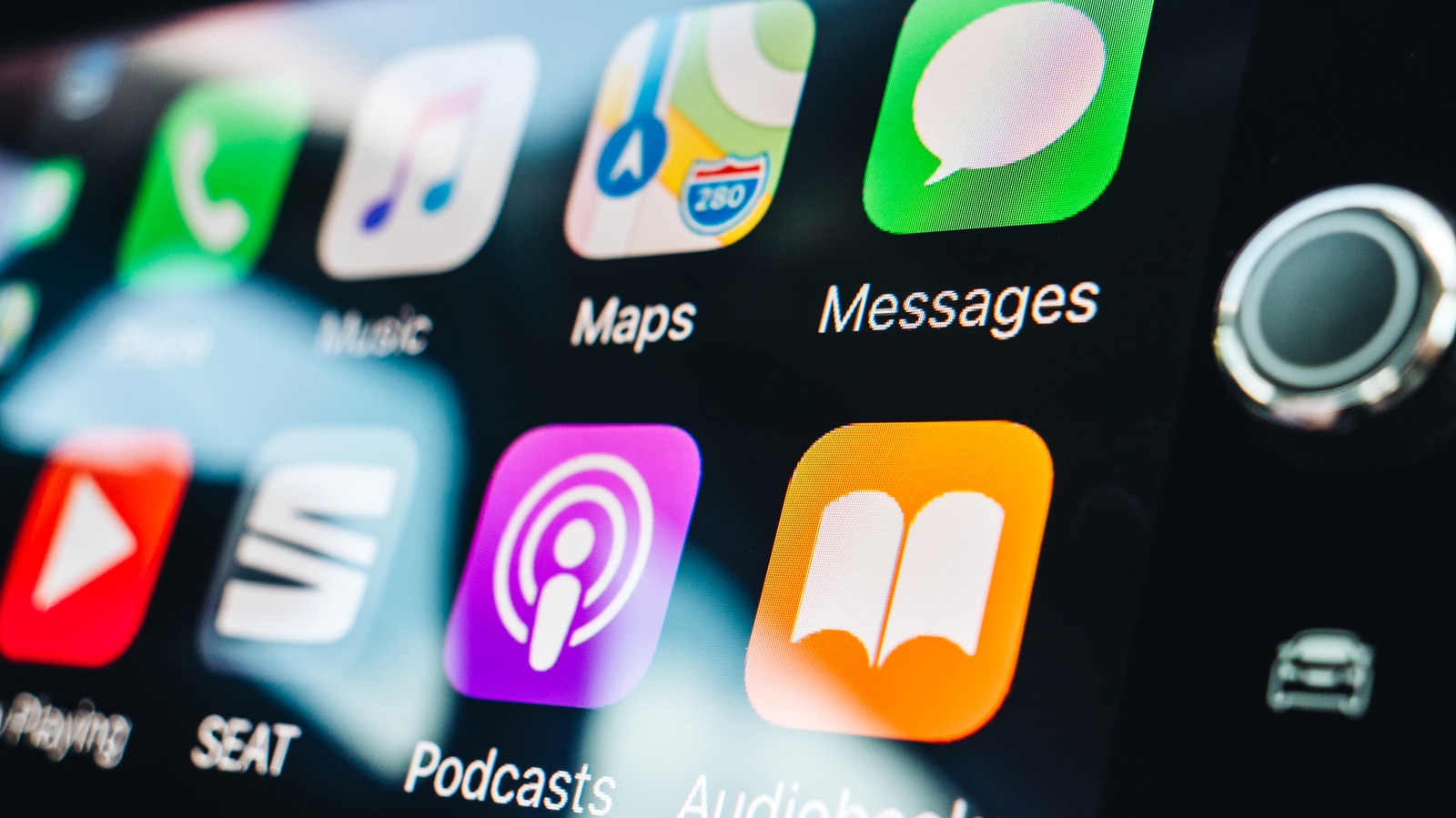
Wireless Apple CarPlay relies on a two-stage connection process that begins with Bluetooth and then shifts to Wi-Fi for the bulk of its work, according to documentation cited by Engadget. During the initial setup, an iPhone pairs with the car over Bluetooth, and the vehicle then provides the phone with the credentials needed to join its local Wi-Fi network. Once that wireless session is active, the car terminates the Bluetooth link. On subsequent drives, the saved Bluetooth pairing helps the car locate the iPhone and restart the Wi-Fi connection, and it can also assist in reestablishing a dropped session if Wi-Fi fails to reconnect promptly.
There are two paths for that first-time setup, depending on the vehicle. If the car supports both wired and wireless CarPlay, plugging the iPhone in via USB can complete the pairing, after which the phone will offer a wireless connection on later trips. For a cable-free setup, Apple instructs users to enable both Bluetooth and Wi-Fi on the phone, put the car into wireless or Bluetooth pairing mode, and select the vehicle under Settings, General, and CarPlay.
Once running, Wi-Fi handles all the essential data for the dashboard experience, including audio, control signals, and the video that renders the interface on the car’s display. Notably, phone call audio also travels over Wi-Fi during an active wireless session, rather than switching back to a Bluetooth audio profile. Apple recommends 5GHz Wi-Fi for wireless CarPlay because it typically offers more channels and less congestion than 2.4GHz, though the company’s technical documents acknowledge that 2.4GHz implementations are possible.
This architecture clarifies the common question about whether wireless CarPlay can function without Wi-Fi. Users must keep Wi-Fi enabled on the iPhone and ensure Auto-Join is on for the CarPlay network, but the car does not need to connect to a home network, public hotspot, or separate internet service. The vehicle itself creates the local link between the phone and the car, which is independent of any broader internet availability.
Wired CarPlay, by contrast, carries the session over USB instead of Wi-Fi, avoiding the interference concerns that can affect wireless links. Apple does not frame wired CarPlay as delivering a fundamentally superior experience, according to the source. The practical difference is simpler: wired requires a cable, while wireless lets the phone remain in a pocket or bag.
Third-party adapters offer another option for drivers with cars that already support wired CarPlay. These devices plug into the USB port normally used for the iPhone and act as a wireless bridge between the phone and the vehicle. They do not add CarPlay to a car that never had it, but rather convert an existing wired connection into a wireless one. Because compatibility varies by adapter and vehicle, buyers should confirm their specific car or head unit is supported before purchasing.
More gadget news from TechManNews.