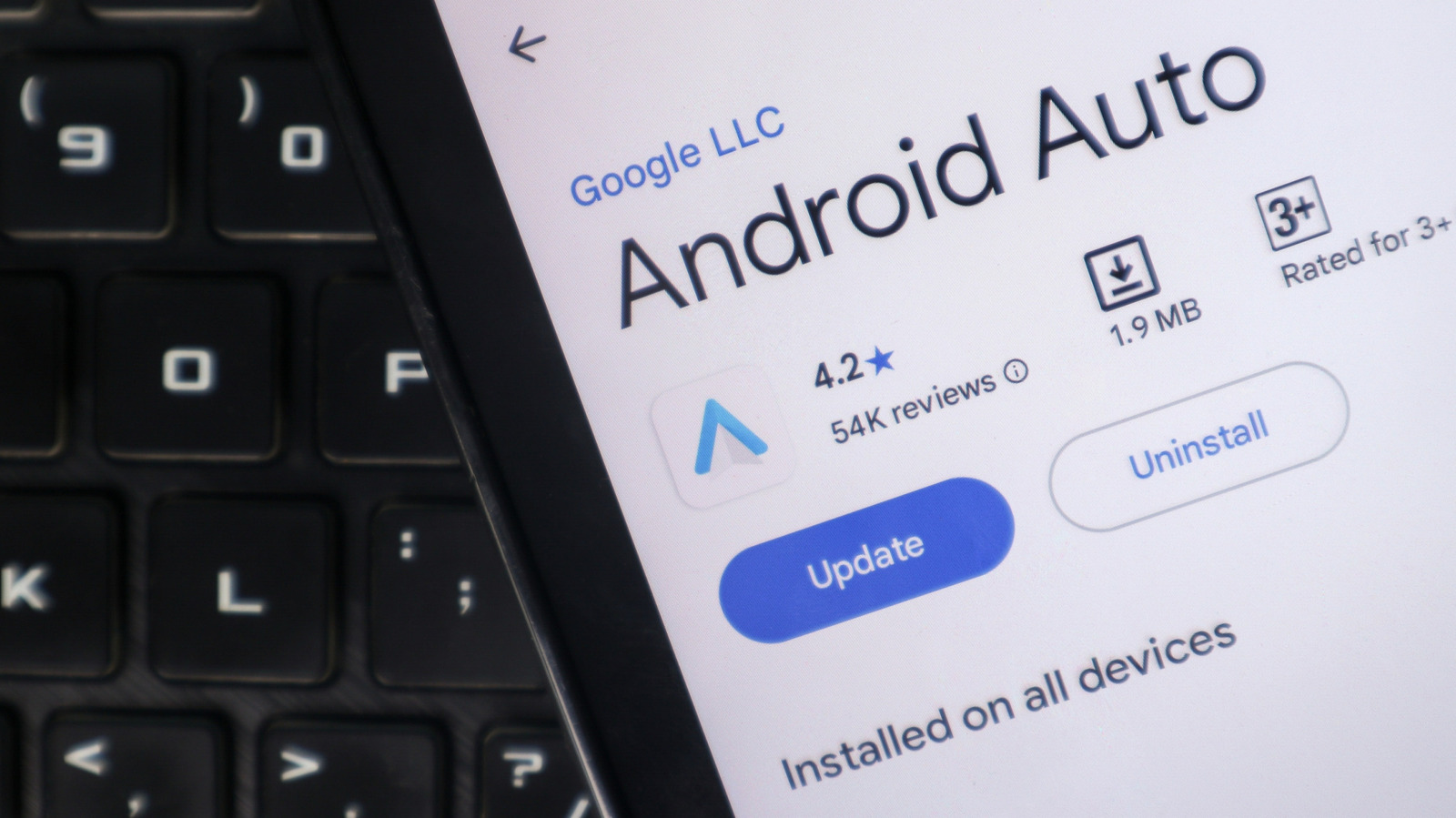
A teardown of Android Auto version 18.0.664204 has uncovered a Work Mode tile, hinting that Google may be developing new controls for Android Work Profiles in cars. Android Authority, which conducted the teardown, was able to surface the tile, displaying a briefcase icon above the app drawer, but tapping it produced no response. Google has not said when, or whether, the feature might reach drivers.
The tile's presence points to possible support for employer-managed apps inside Android Auto, which could make it easier to join work calls while traveling between appointments. It could equally give employers another channel into the vehicle, a prospect not everyone would welcome on a drive. Work Profile support does not mean signing in to a second Gmail account: a Work Profile keeps company-managed apps in a separate space marked with briefcase badges, while personal apps and data stay outside employer control on employee-owned phones. Users can check for separate Personal and Work tabs or briefcase icons in the app drawer, or verify through Settings > Passwords and accounts.
Work Profile restrictions are already visible in video conferencing. Microsoft says Teams supports audio calls and meetings through Android Auto, but the integration fails when the app sits inside a managed Work Profile. Google Meet carries a narrower limit: an active Work Profile call can appear on the dashboard, but upcoming meetings and call history from that profile do not. That is an obstacle for drivers who want to join a meeting from the car's display.
Not every missing app stems from a Work Profile. An app may simply be hidden from the Android Auto launcher, and a total Android Auto failure may point to a connection problem.
Google has not disclosed whether the experimental tile would offer controls such as silencing work alerts on the drive home while leaving personal calls and navigation alone. The tile has not been shown to pause notifications or launch work apps, and existing Android Auto customization options do not circumvent Work Profile restrictions. In the meantime, users whose employers have set up a Work Profile can pause work apps through the Work tab in the app drawer or, on supported devices, a work tile in Quick Settings; pausing stops work apps and their notifications without touching personal apps.
Some Android phones let users schedule work hours through Digital Wellbeing, though Samsung's version has lacked the option. Google says scheduling cannot keep work apps paused for consecutive days, such as a full weekend, so the manual switch retains value. Even if the feature ships, drivers would not necessarily reach every company app: Android Auto limits app capabilities while driving, employers decide which apps are available inside Work Profiles, and on company-owned devices IT admins can cap how long a Work Profile stays paused, with access to personal apps and data suspended if the limit is exceeded.
More software news from TechManNews.