The laptop and PC market has settled into a pattern where the headline specification is rarely the thing that determines whether a purchase works out. Three recent guides on this beat - on reviving a MacBook keyboard, on monitor buying mistakes, and on the case for touchscreen laptops over tablets - converge on a single argument: the durable value of a PC lies in the unglamorous hardware details, and the buyers who ignore them pay for it later. For US consumers and the companies selling to them, that shifts attention from the processor on the box to the ports, the panel claims, and the serviceability of the parts people actually touch.
The Keyboard Is the Product
Engadget's guidance on a MacBook keyboard that has stopped responding makes a point that applies well beyond Apple's machines: a quick hardware cleaning or a software toggle can bring a keyboard back to life. The significance is not the repair trick itself. It is that the keyboard - the component a buyer is least likely to scrutinise in a showroom and most likely to depend on daily - is often recoverable rather than fatal.
That framing should matter to US buyers deciding how quickly to write off a machine. The instinct when an input device fails is to treat the whole computer as suspect, when the more useful first step is to rule out debris and software before concluding the hardware is gone. The larger implication is about how laptops are built and sold: a keyboard that can be cleaned and toggled back into service extends the useful life of the device, while one that cannot pushes the buyer toward replacement. For US technology companies, that is a serviceability question as much as an engineering one, and it sits awkwardly against the industry's preference for sealed, thin designs.
Monitors Punish the Wrong Assumptions
Engadget's piece on common monitor buying mistakes is more direct about where purchases go wrong. Many of those mistakes, the outlet notes, come from ignoring viewing distance, port limits, and HDR claims. Each of these is a specification that does not appear prominently in marketing and does not translate into an impressive number on a shelf tag.
Viewing distance determines whether a large panel is immersive or unusable, and it depends on the desk the monitor will actually sit on rather than the one in the store. Port limits determine whether the screen can connect to the laptop, dock, or peripherals a buyer already owns - a constraint that surfaces after purchase, not before. HDR claims are the clearest case of marketing outrunning reality: the label on the box is not a reliable description of what the panel delivers. Together these point to a buyer's market that rewards verification over enthusiasm. For US consumers, the practical consequence is that the monitor decision should be made against the desk and the devices already in place, not against the specification sheet alone.
The Touchscreen Question Is Really a Workflow Question
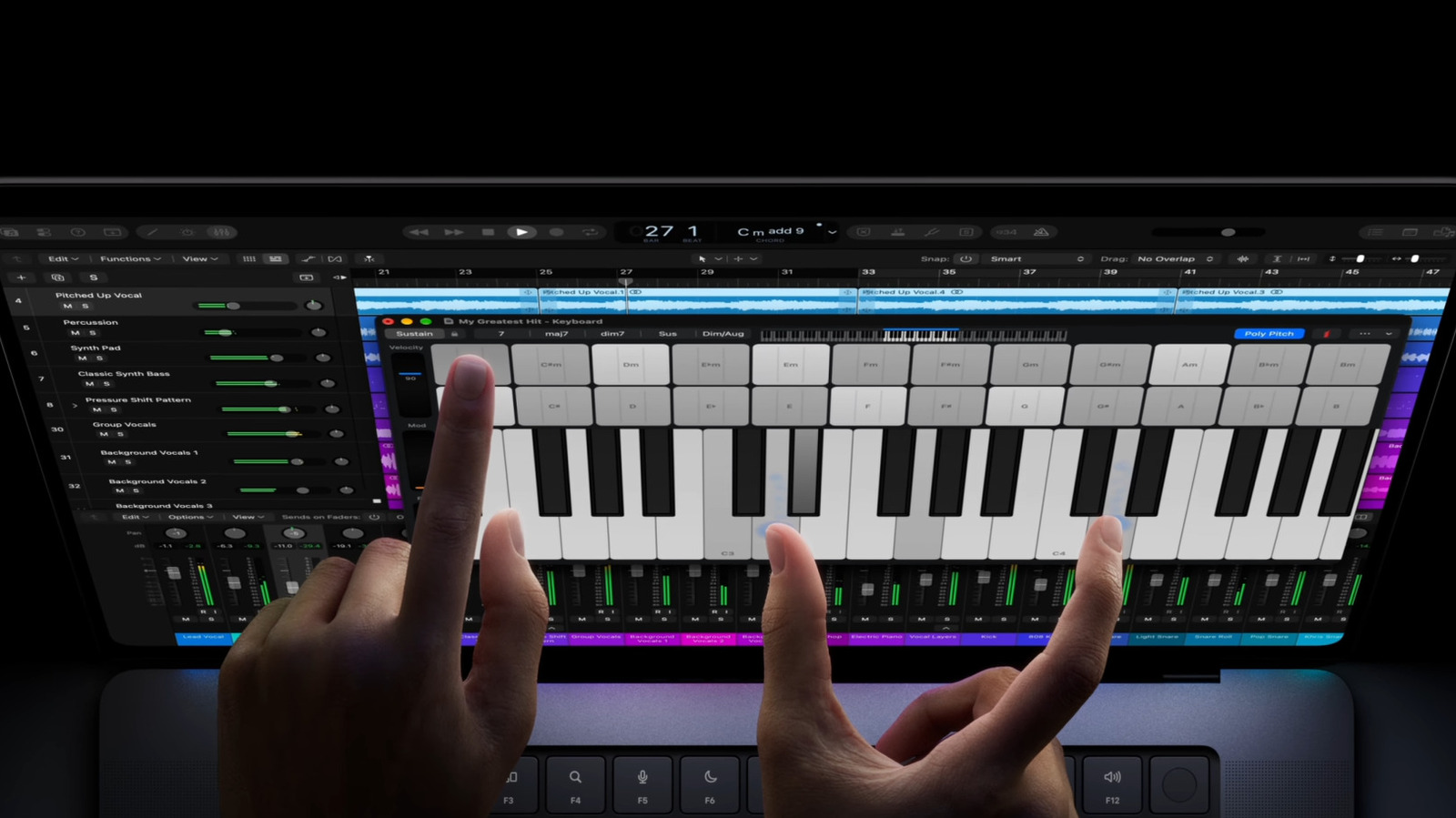
Engadget's consideration of why anyone would buy a touchscreen laptop rather than a tablet lands on a similar conclusion from a different direction. Tablets, the outlet notes, are strong on simplicity and touch-heavy workflows, while a touchscreen lets a laptop serve some of the same purposes in a different form. The point is not that one category defeats the other. It is that the choice depends on what the device must do, and a laptop with touch input can absorb some of the tasks that would otherwise justify a second device.