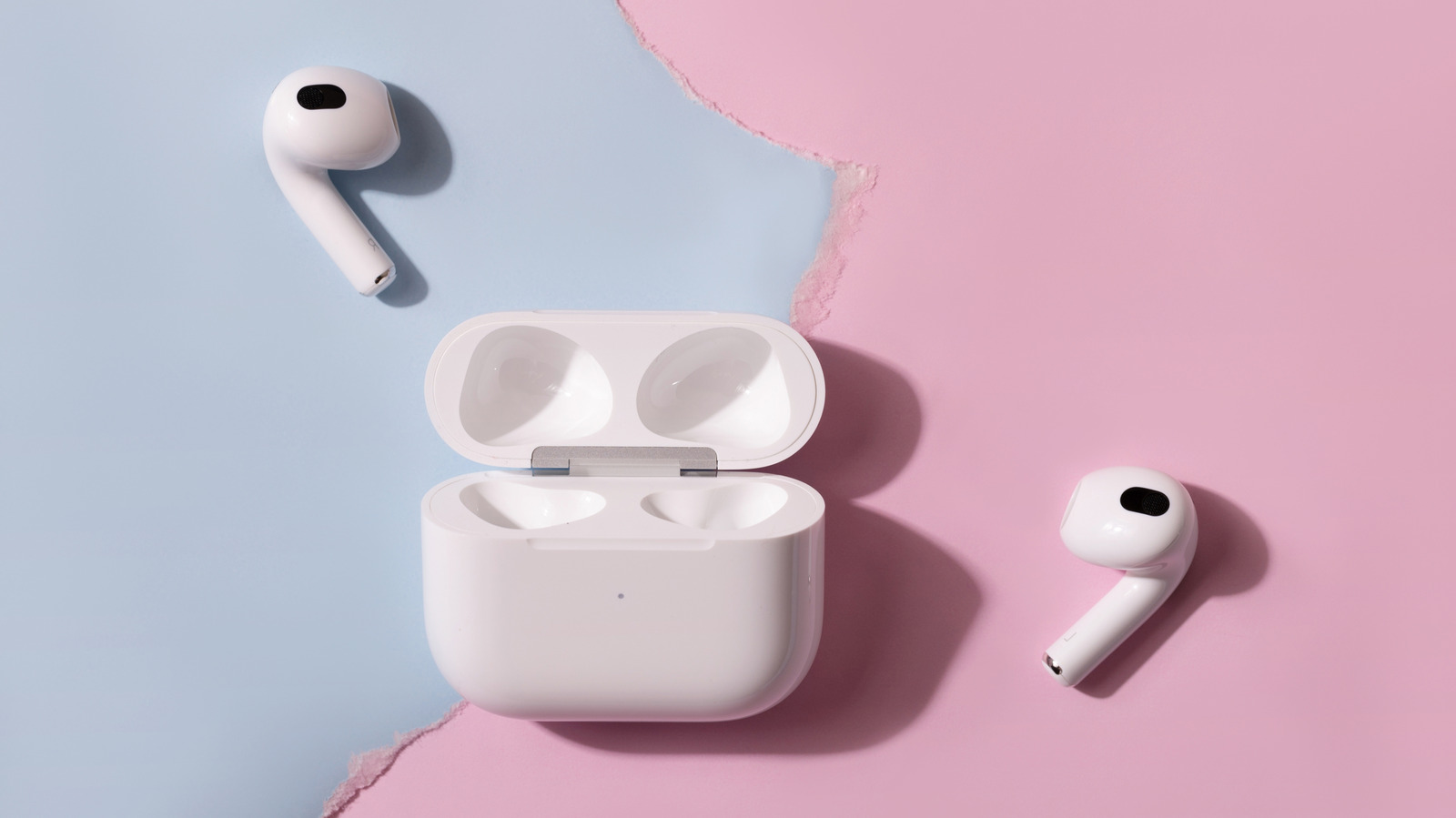
AirPods owners who pair their earbuds with a Samsung Galaxy phone get working Bluetooth audio but lose most of the features that distinguish the product on an iPhone. The earbuds connect like any other Bluetooth device, but the setup experience differs immediately: opening an AirPods case near an iPhone brings up a card with battery levels and one-tap pairing, while the same action next to a Galaxy produces nothing. Users instead must put AirPods 4, AirPods 5 or AirPods Pro 3 into pairing mode by double-tapping the front of the case, or hold the button on the back of older models until the light flashes white, then connect through Bluetooth settings.
Apple states that Siri cannot be used on non-Apple devices, though listening and talking still work. The list of features that depend on an iPhone, iPad or Mac is longer: automatic device switching, ear detection, Spatial Audio head tracking, the Ear Tip Fit Test, Live Translation, hearing health tools and the heart rate sensor on AirPods Pro 3. Firmware updates and Find My also require an Apple device.
Settings on AirPods can only be changed through an Apple device, so Android users are limited to defaults or whatever was last configured. That covers the press-and-hold stem action, automatic ear detection that pauses music when an earbud is removed, Spatial Audio and head tracking, Adaptive Audio, Conversation Awareness and Personalized Volume. Live Translation processes through an Apple Intelligence-compatible iPhone, meaning iPhone 15 Pro or newer, while the Hearing Test, Hearing Aid and Hearing Protection features on AirPods Pro 2 and 3 are set up on an iPhone or iPad. Heart rate readings from AirPods Pro 3 go to Apple's Fitness app.
Automatic switching works only across devices signed in to the same Apple Account, and because Apple relies on that rather than standard Bluetooth multipoint, AirPods will not stay connected to two non-Apple devices simultaneously. Firmware updates arrive automatically while AirPods charge in Bluetooth range of an Apple device connected to Wi-Fi; without one, Apple's guidance is to book an appointment at an Apple Store or an Apple Authorized Service Provider. Updates can add features, such as the custom EQ delivered in firmware 9A348 to AirPods 4 and later and AirPods Pro 2 and later, but that EQ can only be adjusted in the AirPods settings menu found on Apple devices. Apple offers an Android app for its Beats headphones that installs firmware, but there is no AirPods equivalent.
Some functionality survives on a Galaxy. Stem presses still play, pause and skip tracks, according to SoundGuys, though the controls cannot be customized, and that outlet found noise cancellation on AirPods Pro 2 is roughly the same on Android as on iOS. Sound quality is less certain, since AirPods stream over Bluetooth using the AAC codec and SoundGuys' older testing found Android phones performed worse with it than an iPhone. Find My is reachable from any browser at iCloud.com/find, but AirPods must first be paired with an iPhone or iPad signed into an Apple Account, and the web version can only show a location and play a sound, not play a sound from the charging case.
The open-source app LibrePods goes further, unlocking noise control modes, Conversation Awareness, head gestures and the long-press setting; it initially required a rooted phone, but Google has since fixed the Android bug that made root necessary, and Android Authority reported in April that Samsung owners would need One UI 9, which began rolling out to the Galaxy S26 series in September. At $249, AirPods Pro 3 cost the same as Samsung's Galaxy Buds 4 Pro, which Samsung says reach their full potential with a Galaxy phone, offering Auto Switch between Samsung devices, 360 Audio and 24-bit/96kHz audio over Samsung's Seamless Codec, which requires a phone running One UI 6.1.1 or later.
More gadget news from TechManNews.