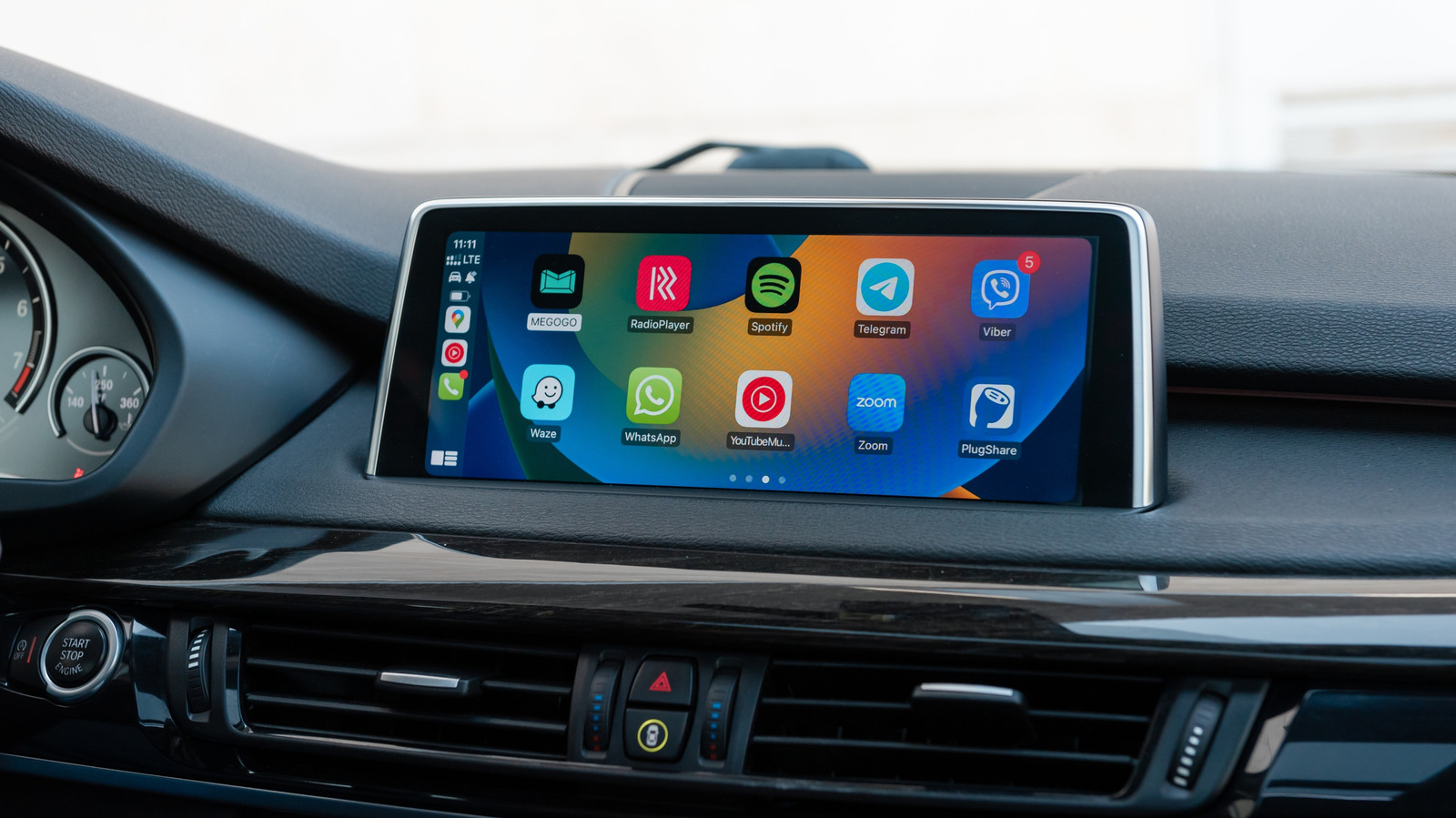
Drivers who have noticed a bell icon appearing on the CarPlay app switcher now have an explanation: Apple uses the symbol to indicate that Siri is automatically announcing incoming messages, whether they come from first-party or third-party apps. The indicator is tied to a feature that can keep drivers current on conversations without asking Siri or checking a phone after parking, but Apple does not provide a tutorial explaining it, leaving the icon's meaning unclear to many users.
The announcement behavior has tradeoffs. It can be disruptive during noisy group chats or when Siri repeatedly interrupts music or podcasts, and passengers in the car may not need to hear the contents of Messages or WhatsApp conversations. The feature can be adjusted on the iPhone by going to Settings, then Notifications, then Announce Notifications, then CarPlay. With the general Announce Messages toggle on, three additional options appear, including Remember Previous Setting, which is the default, along with choices to force CarPlay to announce or silence incoming messages.
Users can also choose which apps are permitted to make announcements under the Settings, Notifications, Announce Notifications menu. Limiting announcements to apps without group chats is one suggested approach, since group conversations often carry trivial messages that do not involve the driver, while a spouse's update about running late may be worth hearing immediately. Disabling announcements for apps with less relevant notifications, such as shopping and food apps, is another option.
For most drivers, a Focus mode for driving is described as the better way to manage alerts on the road. A Driving Focus can be added and customized on the iPhone under Settings, then Focus, by tapping Driving if it is listed or using the Plus icon to add it. Once active, the mode can be set to allow calls and notifications only from particular contacts, activate an auto-reply telling some or all people that the user is busy, and use an Intelligent Breakthrough & Silencing toggle that may let other notifications through if they are deemed important.
After configuration, the While Driving button on the Driving Focus page includes an Activate With CarPlay toggle, which switches the Focus on and off automatically. Other options at the top of the page can make the mode more aggressive, though those are designed for vehicles without CarPlay. Drivers may need to experiment to find the right combination of Focus settings and message announcements, and the guidance favors receiving too few alerts rather than too many, since little that arrives on a phone is more important than the task of driving.
More software news from TechManNews.