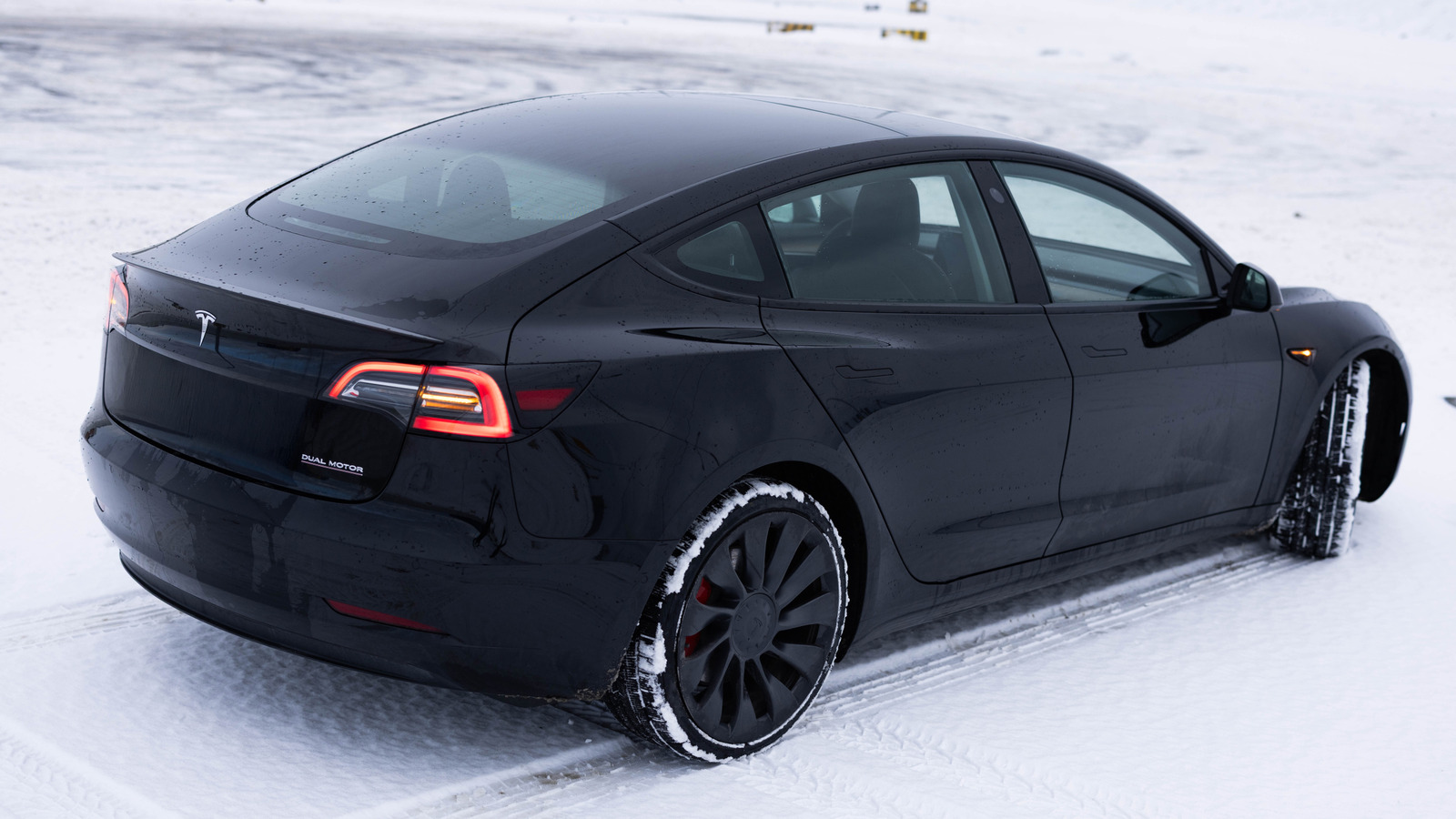
Tesla drivers who see a small blue snowflake appear beside the battery indicator are being told their battery is cold, not that the vehicle has spotted winter weather ahead. The icon signals that some of the energy stored in the pack is temporarily unavailable, according to Engadget. Tesla shows that unavailable portion in blue on the battery meter, so drivers do not have to guess how much charge remains. The energy returns once the battery warms up through driving.
That blue segment on the meter should not be confused with charge a Tesla loses overnight while parked in a garage. It represents only the energy that is out of reach because of cold temperatures. Even after the pack warms, cold weather still reduces range, since keeping the cabin warm and driving through cold-weather terrain draws more power than usual.
The snowflake also changes how a Tesla behaves beyond range. Charging times and the vehicle's powerful acceleration can both feel different in the cold. Regenerative braking, which normally sends energy back to the battery when the driver lifts off the accelerator, is noticeably weaker because a cold battery cannot absorb that energy as it does in normal conditions. Drivers may notice the effect when slowing toward a red light.
Owners of a Model 3 can check whether their variant offers a setting for stronger deceleration when regenerative braking is limited. The option, called Apply Brakes When Regenerative Braking Is Limited, is found under Controls > Dynamics. When enabled, the car uses its conventional mechanical brakes to imitate full regenerative braking. Whether the setting is available depends on the model and the software version running on the vehicle.
A Tesla may also display a separate icon indicating regenerative braking is not fully available, resembling a broken green brake disc with an electricity symbol inside. Tesla advises drivers to keep a foot ready for the brake pedal in that situation. The blue snowflake cannot be switched off manually and disappears only when the battery warms, either by driving, charging, or preconditioning the pack through Controls > Schedule on the touchscreen or in the Tesla app.
Tesla recommends scheduling climate settings to activate at least 30 to 45 minutes before departure. Keeping the EV plugged in lets preconditioning draw continuous power, avoiding a lower charge at the start of the day. Setting a Tesla Supercharger as the destination warms the battery for faster charging with fewer delays. Tesla has not specified the temperature that triggers the snowflake or a timeframe for when it clears.
More hardware news from TechManNews.