A wired ethernet connection is generally expected to deliver two or three times the speed of Wi-Fi, but many users have found their cables running slower than their wireless links. The gap can stem from the cable itself, the hardware it plugs into, software settings, malware or even an internet service provider's fine print. Wireless routers have improved markedly over the past decade, particularly with protocols like Wi-Fi 7, so a fast wireless connection can in rare cases outpace ethernet on its own.
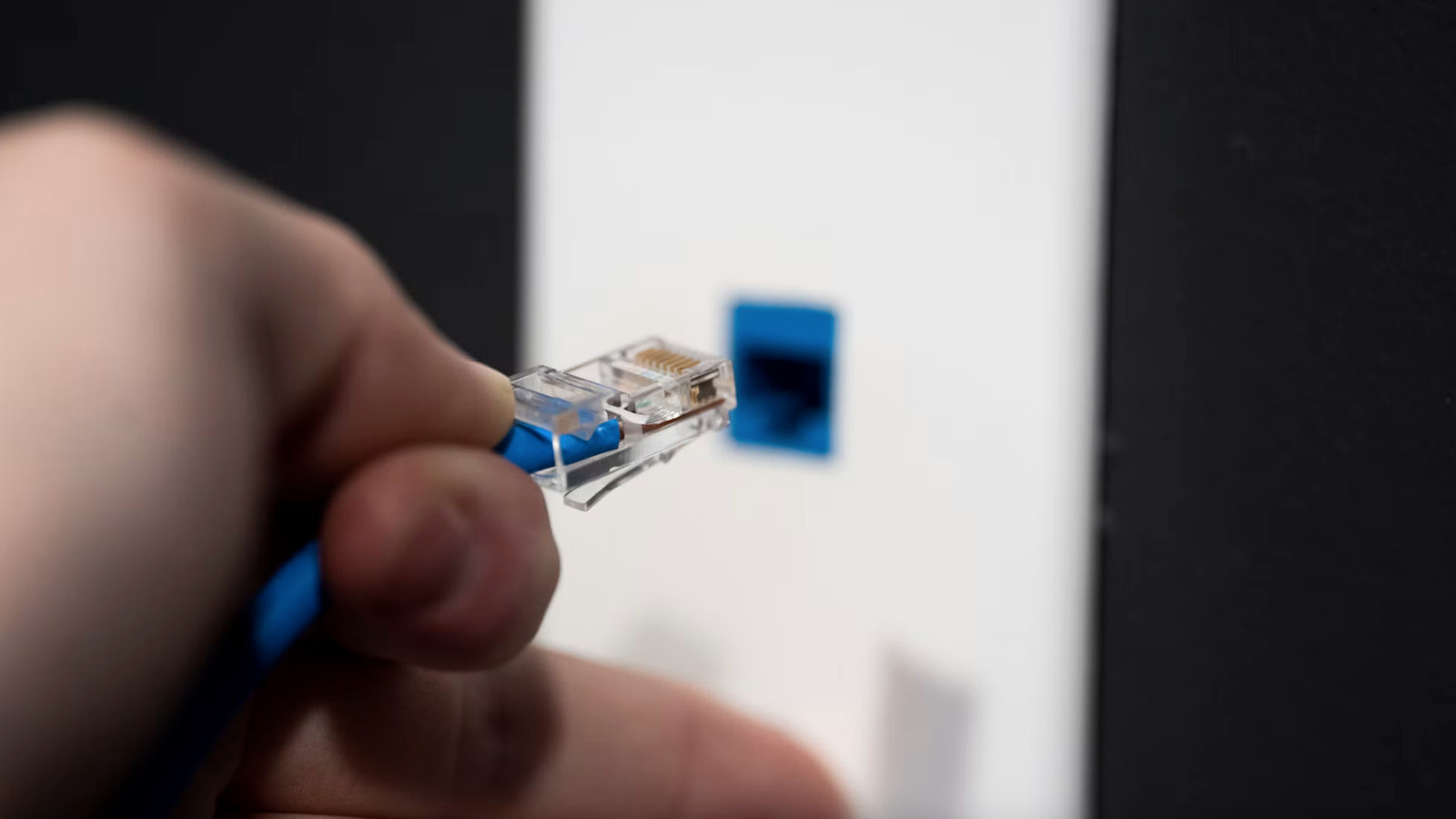
Not all cables are equal. Older, out-of-date cables will cap a wired connection, and the category rating printed on the outer sheath should be at least Cat5. Quality matters as much as category: copper-clad aluminum (CCA) cables degrade quickly and break easily, so pure copper is the better choice. Reputable brands also test and certify their cables to TIE/EIA standards, and that certification should appear on the sheath.
Physical damage is another common culprit. Ethernet cables typically contain four twisted pairs, and one incorrectly twisted pair will drag down overall speed; a damaged sheath can eventually harm the wires inside. Trying different cables and running speed tests is a reasonable troubleshooting step. The port itself can also limit speed if its internal contacts are damaged, though swapping ports is not easy. A solid or blinking green light at the router port suggests the connection is working, while no lights at all point to a problem with the port or the cable, and testing other ports or another device can narrow it down.
Aging drivers for the router, ethernet adapter or network card can slow speeds, and this is easy to overlook, especially after an operating system update. Several settings matter too. Windows users can check the aggregated link speed under Network and Internet settings, and Apple users can check the Network page, then compare that figure with what they pay an ISP for; a 1000Mbps plan showing a 100Mbps link speed indicates a problem. Both Mac and Windows machines use Energy-Efficient Ethernet by default, which can be turned off to test for improvement, and Windows can stop the network adapter to save power, a behavior changeable in the Power Management tab.
Malware can also degrade wired internet. Spyware, trojans and worms consume bandwidth through hidden background tasks, and some software forces a computer to mine cryptocurrency or infects the router itself, slowing traffic. The most famous case of router infection was VPNFilter, malicious code that got into more than 500,000 routers and network-attached storage devices worldwide in 2018 and could steal data and brick the router. Running regular scans with reputable security software or built-in antivirus is advised.
Finally, the slowdown may be by design. ISPs can impose speed or service caps, and their promotions sometimes advertise higher speeds that degrade after a year or two. Running speed tests on both a wired and a wireless connection provides two data points for a call to the ISP. A service cap is unlikely to be the cause, however, if Wi-Fi is performing well while ethernet struggles.
More software news from TechManNews.