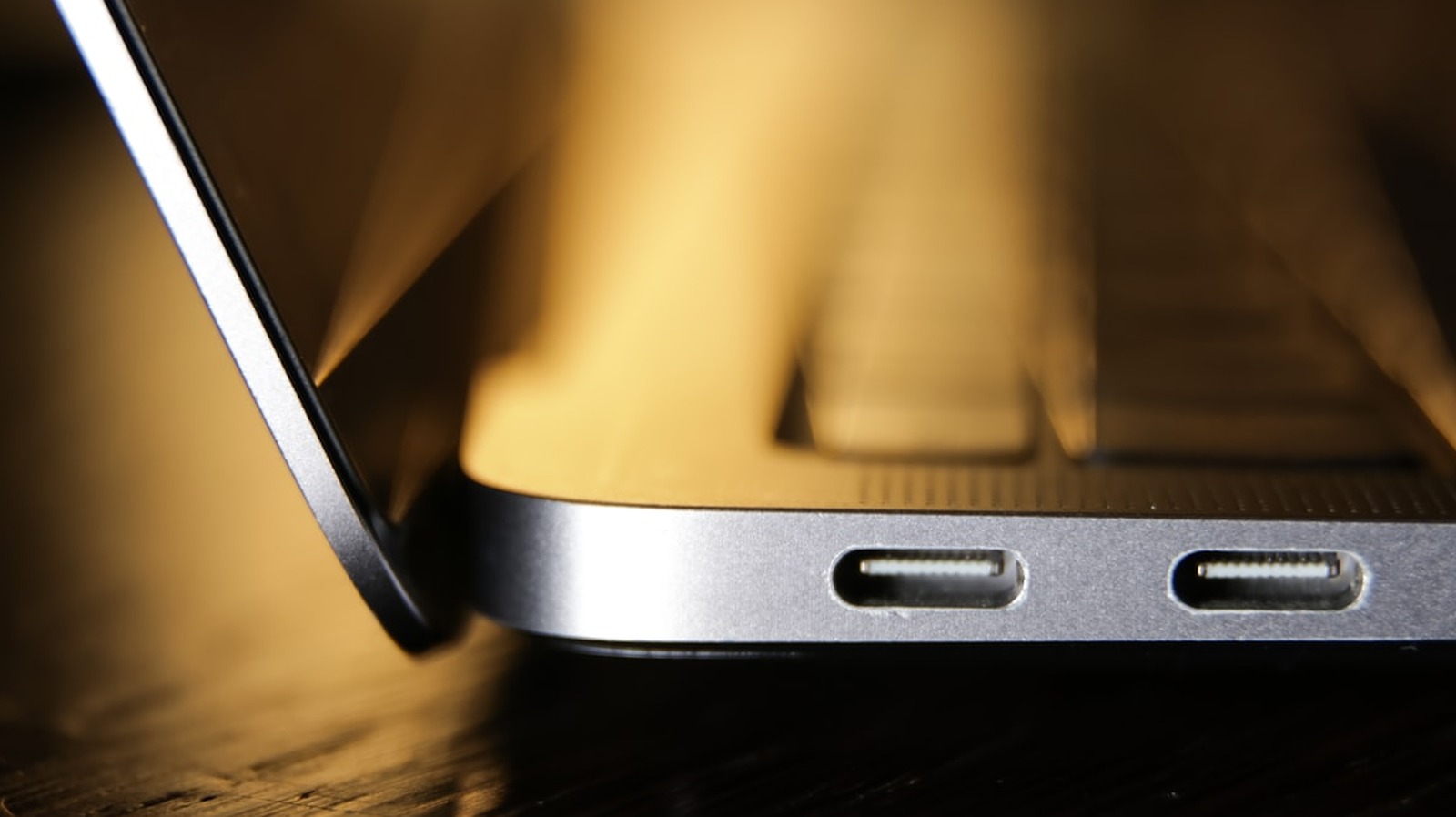
A laptop’s USB-C port count rarely factors into a buying decision, but for users who need to charge and connect a monitor or other peripherals at the same time, the lack of a second port can create daily friction. Many laptops ship with a single USB-C port that handles both power and data, forcing owners to choose between keeping the machine charged and using an external display or drive. That single-port limitation becomes especially noticeable for people who rely on portable monitors or docking stations while working away from a desk.
The main reason manufacturers omit a second charging port is cost. Adding another Power Delivery controller, extra circuit board space, and the accompanying engineering work raises production expenses that most brands avoid passing on to consumers. A second port also offers placement flexibility, letting users plug the charger in from either side of the machine to reach the nearest outlet. If the port fails, a backup charging option can be a critical fallback.
Many current mid-range, premium, and professional laptops now include at least two USB-C ports, with several supporting Thunderbolt 4, Thunderbolt 5, or USB4. Apple has made dual-port configurations standard across its MacBook lineup, with the MacBook Air M2 and M3 offering two Thunderbolt ports on the left side and the MacBook Pro with Pro and Max chips featuring three. Dell’s XPS 13 provides two Thunderbolt 4 ports, while the XPS 14 and 16 each offer three. Lenovo’s ThinkPad X1 Carbon and X1 Nano include two Thunderbolt 4 ports, and the Yoga 9i has three. Asus’s Zenbook 14 and Zenbook Duo come with dual Thunderbolt 4 or USB-C ports, and the gaming-focused ROG Zephyrus G14 and G16 each include two USB-C ports.
Not all USB-C ports support video output, since USB-C is a connector shape rather than a feature guarantee. A port must support DisplayPort Alt Mode or be a Thunderbolt or USB4 port to drive an external display. For laptops with only one capable port, a USB-C hub can serve as a practical workaround, providing pass-through charging and additional USB-A connections or SD card readers. Thunderbolt 4 and USB4 desktop docks offer a more stationary solution, connecting via a single cable and supporting high-speed data, multiple displays, Ethernet, audio, and laptop charging.
Before purchasing a hub or dock, buyers should confirm it supports Power Delivery pass-through at the wattage their laptop requires and includes enough ports to cover missing connections. The presence of two USB-C charging ports is not a premium luxury but a practical feature that shapes everyday usability. Shoppers weighing a new laptop should inspect the port configuration before committing, as it is an easily overlooked spec that can quickly become a source of regret.
More gadget news from TechManNews.