Apple’s iOS 27 introduces a rebuilt version of Siri, now branded as Siri AI, which brings chatbot-style conversations and a standalone app to iPhones for the first time. The update marks Apple’s effort to catch up with rival assistants from Google, OpenAI, and Anthropic, which have long outpaced Siri since its 2011 debut. However, not all iPhone users will gain access to the new experience. Apple Intelligence and the upgraded Siri are limited to iPhone 15 Pro and later models, meaning the base iPhone 15 and older devices will continue running the previous, more limited assistant. Additionally, Siri AI currently works only in English, and users in the European Union or China cannot access it due to local regulations, with no workaround available through device settings.
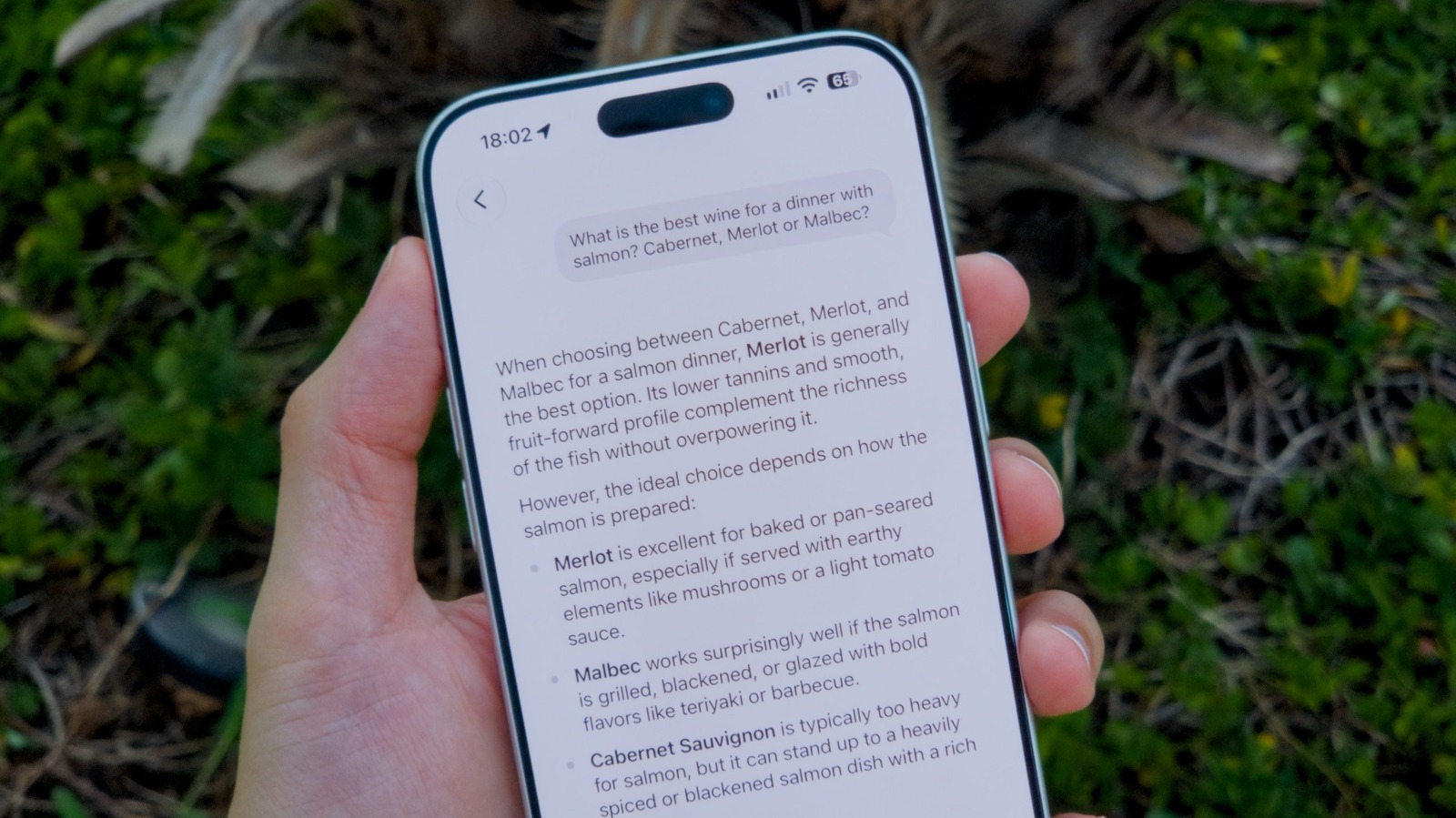
After updating to iOS 27, users are prompted to enable Siri AI, but those who skip that step can still activate it later through the Settings app under Siri. Some users will get instant access, while others may be placed on a waitlist that testers have reported lasting anywhere from a few minutes to several days. The new assistant can be reached in three ways: swiping down from the Dynamic Island brings up a search box, holding the side button still works as before, and a dedicated Siri app now offers a more conventional chat interface similar to ChatGPT.
The standalone Siri app stores a history of past conversations that syncs across devices via iCloud. Responses are more detailed than before, including text cards, images, and other media rather than simple text replies. Users can attach additional context by tapping a plus button to add an image or document, while classic commands like asking for a weather forecast continue to work normally. A key feature is Siri’s access to personal context, so asking about messages or emails can yield direct answers instead of suggestions to search the web.
The app’s main screen includes a search button for finding old conversations, plus a toggle in the upper-right corner to switch between list and card grid views. Pressing and holding on a conversation allows users to pin, rename, or delete it. By default, conversation history is synced across all Apple devices signed into the same account, but users can control retention by going to Settings and selecting from three options: 30 days, one year, or forever. Short queries such as setting a timer or playing a song are excluded from saved history.
iOS 27 is currently in public beta, with the full release typically arriving in the fall. Those who want early access can join the Beta Software Program, which is open to developers and testers. Apple advises users to back up their iPhones before installing the beta in case it causes apps to malfunction.
More software news from TechManNews.