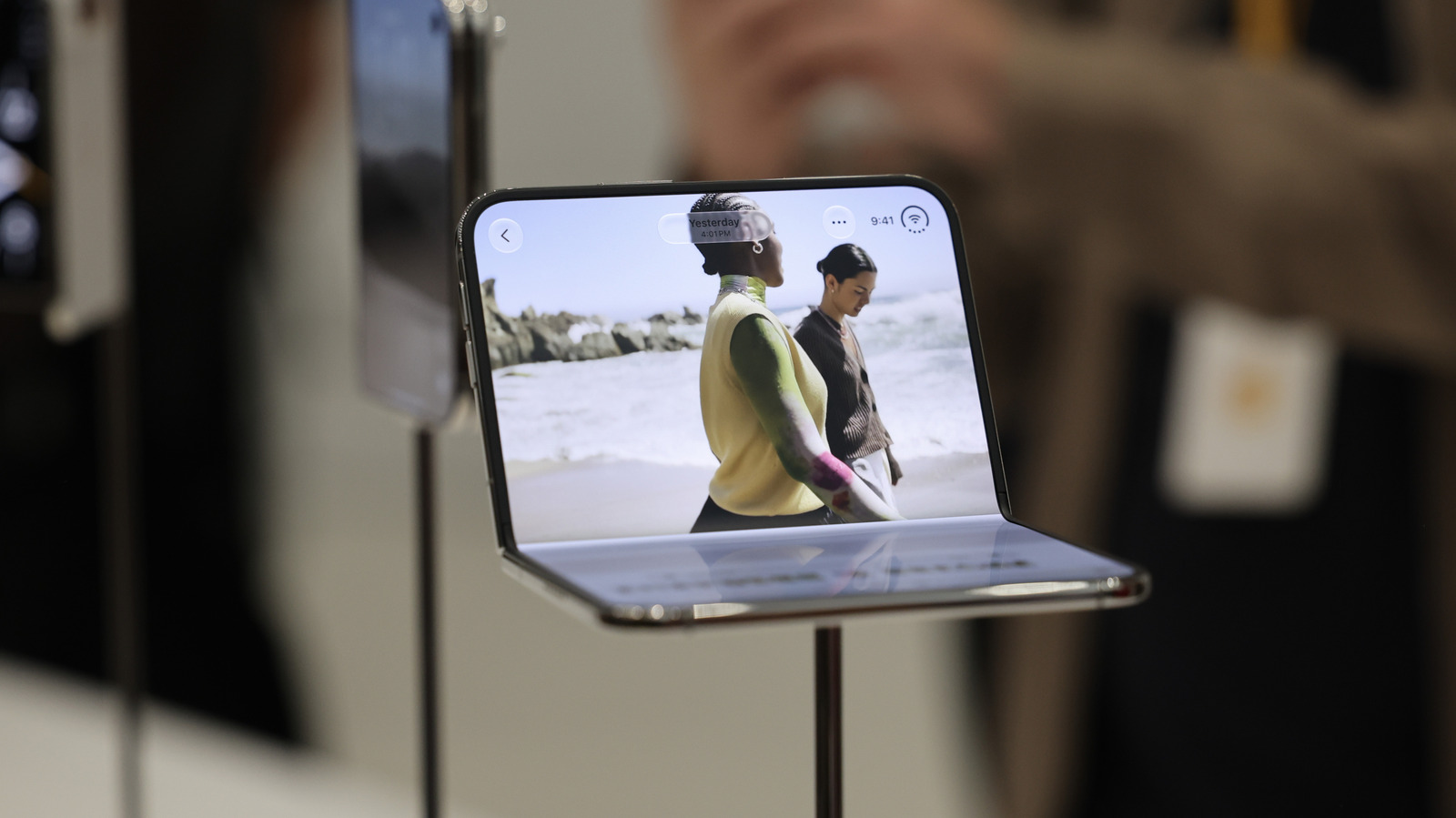
Google's Android Desktop Mode is now available on Pixel 8 and newer phones after months in beta, arriving through the Android 16 March Pixel Drop update. The feature lets users connect a Google phone to an external monitor with a high-speed USB-C cable, at which point a pop-up asks whether to switch to Android Desktop Mode or mirror the screen. Selecting the Desktop option, then pairing a mouse and keyboard over Bluetooth or through a USB hub, produces a mobile workstation with a desktop-style interface. Google has not announced availability for non-Pixel devices.
The idea of turning a phone into a desktop has drawn interest from manufacturers, developers and consumers for years. Hardware attempts such as Asus' PadFone and the Motorola Atrix Lapdock did not catch on as vendors expected, and companies shifted toward software. Microsoft discontinued its short-lived Continuum feature for Windows 10 Mobile in 2017. Samsung's DeX gives Galaxy phones a PC-like workspace with a taskbar, optimized apps and wireless connectivity, while Motorola's phones still offer its Smart Connect experience.
In Desktop Mode, apps open in windows that can be resized as needed, and a start menu opens the App Drawer. Pulling down from the top displays notifications. ZDNet reported that Desktop Mode ran smoothly with no hiccups while multiple applications were running. If the phone is disconnected and reconnected, Desktop Mode preserves the active window layout so users can resume where they left off, provided they did not already close those windows on the phone.
Some limits are built in. Apps cannot be added to the desktop's home screen, so they must be opened from the start menu. Most games built for phones do not support keyboard inputs, though content creator leepspvideo managed to run Steam games natively through Desktop Mode with the help of apps like GameNative. HowToGeek found that the software currently caps the frame rate at 60 Hz, and users on Reddit noted a lack of 4K support, which matters when connecting to large monitors.
Chrome extensions do not run in Desktop Mode, even if they work on Apple Silicon or Windows on ARM devices, so editing tools like Grammarly and tab manager OneTab will not function as expected. Running a desktop UI with floating windows off a smartphone also pushes its thermal envelope. Android Police's testing found the phone turned hot to the touch after 30 minutes of light Desktop Mode usage, and prolonged sessions can weaken battery endurance faster than regular use.
Results will vary by use case. Simple document editing and watching videos on YouTube run smoothly, but heavier tasks such as photo editing may run into issues. Android Desktop Mode is a step in the right direction for mobile productivity, and it is worth testing for owners of a newer Pixel device.
More gadget news from TechManNews.