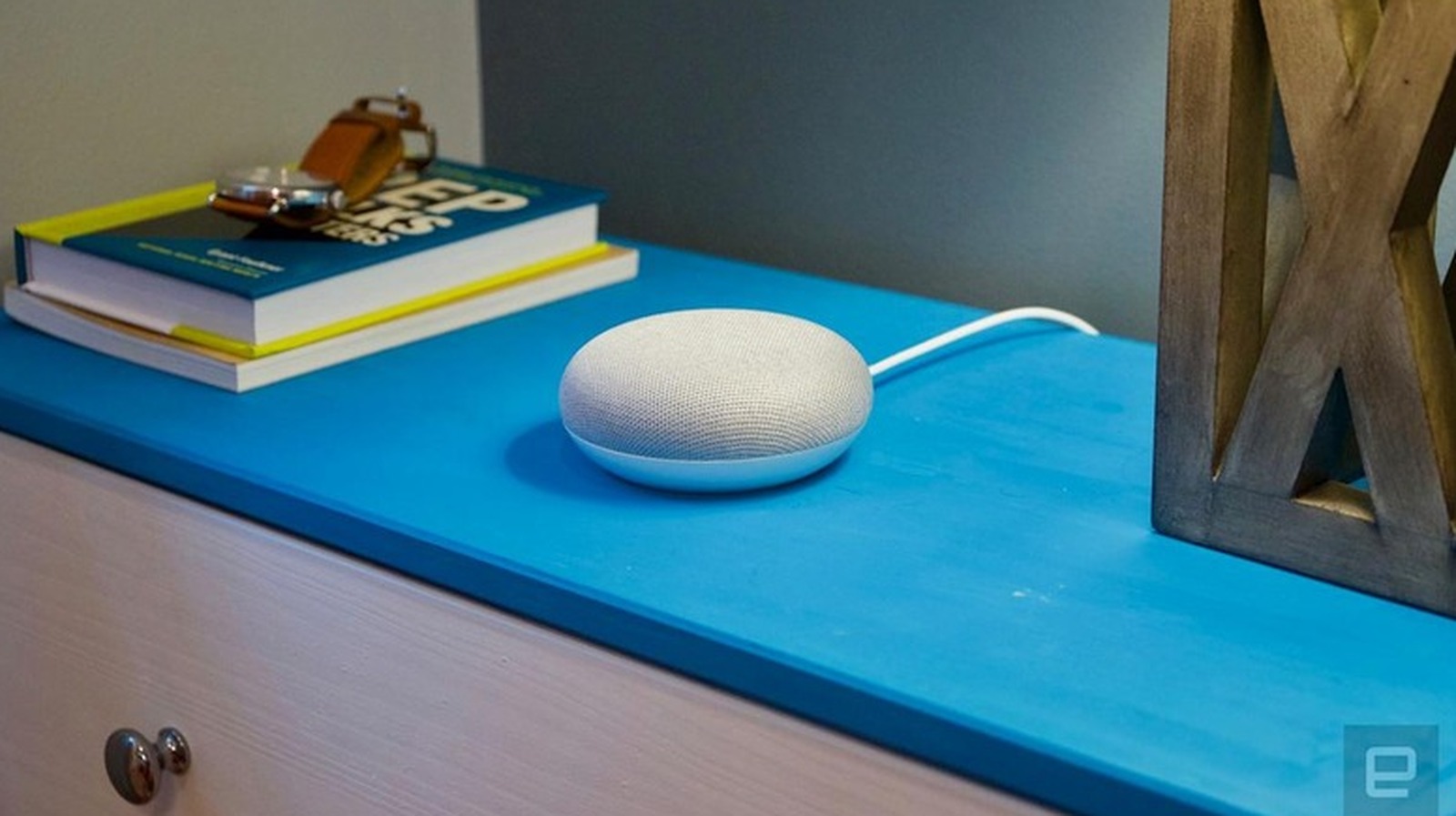
Google's Home Mini smart speaker has been discontinued, but owners who still use the device may need to know how to restore it to its original condition. A factory reset is warranted when the speaker stops responding to commands, has trouble connecting to Wi-Fi, needs to be moved to a different Google account or is being handed off to a new owner. According to Engadget, the reset does not require special tools or technical skill, and the process takes only a few minutes on the original Home Mini.
It is important to understand that the reset cannot be started by voice or through the Google Home app. The physical controls on the speaker itself are required. Earlier this year, Google introduced a new smart home speaker and confirmed to Engadget that it would stop making new units of the Nest Home Mini and the Nest Audio, though it will keep supporting those models with software updates, security patches and customer care.
For the first-generation Google Home Mini, the reset button sits on the bottom of the device. Owners flip the speaker over and find a small circle etched into the base just below the power cord. Holding that button for about five seconds begins the reset, and holding it for another 10 seconds produces a confirmation chime.
The second-generation Google Nest Mini, which looks much like the original, uses a different method. Owners turn off the microphone switch on the side, which makes the LED lights pulse orange, then press and hold the center of the device where the top lights are located. After roughly five seconds the reset starts, and another 10 seconds of holding brings a chime confirming completion. For display models such as the Nest Hub, both volume buttons on the back must be pressed and held at the same time for around 10 seconds, with the screen showing that the reset is running before the device restarts.
A factory reset erases the speaker completely and returns it to the state it was in when it came out of the box. All personal data, Wi-Fi credentials and linked Google accounts are permanently removed, and the device is disconnected from every member of the household. Because the action cannot be undone, owners should be sure a simple reboot will not solve the problem, which can be done by unplugging the device for a minute to clear minor glitches without erasing anything.
To relink the device afterward, users open the Google Home app, tap the plus icon and choose Set up device, then follow the prompts to reconnect to Wi-Fi and link the speaker to a Google account. Google's support pages offer additional troubleshooting steps for anyone whose Home Mini will not connect. The speaker has been on the market for almost nine years, and Google has discontinued it, but existing units remain in working order.
More gadget news from TechManNews.