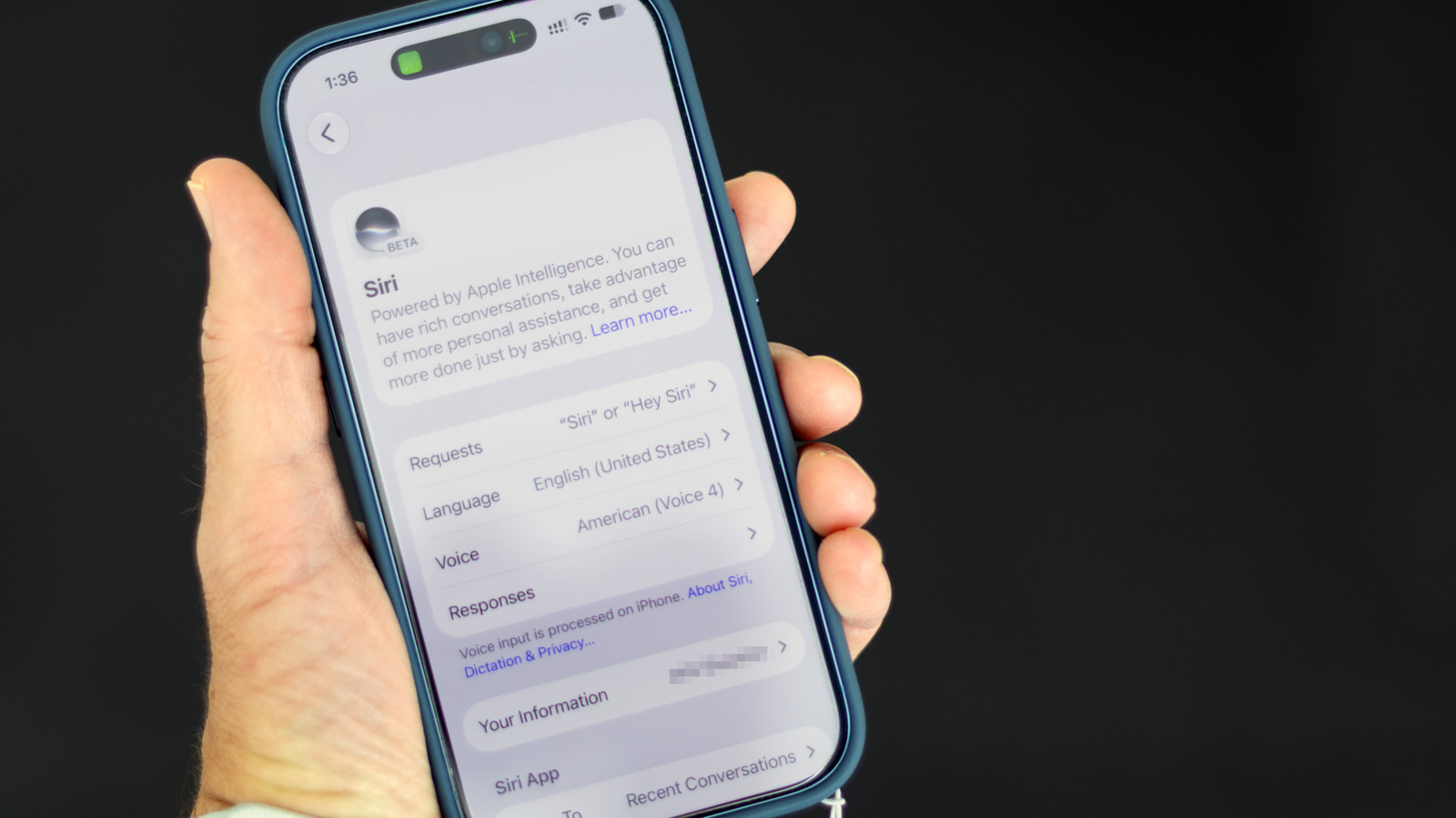
IPhone owners who want to limit Apple Intelligence no longer have one master switch to flip in iOS 27. Apple has removed the single system-wide shutoff that existed in iOS 26, so users must disable the features one by one through the Settings app, according to instructions reported by Engadget. The changes affect anyone using an Apple Intelligence-capable iPhone, which the report identifies as iPhone 15 Pro or newer or iPhone 16 or newer.
Users still running iOS 26 keep the simpler option. On that version, opening Settings and selecting Apple Intelligence & Siri still presents a universal toggle for turning Apple Intelligence off. The piecemeal approach applies only after upgrading to iOS 27, which also delivered a long-awaited AI overhaul of Siri that made the assistant more conversational and context-aware.
That revamped Siri can be turned off entirely by opening Settings, selecting Siri, scrolling to the bottom and confirming the Turn Off Siri option on the following screen. Users who want the assistant back in its earlier form can tap Turn On Siri on the same screen and choose Use Siri Classic, which retains basic functions such as setting timers and playing music. Apple Intelligence also produces summaries in Messages and Mail that can be disabled individually.
To stop AI recaps in the Messages conversation list, users open Settings, then Apps, then Messages, and switch off Summarize Messages. The email equivalent sits under Settings, then Apps, then Mail, where Summarize Message Previews can be turned off so the inbox shows the opening lines of the most recent message instead. Notification summaries, which the report notes have produced notable errors, are switched off under Settings, then Notifications, then Summarize Notifications, where apps can also be toggled one at a time.
The same Notifications menu holds a Prioritize Notifications control that stops Apple Intelligence from moving what it deems the most important alerts to the top of the stack. Smart Reply, which drafts email responses in a user's writing style, is disabled under Settings, then Apps, then Mail, by turning off Personalize Smart Replies. Phone features can also be trimmed: voicemail action suggestions are controlled under Settings, then Apps, then Phone, and the display of business information such as reservation numbers is controlled under Settings, then Apps, then Phone, then Apple Intelligence & Siri, by turning off Show When Calling.
The Journal app's writing prompts are disabled under Settings, then Apps, then Journal, by turning off Get Writing Prompts. Writing Tools and image creation lack toggles in the standard Siri menu and instead are restricted through Screen Time. Users open Settings, then Screen Time, then Content & Privacy Restrictions, enable restrictions and tap Siri, where Writing Assistance, Image Creation, Math Assistance and Extensions can each be set to Don't Allow.
More gadget news from TechManNews.