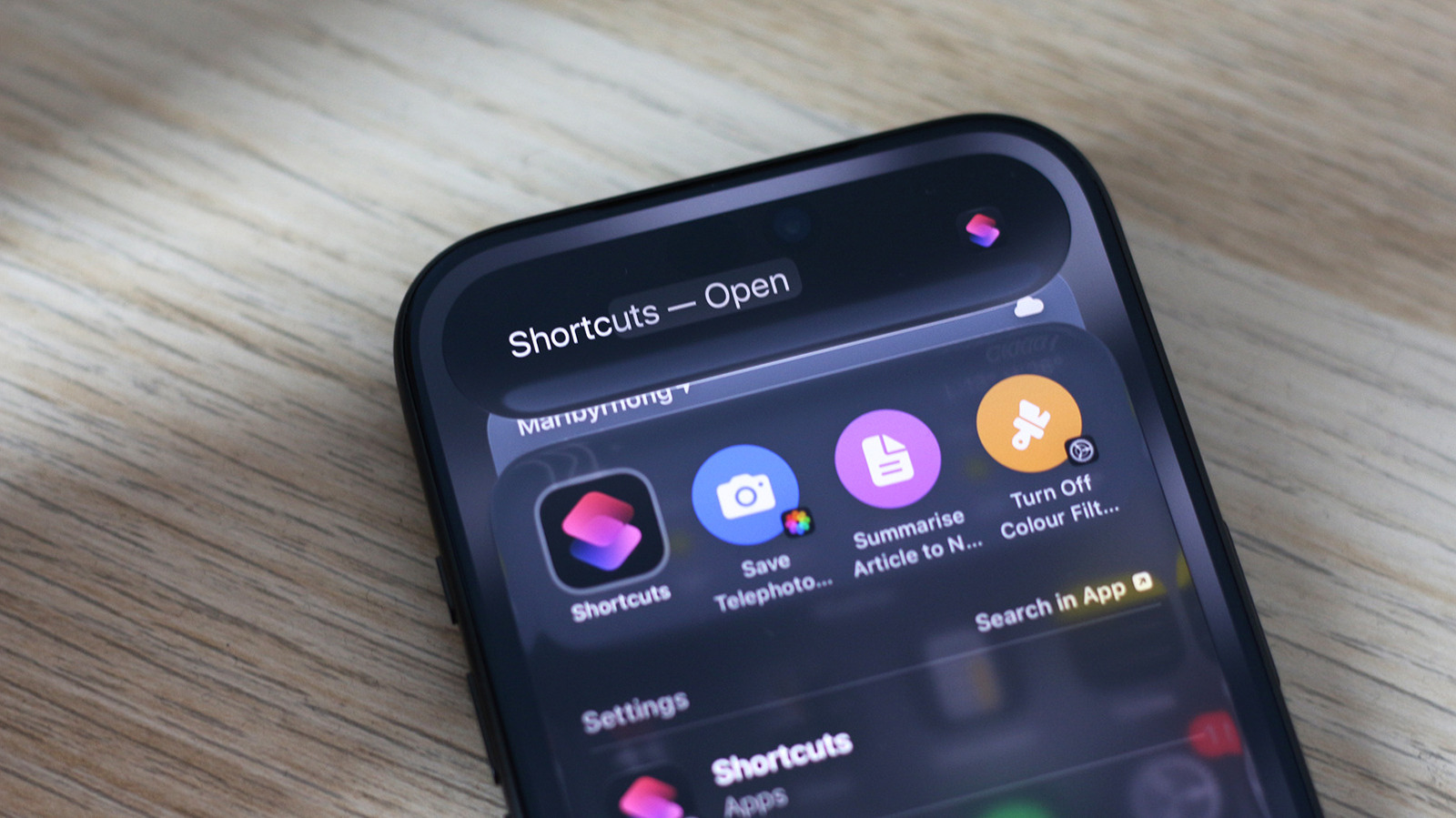
iPhone users who have installed iOS 27 and own a handset that supports Apple Intelligence can now build Shortcuts by describing what they want in plain English, giving the automation tool its first meaningful AI assist since it arrived in 2018. The feature lives inside the Shortcuts app itself, which Engadget notes is one of the few places where Apple Intelligence delivers a genuine improvement to the user experience.
Using it requires little setup. The Shortcuts app is preinstalled on most iPhones but can be downloaded again from the App Store if it was deleted. From there, tapping the plus icon at the bottom of the screen opens a text box where the user types a description of the desired shortcut in ordinary language; once the app assembles the automation, a tap on the play button tests it.
The tool does not always get things right on the first attempt. In one test, a shortcut intended to switch the screen to grayscale on launching Instagram and restore color on exit handled the first half of the job but failed to turn off the color filters afterward, and the tester eventually built two separate shortcuts instead. The app rarely declines to generate something outright, according to the report, though it sometimes produces a chain of actions that does not do what was asked, such as locking the screen when told to turn the iPhone off at 20 percent battery. Shortcuts built with Apple Intelligence can still be edited the usual way.
Beyond plain-language creation, a manually built shortcut can call on Apple Intelligence through the Use Model action, which sends requests to an AI model, processes them and returns a response that later actions can use. Users can select among the Cloud, Cloud Pro and On-Device AI models, or route requests to ChatGPT through OpenAI's models. One shortcut described in the report fetched an article from a URL, summarized it and saved it to Notes, and can be surfaced in the Share sheet by selecting the shortcut, tapping the i button and enabling the Show in Share Sheet toggle.
Text generation in particular appeared to perform well, and a simple shortcut that filed photos taken with the iPhone's telephoto camera into a separate album worked as intended. Results overall vary with how well Apple Intelligence interprets the request, and the report advises reviewing the generated actions with the Edit button before depending on a shortcut.
More gadget news from TechManNews.