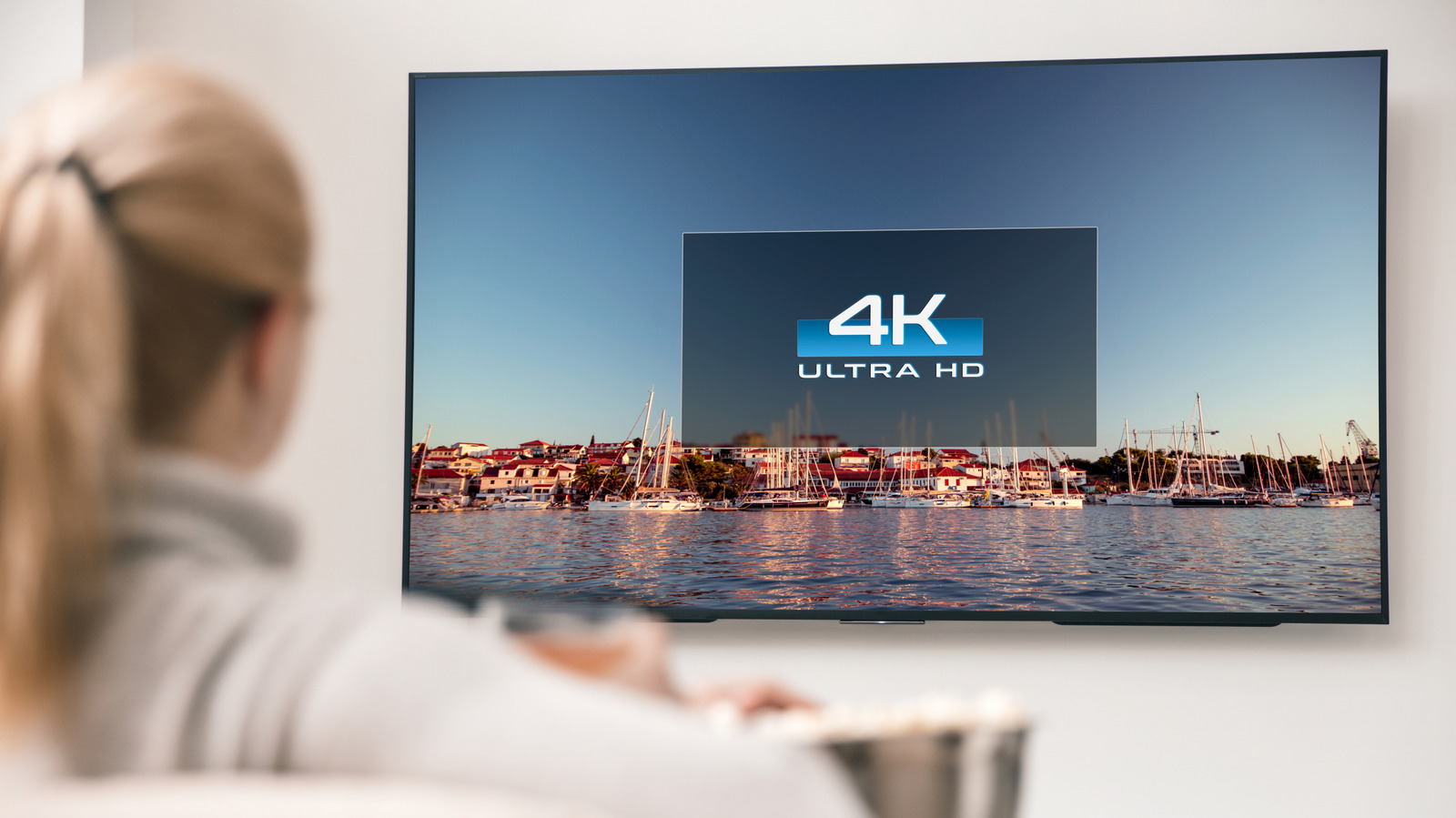
Many American consumers with 4K televisions may not actually be viewing content in true 4K resolution, a common point of confusion that depends on the source of the video signal. The first step for any viewer is to verify the television itself supports the standard, which can be done by checking the model information under the Settings menu’s About or Info tab. If the model name contains “4K” or “UHD,” it meets the requirement; otherwise, the model number may need to be looked up online or found printed on the device.
Once the TV is confirmed as 4K-capable, the focus shifts to the source devices, content, and settings. Picture size adjustments like 16:9 or fit-to-screen are separate from resolution changes, and features such as LG’s Super Resolution are designed for upscaling lower-resolution content, not creating native 4K. Viewing modes like Cinematic or Gaming alter picture processing but do not change the actual resolution being displayed.
For on-demand streaming services, viewers should manually check the quality settings, as on YouTube, where a video must be selected at 4K quality and must also have been uploaded in that format. Live TV services may label certain channels with “4K,” but these often carry upscaled content rather than native 4K, especially outside of major sporting events. True 4K live broadcasts remain rare for American viewers.
Content availability varies significantly by platform. Apple TV original programming is almost entirely in 4K, but individual titles show their available resolution in the information list, with some live sports not offered in the format. Amazon Prime Video provides 4K on some titles, but access is now tied to the higher-cost Prime Video Ultra tier, which removes ads and unlocks the higher resolution for eligible content.
Streaming services may automatically reduce picture quality to prevent buffering, particularly if the home network lacks sufficient bandwidth. Netflix, for example, offers a way for users to check if their picture has been downgraded. To maintain 4K streaming, an internet plan with at least 25Mbps is recommended, though Dolby Vision content and multiple simultaneous streams will require faster speeds.
In the end, a 4K television will display 4K only when every part of the chain supports it, from the TV itself to the source device and the content. If any link is missing, the display will drop to a lower resolution. The key takeaway for US consumers is that their TV’s label alone guarantees little; the source of the content ultimately determines what appears on the screen.
More gadget news from TechManNews.