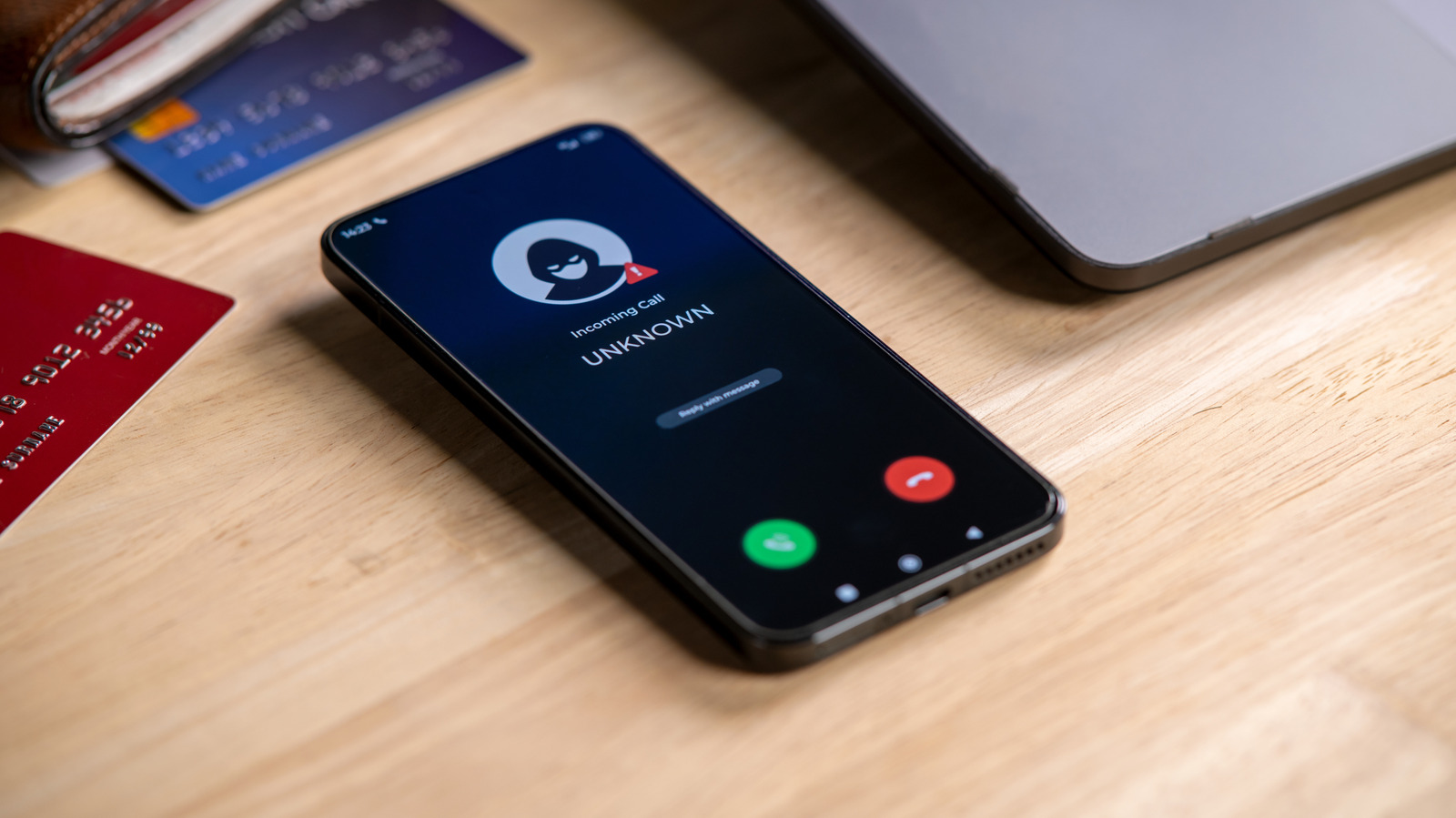
Android users who are tired of spam calls and unwanted text messages can block those numbers directly from their phones, according to a guide published by Engadget. The process varies somewhat across the Android ecosystem, but most devices handle blocking through the Phone or Contacts app. Blocking is performed by the device rather than the carrier, so moving a SIM card to another phone means the number will likely need to be blocked again.
Samsung phone owners have two options depending on whether the number is saved. To block a saved contact, users can work through the Contacts app. For an unsaved number that recently called, the Phone app's Recents section offers a path: tap the number, then Details, then More Options, then Block number.
On a Pixel phone or any device running stock Android, the steps are similarly straightforward and begin in the Phone or Contacts app. Once a number is blocked, the phone automatically declines incoming calls before they ring or appear on screen. Texts from that number are usually routed into a blocked or spam folder instead of the main inbox.
Unblocking follows a comparable process. On a Samsung device, users can unblock a contact through the Contacts app. After the number is removed from the block list, it can call and text the user normally again. Any calls placed during the block period are not added to call logs, so that history is permanently lost.
The article frames the blocking tools as a response to the volume of unwanted calls reaching smartphones, including from scammers and spammers. It notes that the modern smartphone packs substantial capability into a pocket-sized computer, but that unwanted calls remain one of the downsides of the technology. The guide also points to scam texts as a common nuisance the blocking features are meant to address.
For US consumers, the instructions apply to the Android devices they already carry, regardless of carrier. The guide does not describe any carrier-level blocking service or government program, and it does not specify which Android version is required. The exact menu path may differ depending on the device, which the article attributes to the breadth of the Android ecosystem.
The steps described apply to both calls and texts, with blocked messages typically separated from normal conversations. Users who later change their minds can reverse the action without contacting their wireless provider. The article does not state whether blocked numbers are notified of the action.
More gadget news from TechManNews.