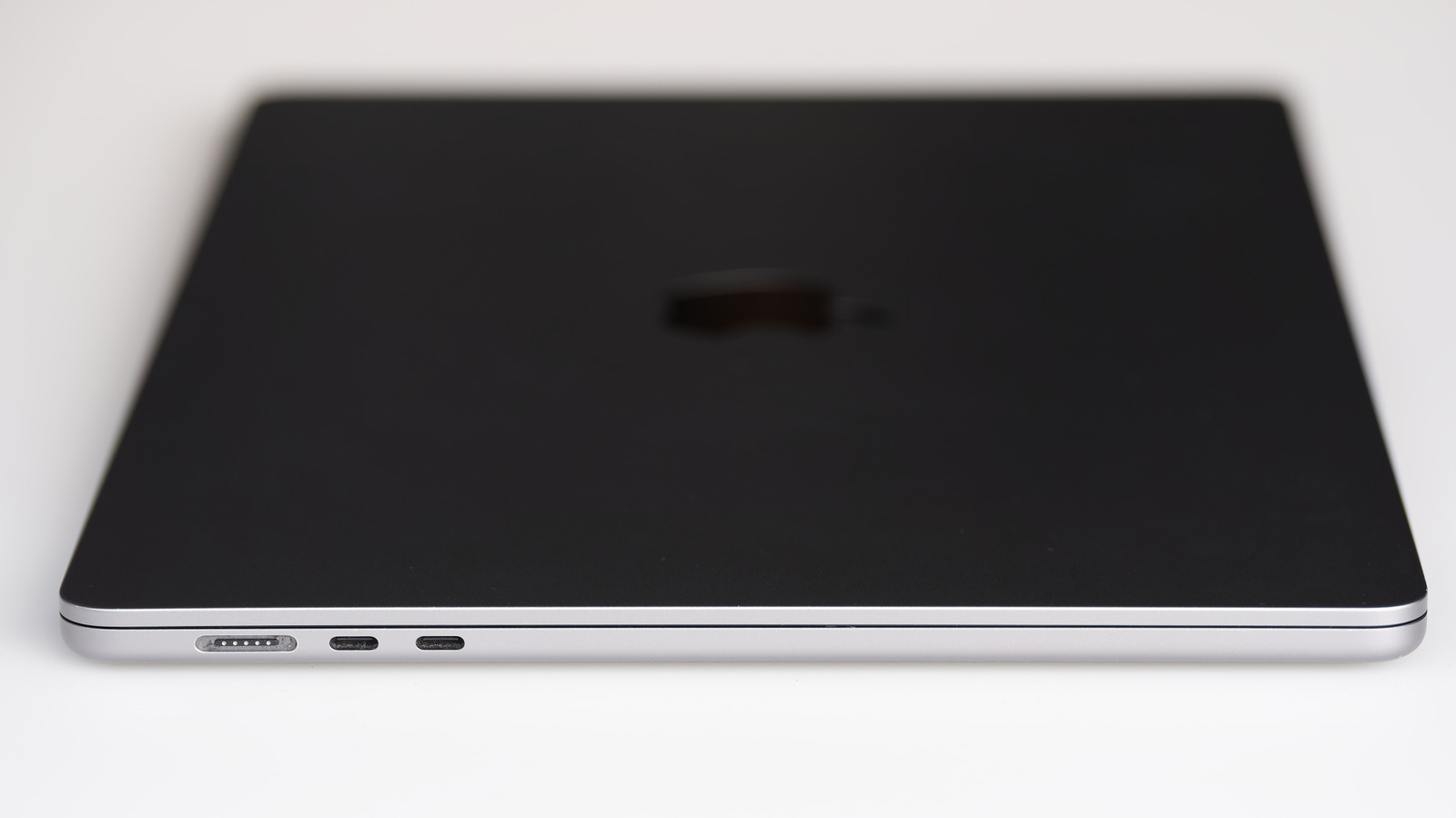
Consumers who see identical oval-shaped ports on Apple laptops may assume they all work the same way, but Thunderbolt and USB-C are not interchangeable terms. USB-C describes only the physical shape of a port and connector, not a charging standard or a data speed, while Thunderbolt is a separate standard that uses the USB-C connector in its modern versions. On a current Mac, every Thunderbolt port is USB-C, though not every USB-C port supports Thunderbolt. Older Thunderbolt versions relied on the now-obsolete Mini DisplayPort.
The practical gap shows up in how Apple equips specific machines. The MacBook Neo carries two ports: a USB 2 port capped at 480 Mbps and a 10 Gbps USB 3 port that can also drive a display, with either one able to handle charging. The MacBook Pro M4 Pro instead offers Thunderbolt 5, which reaches 120 Gbps when data travels in one direction. Speed, external monitor support, compatibility and cost all separate Thunderbolt from ordinary USB-C.
Raw throughput is the most visible distinction. Standard USB-C ports range from 480 Mbps on USB 2 up to 80 Gbps on USB4 Version 2.0, while Thunderbolt 4 tops out at 40 Gbps and Thunderbolt 5 at 80 Gbps, or up to 120 Gbps in one direction. That appears to put USB4 Version 2.0 level with Thunderbolt 5, but manufacturers may ship USB4 as slow as 20 Gbps, whereas every Thunderbolt 5 port must support 80 Gbps. Moving a 500GB file takes roughly seven minutes on the MacBook Neo's USB 3 port and under a minute on Thunderbolt 5 in the MacBook Pro M5 Max. The speed also lets Thunderbolt 5 drive as many as three 4K monitors through a single port.
Guaranteed features mark another split. Non-Thunderbolt USB generations leave buyers guessing, since speed tiers, DisplayPort Alt Mode and Power Delivery are optional, so two USB 3 ports on one machine may not both output video, and the USB 3 name itself can mean anywhere from 5 Gbps to 20 Gbps. Thunderbolt ports must support a mandatory feature list covering fast data, displays and charging on newer versions.
Price reflects that stricter process. Thunderbolt was co-developed by Intel and Apple rather than the USB Implementers Forum, and makers must put ports and cables through rigorous testing to earn Intel certification and use the Thunderbolt name and logo, a cost passed on to buyers.
Compatibility depends on the port, cable and device. A standard USB-C drive plugged into a Mac's Thunderbolt port works at the drive's own speed, but a Thunderbolt-only external SSD will not work on a MacBook Neo, though newer accessories often fall back to slower USB speeds. A Thunderbolt cable works fine with regular USB-C gear, while a regular USB-C cable limits a Thunderbolt device to the cable's standard.
Because Apple does not label the ports on MacBooks, owners can copy their model name from About This Mac and search Apple's Tech Specs page, then look for Thunderbolt or USB. Thunderbolt delivers higher speeds and assured features, but standard USB-C remains adequate for charging and file transfers when those benefits are not needed.
More gadget news from TechManNews.