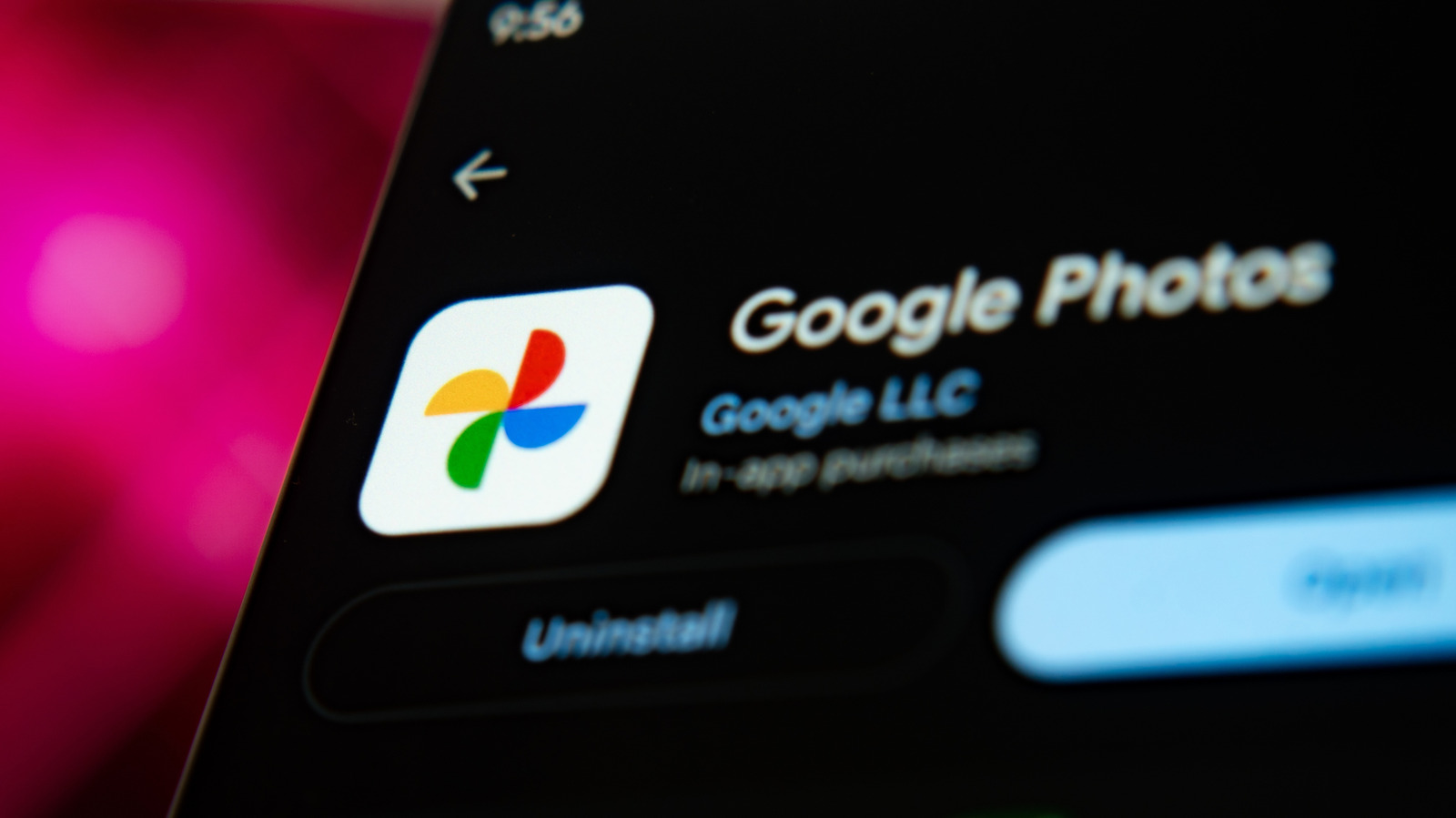
Google offers a second image application called Gallery that provides a simpler alternative to its better-known Photos service. The app is distinct from the preloaded galleries that Android device makers such as Samsung install on their phones, and it was developed by Google itself. Gallery is aimed at users who do not need most of the features packed into Google Photos and mainly want a way to organize their pictures.
The most significant gap between the two products involves cloud backup. Photos can automatically upload images to the cloud, while Gallery cannot. Automatic backup is switched on inside Photos by tapping the avatar in the top right corner of the screen, selecting Backup and turning the option on.
Storage limits matter for users who rely on that backup. Older personal Google accounts include 15GB of free space, but accounts created on or after March 9, 2026 receive 5GB by default, with an additional 10GB available after verifying a valid phone number. That pool is shared across Google services including Gmail, Drive, WhatsApp and Photos. Expanding it requires a Google One subscription, priced at $2 per month for 100GB or $3 per month for 200GB.
The Photos profile menu also includes a Free up space on this device option. Selecting it removes items from the phone that have already been backed up to the cloud at the quality level the user chose. Images moved manually to Trash in either Photos or Gallery are permanently deleted from the cloud backup and from every device where the app is installed after 30 days.
Users willing to back up and delete images by hand can rely on Gallery instead. An external storage drive connected through the phone's USB-C port offers another way to save photos without cloud backup. Gallery ships with minimal editing tools, limited to Rotate, Crop and a small set of filters.
Photos carries a broader editing suite that includes AI enhancements. Users can adjust brightness, contrast, tone, highlights and shadows, and can add blur, sharpen an image or move selected elements to other parts of the frame. The app also supports doodling, text and highlights, along with a one-tap tool that smooths skin texture, whitens teeth and reduces under-eye shadows.
For people who edit regularly, Photos is the more capable choice unless they already depend on a separate editing app. Gallery remains sufficient for occasional cropping. Both apps can share images to social media or send them through email and messaging services, so distribution does not distinguish them.
More software news from TechManNews.