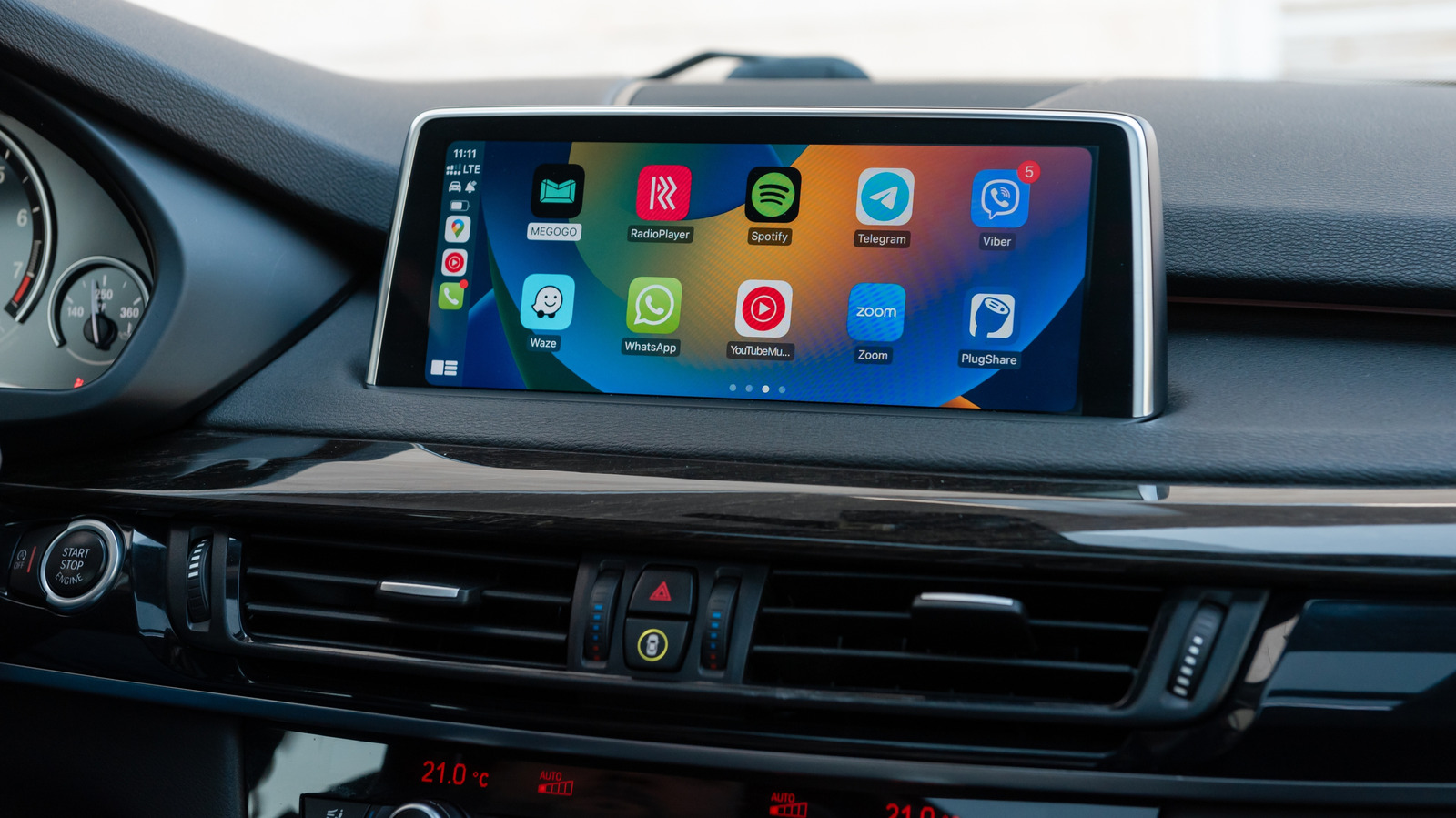
Siri’s failure to respond inside Apple’s CarPlay can stem from the iPhone, the connection, or the vehicle’s infotainment system, and troubleshooting the wrong layer can waste time changing settings that were never the issue. The voice assistant may appear to stop hearing commands, answer in a subdued tone, or simply go silent, even as CarPlay continues to run navigation and music. Users can wake Siri by holding the car’s voice-command button or the CarPlay Home button on the display, and some vehicles also support the “Hey Siri” wake phrase. If the button works but the phrase does not, the car likely lacks support for voice activation.
Apple places Siri’s voice activation controls in Settings under Apple Intelligence & Siri, then Talk & Type to Siri, with a suggested fix of toggling the “Siri” or “Hey Siri” setting off and on and repeating voice recognition setup. Two less obvious settings can also block Siri: the assistant can be disabled while the iPhone is locked, which becomes a problem when the phone stays in a pocket or cupholder during a drive, and CarPlay can be turned off entirely under Settings, Screen Time, Content & Privacy Restrictions, and Allowed Apps. Connectivity is another factor, since Siri requires an internet connection even when CarPlay displays normally, and Apple notes that some VPN profiles may prevent Siri from working, without detailing which configurations cause the issue.
A simple diagnostic is to disconnect CarPlay and test Siri directly on the iPhone. If Siri still fails, adjusting the car’s infotainment menus is unlikely to help. If Siri works immediately after leaving CarPlay, the connection becomes the prime suspect.
For wired CarPlay, Apple recommends trying a different USB cable or a compatible USB port. Wireless CarPlay depends on both Bluetooth and Wi-Fi, with the Auto-Join setting enabled for the CarPlay network, so either connection can cause erratic behavior even when the interface appears fine. Apple’s troubleshooting list includes restarting the iPhone and the vehicle, forgetting the car under Settings, General, and CarPlay, and then pairing it again, plus checking with the vehicle manufacturer for infotainment firmware updates.
If the broader CarPlay connection is malfunctioning rather than Siri alone, issues such as cables, pairing, and vehicle compatibility should be checked before digging deeper into Siri settings. One problem easily mistaken for a broken Siri is volume: if Siri hears commands but responds too quietly, adjusting the car’s volume while Siri speaks or while holding the activation button can fix it. If Siri gives no audible reply at all, a Prefer Spoken Responses option exists in Settings under Apple Intelligence & Siri, then Siri Responses. These steps cover the known failure points without requiring users to change settings that were already working correctly.
More gadget news from TechManNews.