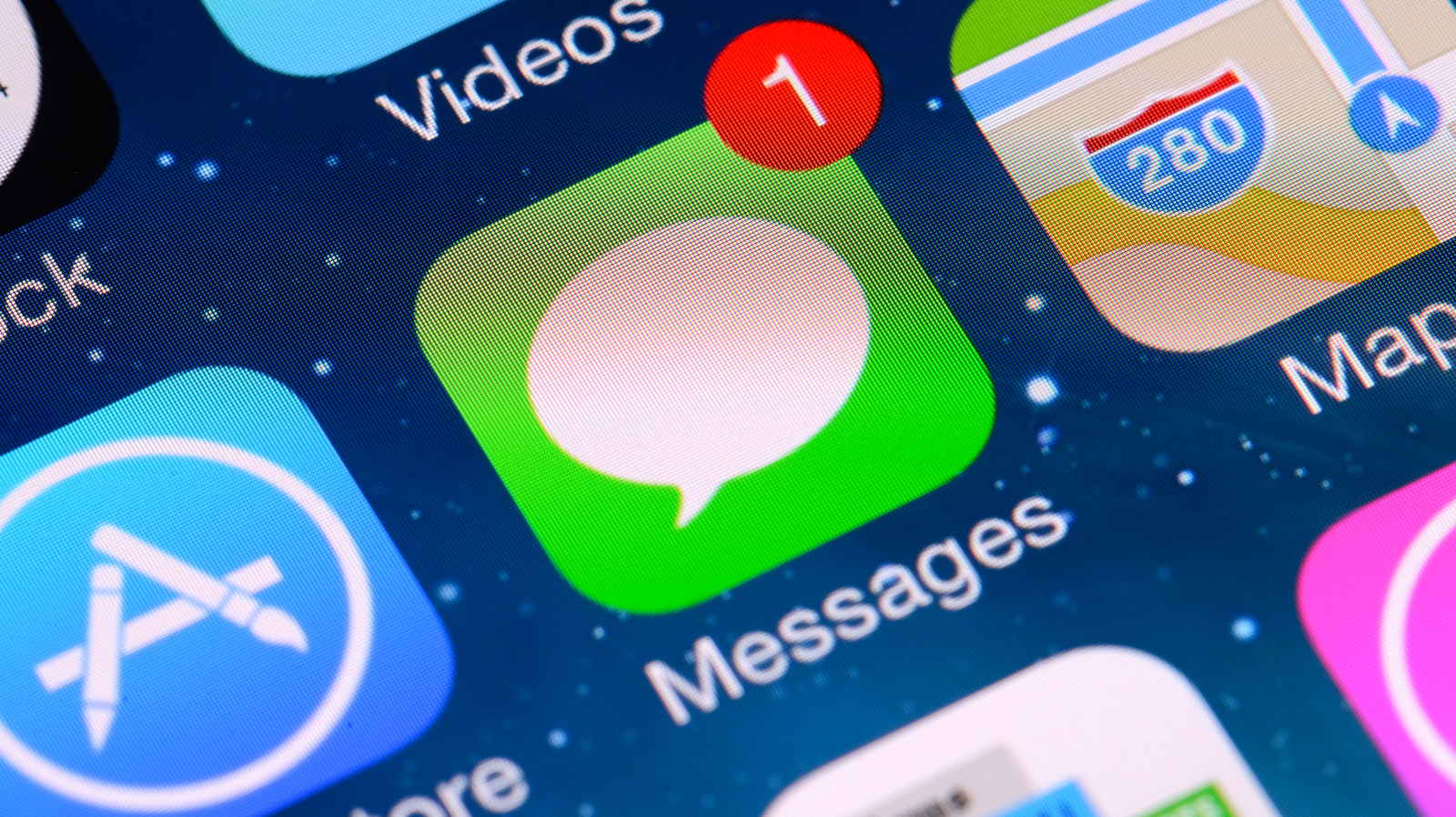
Users of Apple's Messages app who find their most-used iMessage apps buried at the bottom of the dropdown menu can reorder the list themselves, the company's customization options allow. The menu's default arrangement reflects that many users have not taken the time to adjust its layout. Apple has continued to update the messaging software, and the app lineup has grown with it.
Since the introduction of iOS 18, several applications have been installed in the Messages app by default, and as of the latest update, iOS 27, 14 apps are included. These applications bring features such as sending a location, voice recordings, stickers, GIFs, music, photos and polls. Other apps, including ESPN and Venmo, further expand what the messaging app can do.
To rearrange the menu, users first need the latest iOS installed. After updating, they open Messages and either tap a conversation or the compose button, which resembles a pencil touching a white square at the bottom right of the screen. With a conversation open, tapping the Plus (+) button beside the messages field brings up the full list of available iMessage apps. Holding down an app icon until it shrinks allows the user to drag it to a new spot on the dropdown menu and release it.
Additional apps can be added through the App Store for iMessage. From a conversation, the Plus (+) symbol leads to a circular blue App Store icon, where Apple's list of popular applications can be browsed or searched. Tapping the Get button next to an app's name downloads it, and apps that require payment show a price instead. The store is closed by swiping down or tapping Close (X).
Apple's App Store carries risks worth weighing. In August 2026, OpenAI drew attention when it added iMessage integration to its ChatGPT app for Mac, with some users finding the app useful and others raising privacy and security concerns. Some free apps also require in-app purchases, which can increase monthly phone spending. Members of a Family Sharing plan can use iOS 27's enhanced parental control features to manage in-app purchasing, including the Ask To Buy setting, which requires children on the plan to get confirmation before making an in-app purchase.
Individual apps can be removed or their iMessage functions managed in Settings, under Apps > Messages > iMessage Apps, where each application can be toggled on or off. An app can also be deleted from the device's home page by holding down its icon until a dropdown menu appears and tapping the red Remove App option at the bottom. Apple additionally permits adjustments to some in-app functions, such as cycling the iPhone's audio recording app between voice note and dictation within iMessage.
More software news from TechManNews.