Android Auto users in the United States and elsewhere are leaving a range of customization options unused, according to a new guide on the platform’s lesser-known settings. The tool, which is active in over 250 million cars globally, offers more than the default interface most drivers accept. Simple adjustments to the launcher, developer options, and assistant settings can reduce distractions and tailor the system to individual driving habits. These changes require no third-party tools or technical expertise.
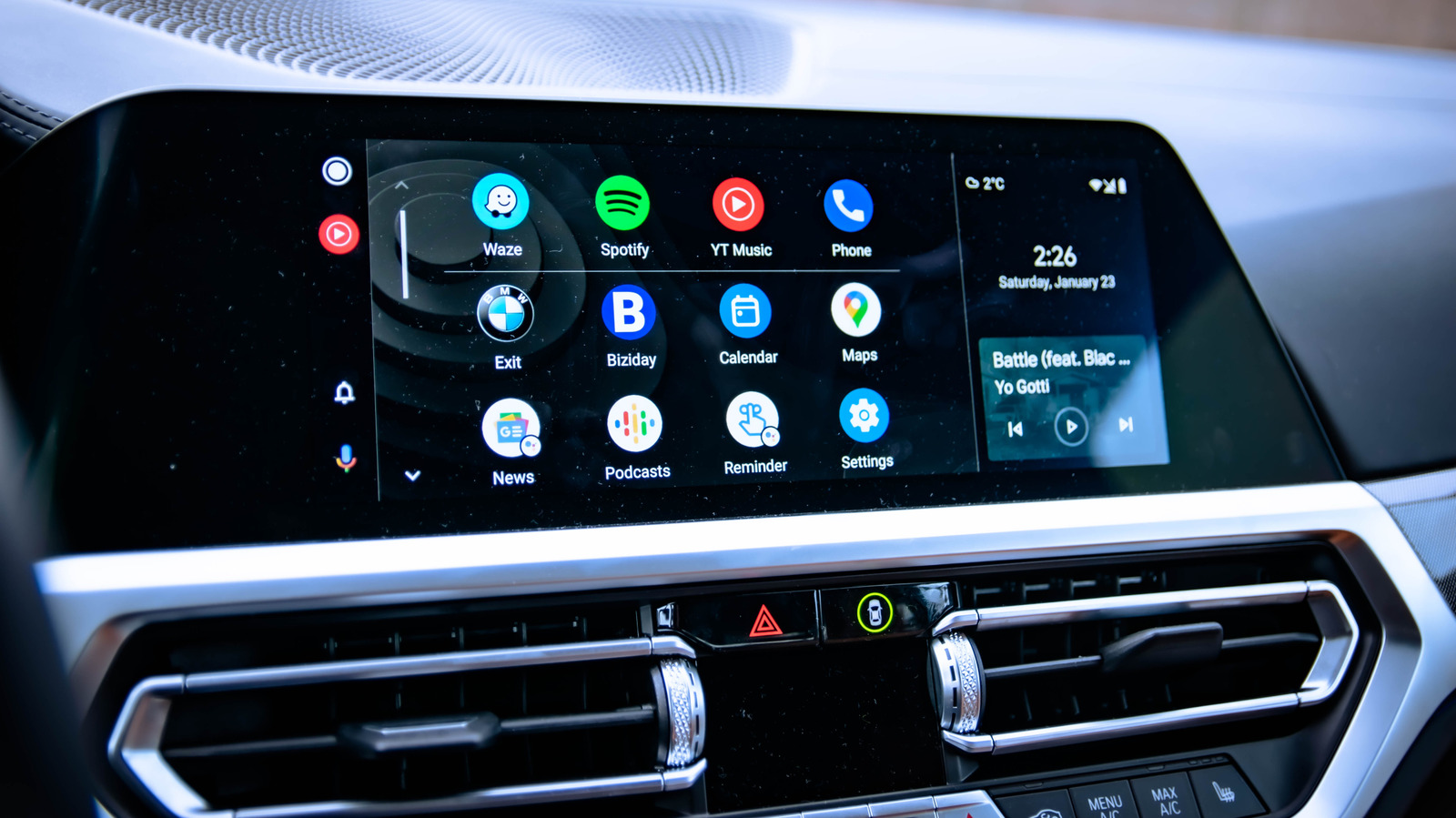
One of the first recommended steps is cleaning up the home screen, which by default displays roughly a dozen apps, many of which are unnecessary for driving. Users can access the customize launcher menu within Android Auto to hide unused apps and reorder the remaining ones by priority. The guide suggests keeping only navigation, calls, messaging, and media playback tools to minimize time spent scrolling on the car’s infotainment screen. This reduces the need to look away from the road.
For more advanced controls, Android Auto includes a hidden developer settings menu. Users can reach it by opening the app on their phone and tapping the About or Version option at the bottom about ten times until a confirmation appears. Within that menu, drivers can enable a wireless connection option, though the guide notes this can drain the phone battery and introduce some lag. The same menu allows users to force a specific video resolution for improved visual clarity on slower internet connections.
Map display settings are also adjustable, as Android Auto automatically switches between night and day themes. Drivers who prefer a consistent appearance can disable that auto-switching and lock the theme to either mode. The guide notes that dark mode is often easier on the eyes during night driving and can reduce screen glare, making it a potential choice for daytime use as well.
Another feature allows Android Auto to launch on the car’s display as soon as the driver enters the vehicle, without unlocking the phone. This is particularly useful for wireless connections, as it eliminates the need to search for the phone before starting a trip. The feature works both for cars with native wireless support and for vehicles using an adapter, potentially speeding up departure times.
Media playback behavior is also customizable, since Android Auto resumes playback automatically by default. The guide recommends toggling the “start music automatically” setting off for situations where loud volume or unexpected audio could be an issue, such as when children are in the car. This setting is located within the app’s main menu.
The guide also covers switching from Google’s older Assistant to the Gemini digital assistant, which is set to replace it this fall. Users can make the change through the digital assistant management menu, where they can also select a Gemini voice and choose whether to allow the assistant to analyze on-screen text and images. Gemini can then be used to create custom launcher shortcuts for specific commands, such as navigating home, checking an estimated arrival time, and sending a message to a contact with that information. Additional routines can include traffic checks, playlist playback, calendar readings, and controlling smart home devices like robot vacuums or thermostats.
More software news from TechManNews.