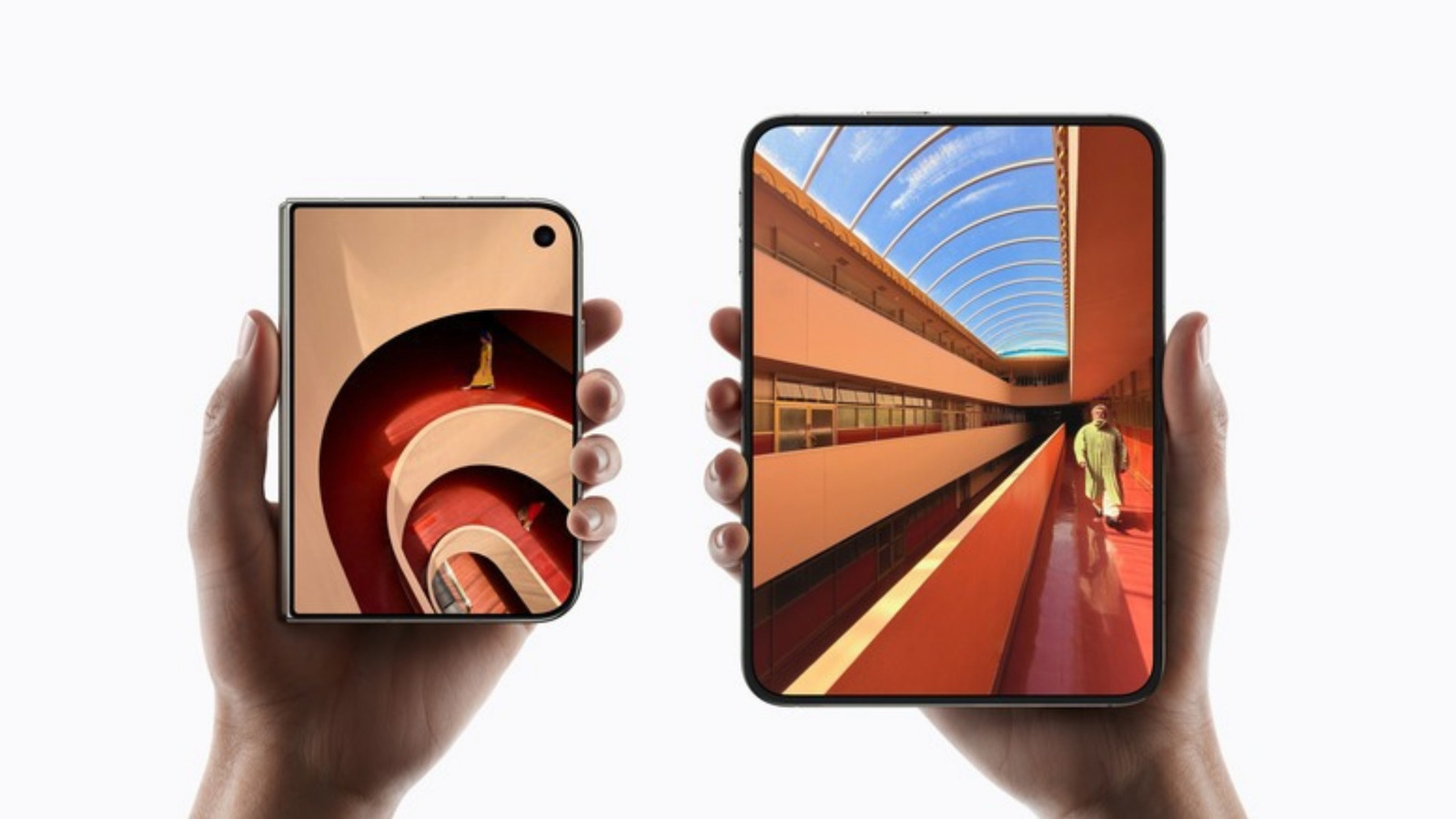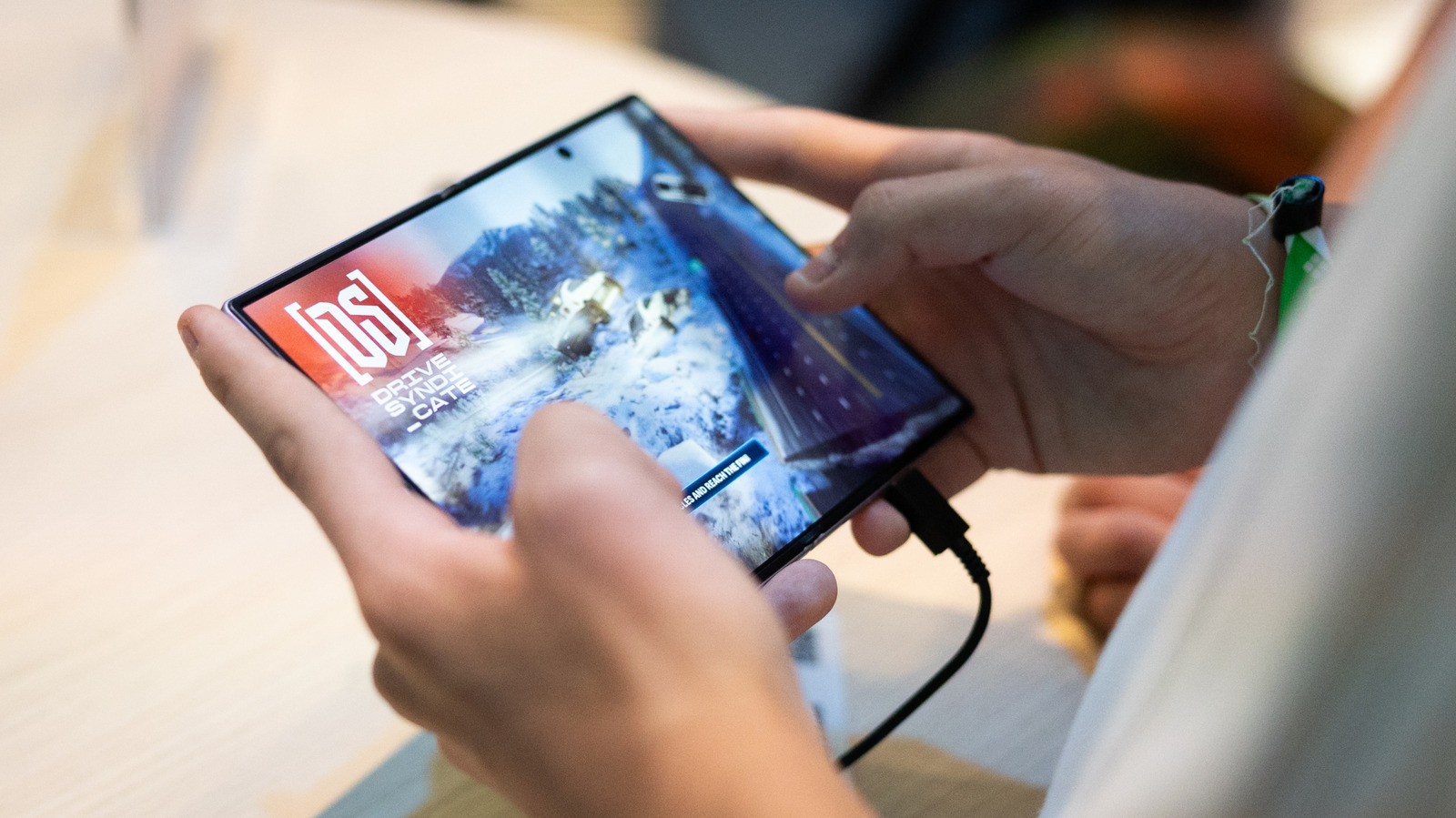
Some Samsung Galaxy Z Fold 8 owners are encountering apps that fail to scale correctly to the phone's internal 4:3 display, and users have been gathering on forums to swap fixes for getting the most out of the foldable screen. Samsung introduced the Galaxy Z Fold 8 at its Unpacked event in July. The handset includes an App Continuity feature that lets owners move between its displays without interruption.
The trouble is that many apps built to work across the screen sizes found among phones and tablets do not adjust on their own to the inner screen of the Galaxy Z Fold 8. According to SamMobile, users can change an app's aspect ratio one at a time. Aspect ratio describes the proportional relationship between the width and height of something like a video or image; a square, for instance, has a 1:1 aspect ratio.
To make the change, users unfold the Galaxy Z Fold 8 and go to Settings, then Display, then Aspect ratio. Depending on the One UI sub-menu, the same options may be reached through Settings and then Apps. From that screen, a user picks the app and selects full screen, 4:3 or 16:9. The screen also notes that apps running in the background may need to restart after an aspect ratio change, and whatever is selected becomes the default for how that app opens.
A second route to the same setting is to press and hold the app icon and tap the small info button in the top right. Tapping App aspect ratios there also lets users choose which aspect ratio is set as the default. Even after a preferred aspect ratio is set, an app might not scale perfectly to the screen, and some users have reported awkward positioning or cropping when the app itself has not been optimized.
Engadget's review of the Galaxy Z Fold 8 praised the main screen's 4:3 ratio, partly because it reduces the letterboxing around widescreen content compared with the more square internal screen on earlier Galaxy Z Fold models. The improved screen may be worth the trade-off of apps occasionally misbehaving.
More software news from TechManNews.