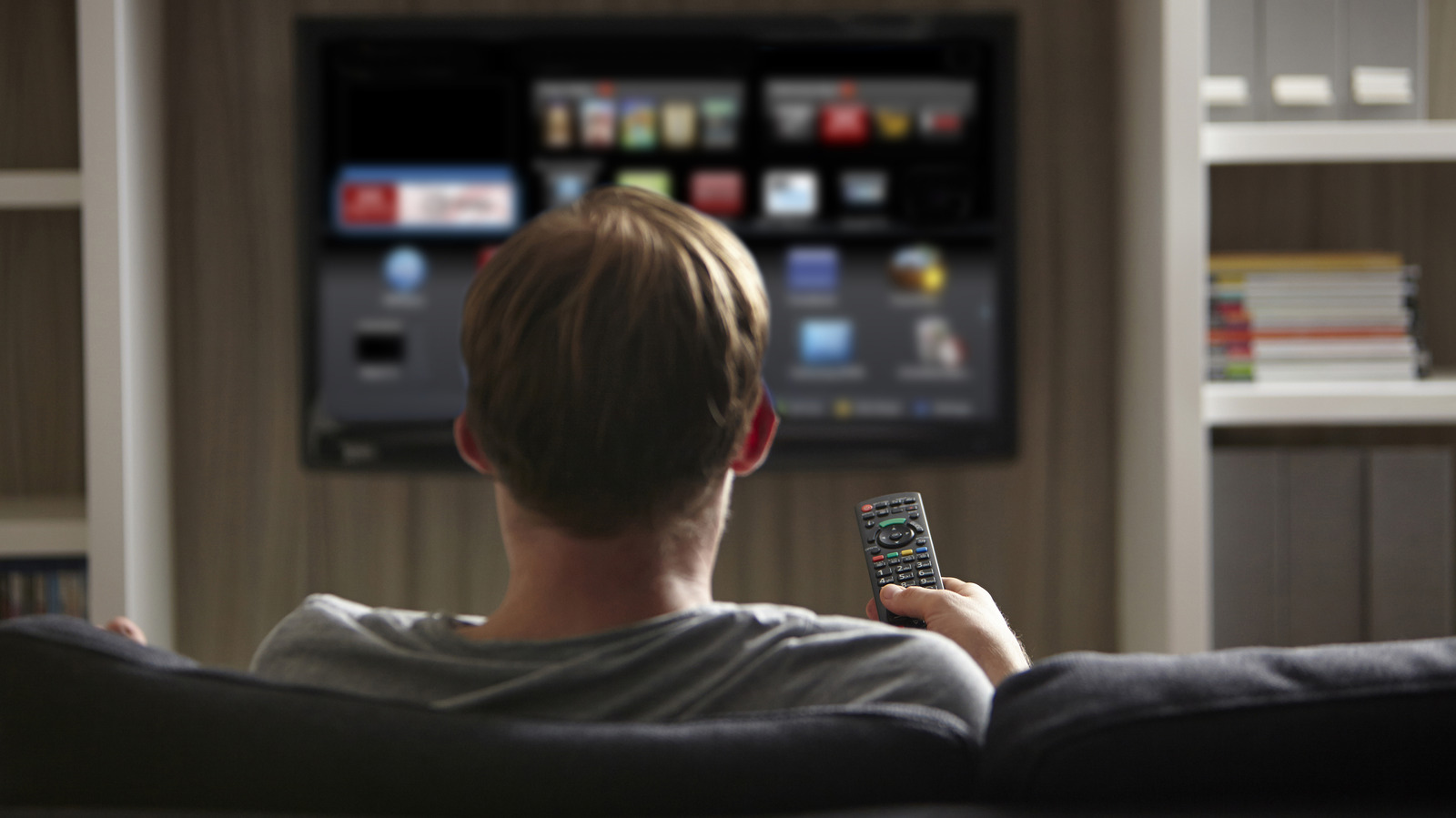
Smart TVs typically ship with about 8GB of storage, and the operating system alone consumes a significant portion of that space. On Samsung TVs, for instance, system files can account for up to 20% of the total storage. This leaves consumers with a limited amount of room for additional content, which is a common pain point for US households that rely on streaming services.
Beyond the operating system, the biggest storage drain is often pre-installed apps, commonly known as bloatware. Most smart TVs come from the factory with popular streaming services like YouTube, Netflix, and Prime Video already loaded. When users add their own apps on top of that base, the available space shrinks quickly, forcing many American viewers to manage their device carefully.
One of the first steps to free up space is clearing the app cache and temporary data. On most smart TVs, this can be done through the settings menu, though the ease of the process varies by model. Clearing the cache is safe and does not remove the app itself, but it is not always a permanent fix because the data rebuilds as apps are used over time.
For a more lasting solution, uninstalling unused apps is the recommended approach. Users should look through their app list and remove any titles they have not opened in the last three months. However, removing bloatware is not always straightforward, as some TV manufacturers restrict or outright disallow uninstalling these factory-loaded apps. In those cases, the manual may offer guidance, though some users resort to unconventional methods found in online forums that are not officially endorsed.
If managing the TV’s internal storage becomes too troublesome, an alternative is to use a separate streaming device. Options like a Fire TV Stick, Roku, or Google TV Streamer come with their own storage, operating system, app ecosystem, and internet connection. Setting one up typically involves plugging it into the TV, connecting it, and downloading preferred apps, which bypasses the storage constraints of the smart TV itself.
For many consumers, the limited internal storage of smart TVs remains a practical issue, particularly as apps and system updates grow in size. The combination of OS overhead, pre-installed software, and personal app installations leaves little room for anything else. This means that for US users who want a smooth streaming experience, understanding these storage limitations is key to avoiding constant management of their device’s memory.
More gadget news from TechManNews.