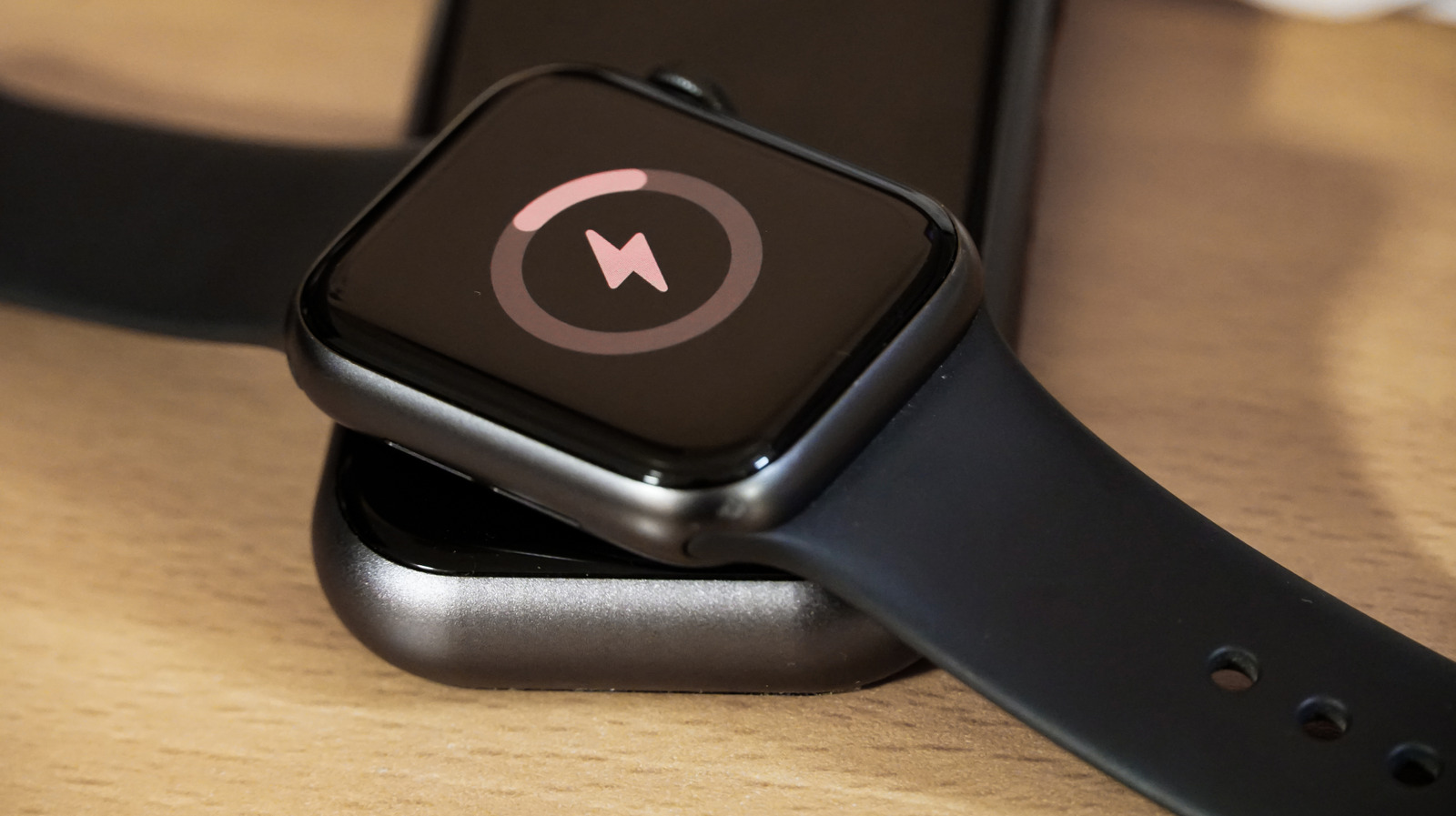
Owners of the Apple Watch Ultra 4 can expect up to 50 hours of normal use on a single charge, or 84 hours in Low Power Mode, but the device's lithium-ion battery will weaken with age, as batteries do in the iPhone, iPad and other Apple Watch models. The decline shows up as shorter stretches between charges, reduced capacity and generally worse performance. Apple says every model starting from the Series 5, SE and Ultra includes software meant to reduce the risk of poor performance in those cases, but the company still advises watching battery health.
Checking that health takes only a few steps in the settings menu, and owners who never look will still receive an alert when the battery requires service. The article's guidance covers how to review the reading and what to do with the result, whether the decision is to replace the battery or buy a new watch.
Apple also offers an optimization feature on models as old as the Series 6, Apple Watch SE and the first Ultra. When enabled, it schedules charging around the owner's usual routine to extend the battery's lifespan. It holds charging above 80 percent, keeping the level between 75 and 80 percent, with the aim of finishing the charge by the time the watch comes off the charger.
Beyond installing the latest watchOS, several settings can help preserve battery life. Low Power Mode shuts off oxygen monitoring, the always-on display and other features that draw power in the background. For anyone tracking a run or walk, turning off the heart rate sensor can help over time through Power Saving Mode in the Workout section of the Apple Watch app on the iPhone. That may make some health metrics less accurate.
Wake on Wrist Raise can also be switched off to save power. The setting sits under Settings, then Display & Brightness, then Wake, reached by pressing the Digital Crown. Theater Mode offers a temporary version of the same effect, keeping the screen dark when the wearer moves slightly or raises a wrist.
The advice applies to US buyers along with everyone else, since the battery-aging behavior and the settings described are the same across the lineup. The steps are available on the watch itself and through the iPhone's Apple Watch app.
More hardware news from TechManNews.