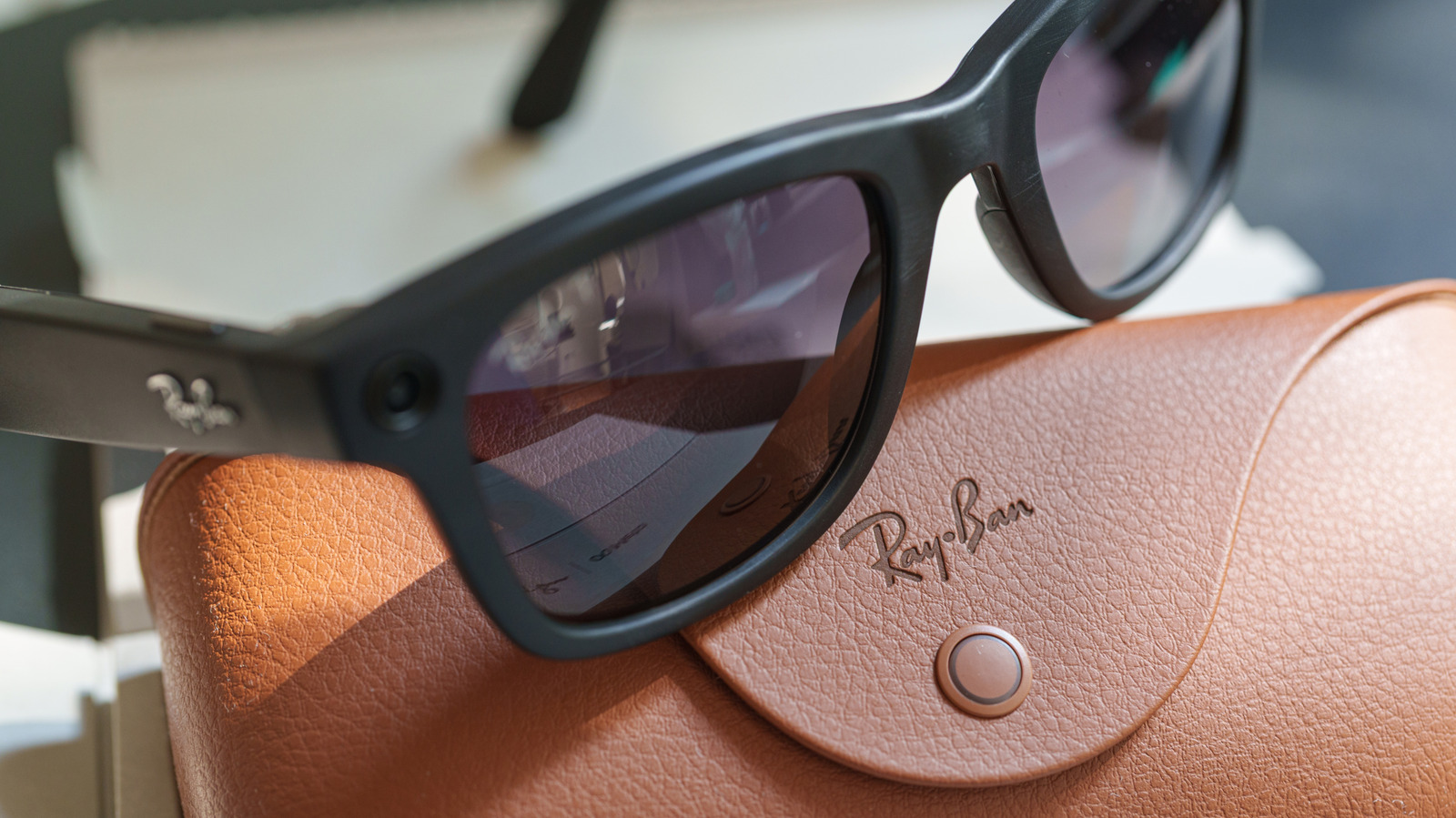
Owners of Ray-Ban Meta smart glasses have several privacy controls available in the Meta AI app, and the choices they make affect how much data the eyewear collects, uploads and stores. The settings cover wake-word listening, cloud storage of gallery photos, optional usage analytics and the use of visual data for AI training. Some trade convenience for privacy, while others carry no noticeable change to everyday use. Users in the US have one less option than before: they can no longer stop Meta from storing recordings of their AI voice interactions in the cloud, though they can delete saved recordings manually.
Voice activation is the first setting to consider. With the "Hey Meta" feature enabled, the glasses continuously listen for the wake phrase, and ordinary conversation can occasionally trigger the assistant. To disable it, users open the Meta AI app, select their glasses and turn off the "Hey Meta" toggle under Meta AI preferences. The right-temple touchpad still calls up the assistant, and the microphones remain available for calls and videos. Past voice interactions can be reviewed or deleted in the Voice activity log under Glasses privacy.
Gallery photos and videos stay on the glasses until they are imported to a phone, unless Cloud media is enabled, in which case Meta can keep copies on its servers for up to 30 days. The setting is found under Glasses privacy in the glasses' settings within the Meta AI app. Turning it off preserves photo capture, video recording and phone imports, but removes cloud-based features such as voice-controlled photo sharing and autocapture. Meta says ordinary gallery captures are not used to train its AI models or serve ads regardless of the setting, though disabling Cloud media does not stop images from reaching Meta when a user asks the assistant a visual question. Automatic backups through iCloud or Google Photos still send imported images to those services.
Separately, Meta distinguishes data it needs to operate the glasses from optional "additional data," including usage analytics on which features people use and how often. That sharing can be switched off under Glasses privacy > Share additional data. Unlike the other controls, this change does not alter how users take photos, make calls or listen to music. Meta continues to collect data it says is needed to run the glasses and keep them safe, and disabling the setting does not delete information already gathered.
Meta also added an option in September 2026 that lets users stop visual data from glasses interactions from being used for AI training. Visual data is sent to Meta's servers when the assistant identifies a plant or translates a menu, and it previously could be stored for training, including review by human contractors. Users can opt out by opening their glasses' settings, selecting Meta AI and disabling Store visual data from AI experiences, with the glasses out of the case and connected to a phone. Visual reminders may stop working after opting out, Meta has not said whether other features are affected, and the setting does not clear previously processed data. Owners of more than one pair, such as the first-generation Ray-Ban Meta glasses, must change it on each pair separately.
More gadget news from TechManNews.