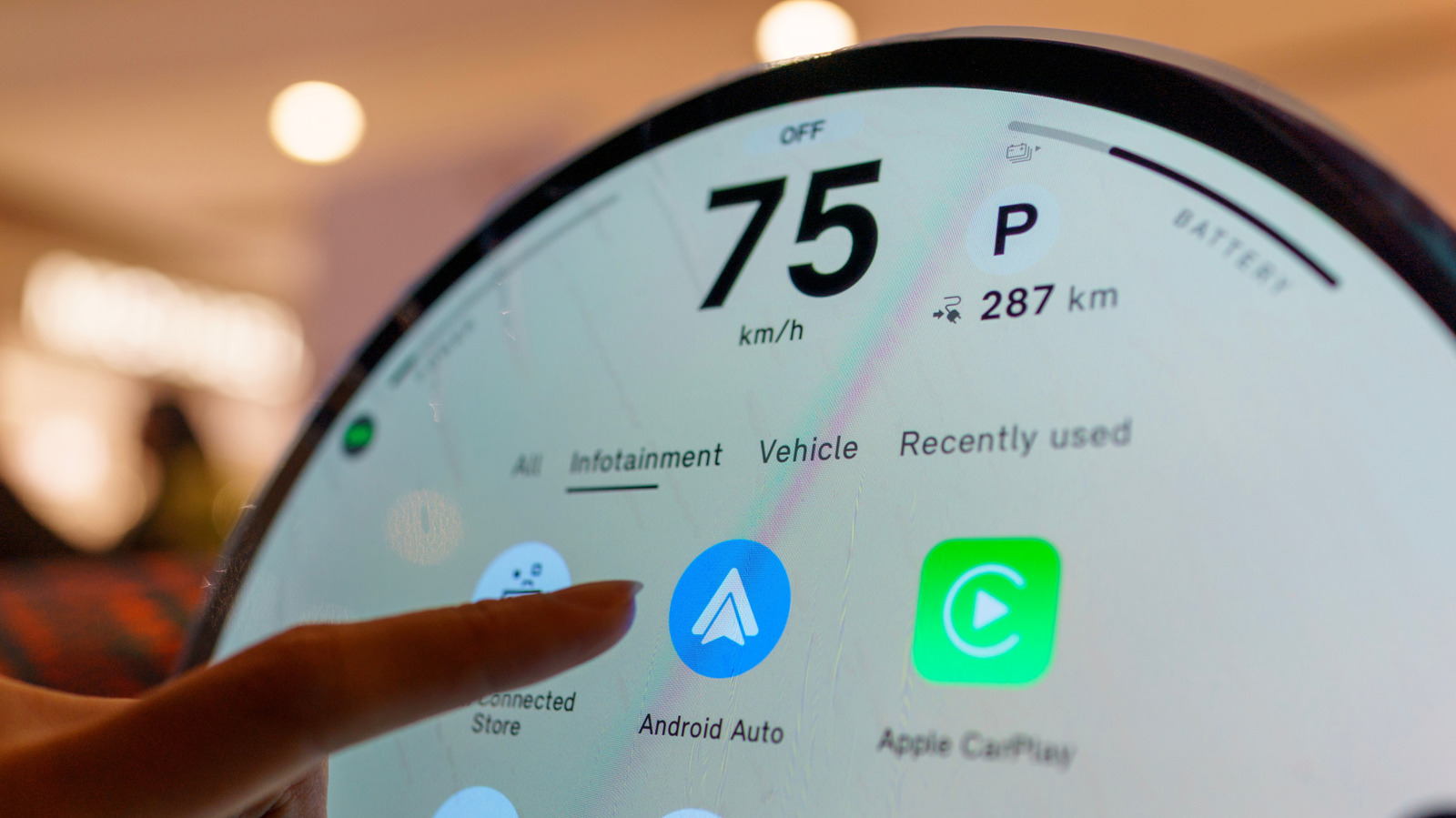
Drivers dealing with a failed Android Auto connection may be looking in the wrong place for the cause. While initial troubleshooting usually centers on the phone and the cable, the infotainment software inside the dashboard is the other half of the equation. Google advises that an out-of-date infotainment system can cause connection problems, and it recommends restarting that system as an early step.
The company's guidance singles out aftermarket Pioneer and Kenwood receivers for special attention. Owners of those units are directed to the manufacturer's website to check whether a firmware update is available. The broader point is that Android Auto depends on both the phone and the car working correctly, so fixing only the phone may leave the problem unresolved.
Installation methods for infotainment updates vary by vehicle. Some systems can download software over Wi-Fi, while others rely on a USB drive or an SD card, and certain manufacturers offer dealer assistance. Uconnect, for example, lets supported systems connect to Wi-Fi through the vehicle's settings menu. There is no single universal button for updating infotainment firmware.
Because procedures differ, drivers should begin at their car manufacturer's website and follow the directions for their specific infotainment system. If the site requests a VIN or model details, those should be provided. When the process is unclear, or when the manufacturer says a dealer must perform the installation, going to a dealer is the safer option rather than obtaining an update file from another source.
Google also advises starting on the phone side if Android Auto broke immediately after a phone or Android Auto update. The recommended checks include verifying that the car is compatible, confirming that Android Auto is enabled in the infotainment system, and testing the USB connection. For wired Android Auto, current guidance calls for a quality cable that is under 3 feet long.
Updating the car is a troubleshooting step rather than a guaranteed fix. It makes sense when Android Auto previously worked, standard phone-side troubleshooting has failed, and newer infotainment software is available. In that situation, an update is one more item to check before scheduling a service appointment.
Firmware updates also have limits. They cannot always bring Android Auto to hardware that never supported it. Uconnect states that its systems cannot simply be upgraded to add Android Auto or CarPlay, while Uconnect 5 and select Uconnect 4 and 4C systems include both.
More software news from TechManNews.